Using the freeze function – Sony KV-30HS510 User Manual
Page 54
Advertising
53
SETU
P
SETU
P
S
E
TU
P
SETU
P
S
E
TU
P
Feat
ur
es
Using the Freeze Function
The
FREEZE
button allows you to temporarily capture a program’s
picture. You can use this feature to write down information such as
phone numbers, recipes, etc.
1
When the program information you want to capture is displayed,
press
FREEZE
.
2
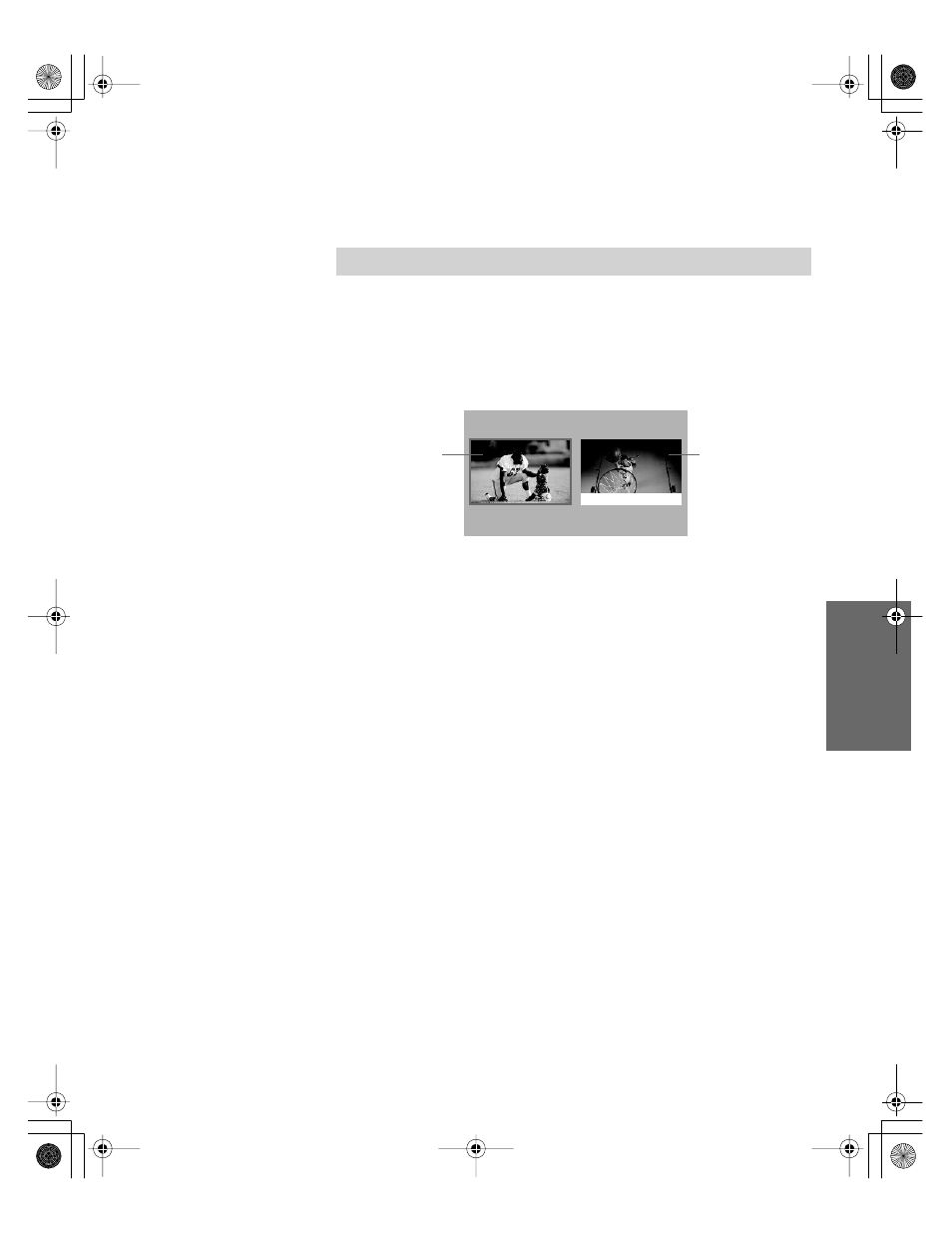
The TV switches to Twin View mode and displays the “frozen”
picture on the right, while the current program continues on the
left.
3
To cancel and return to normal viewing, press
FREEZE
(or just tune
to another channel).
✍
The Freeze feature is not available while using Twin View.
Current
program
in progress
Frozen
picture
Call 555-1234
34XBR.book Page 53 Friday, February 7, 2003 4:03 PM
Advertising
This manual is related to the following products: