Opening the shuttle device control panel – Contour Design Shuttle-Xpress NLE Multimedia Controller (Black) User Manual
Page 11
2.2 Opening the Shuttle Device Control Panel
This section briefly describes how to access to the Shuttle device Control Panel.
Step 1.
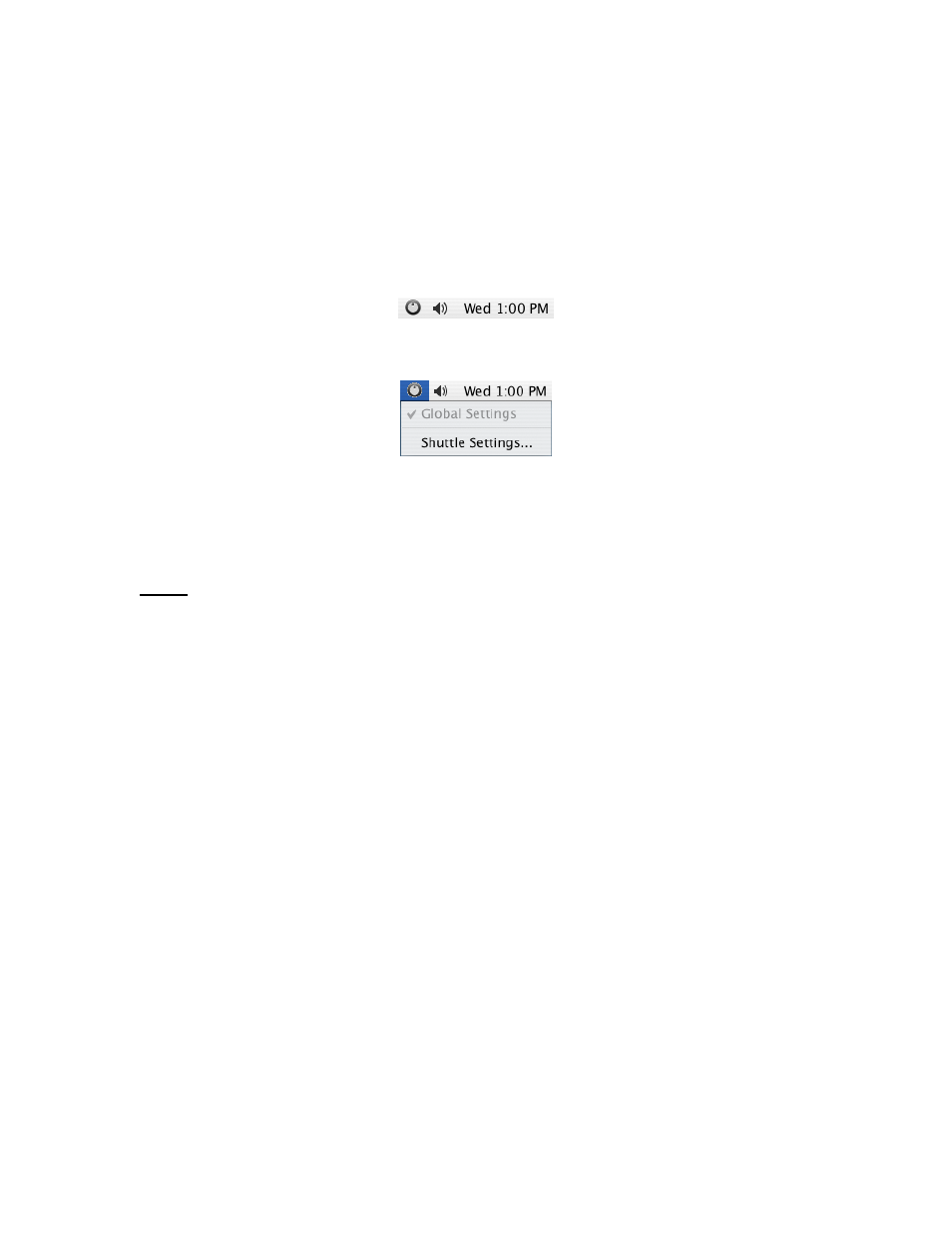
Locate and click on the Shuttle device Helper Menu icon, which is located in the
upper right-hand corner of your screen. It is represented by a gray jog and shuttle
ring icon.
Step 2.
Click on
Shuttle Settings
from the pop up menu that appears
Fig. 2-1
Open the Shuttle device Control Panel through the Menu Icon
When you open the Control Panel, Global Settings is always selected in the Application Setting
Menu.
Note:
the Shuttle device Control Panel can also be accessed through the Applications
folder:
Step 1.
Step 2.
Step 3.
Place the focus on the
Finder
.
Click on the menu
Go
then on the
Applications
submenu.
Locate and double-click the
Contour Shuttle
icon.
Contour Shuttle Multimedia Controllers
5