Multiple application settings, Switch settings through the shuttle device helper, 4multiple application settings – Contour Design Shuttle-Xpress NLE Multimedia Controller (Black) User Manual
Page 20
4
Multiple application settings
Some applications, such as Adobe Premiere or Final Cut, allow multiple modes of usage.
Contour Shuttle devices address some of them by providing multiple sets of application settings
for these applications in the installation package.
You can switch between these settings through the Shuttle device Helper, or by programming a
Shuttle component to perform the switch.
4.1 Switch settings through the Shuttle device Helper
If you are using an application with multiple application settings, you can switch between them
quickly via the Shuttle device Helper.
To switch settings or modes, do the following;
1. With desired application open and in the foreground, click the Shuttle device Helper (found
in the Menu Icon. Refer to paragraph 2.2 on page 5.)
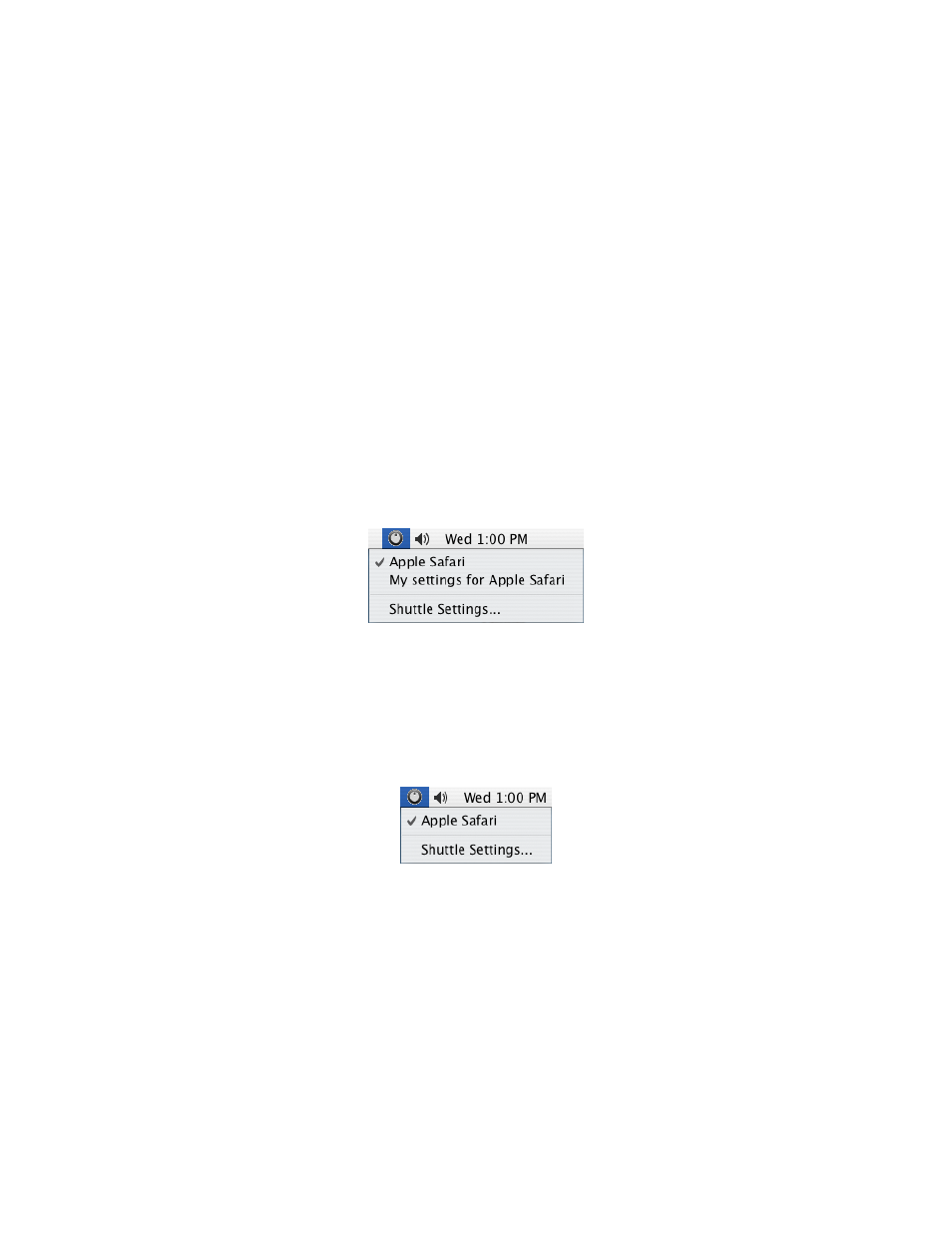
2. Notice that the Shuttle device Helper has each setting currently installed for the desired
application listed. The current active setting is shown by a small check mark. Click the
setting you want to use.
3. Once you have selected the desired setting, you can use it immediately inside the
application.
You can also use the Shuttle device Helper to verify that the software is recognizing the
application currently in use: the name of the application currently in use will appear in the Menu
Icon drop down menu instead of Global Settings.
Fig. 4-1
The software is using Apple Safari settings
Contour Shuttle Multimedia Controllers
14