Contour Design Shuttle-Xpress NLE Multimedia Controller (Black) User Manual
Page 31
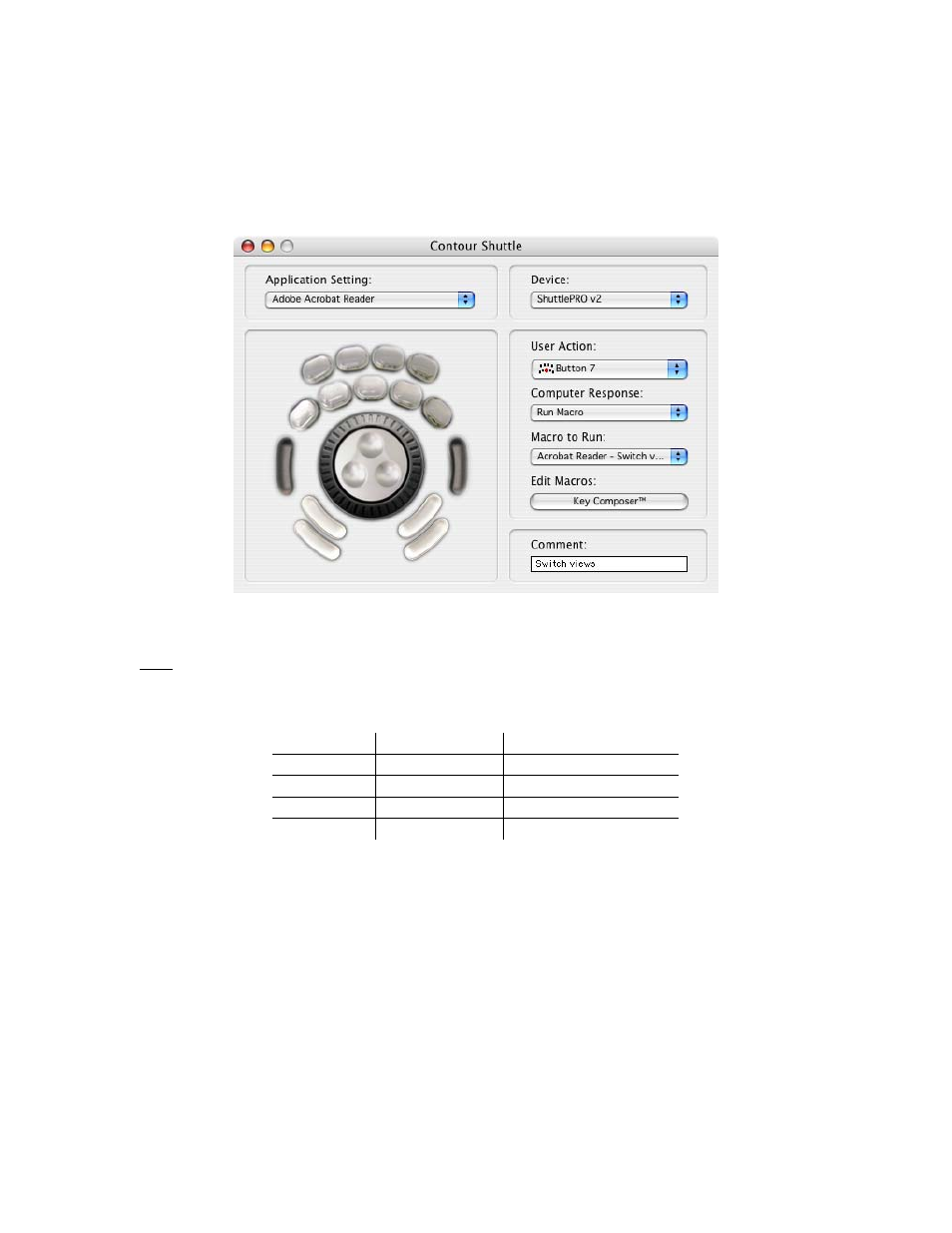
From the Control Panel you will now be able to associate the newly created macro to Button 7,
as shown in Fig. 6-4.
Each time you press Button 7, you will cycle between groups of actions, by executing the next
group of the list. Once the last group has been played, the next pressure of Button 7 will reset
the execution point to the first group in the list.
Fig. 6-4
Tip:
by creating this macro, the Acrobat Reader setting can be further changed, since the
actions performed by buttons 10, 11, 12 and 13 have been included in the macro. You can
for example program these buttons to:
User Action Keystroke field Comment
Button 10
cmd-w
Close File
Button 11
cmd-f
Search
Button 12
cmd-q
Quit Acrobat
Button 13
cmd-d
Document Properties
Contour Shuttle Multimedia Controllers
25