Uninstalling shuttle device software – Contour Design Shuttle-Xpress NLE Multimedia Controller (Black) User Manual
Page 34
7.2 Uninstalling Shuttle Device Software
This section describes how to uninstall the Shuttle Device software.
Note:
This process can’t be undone.
Step 1.
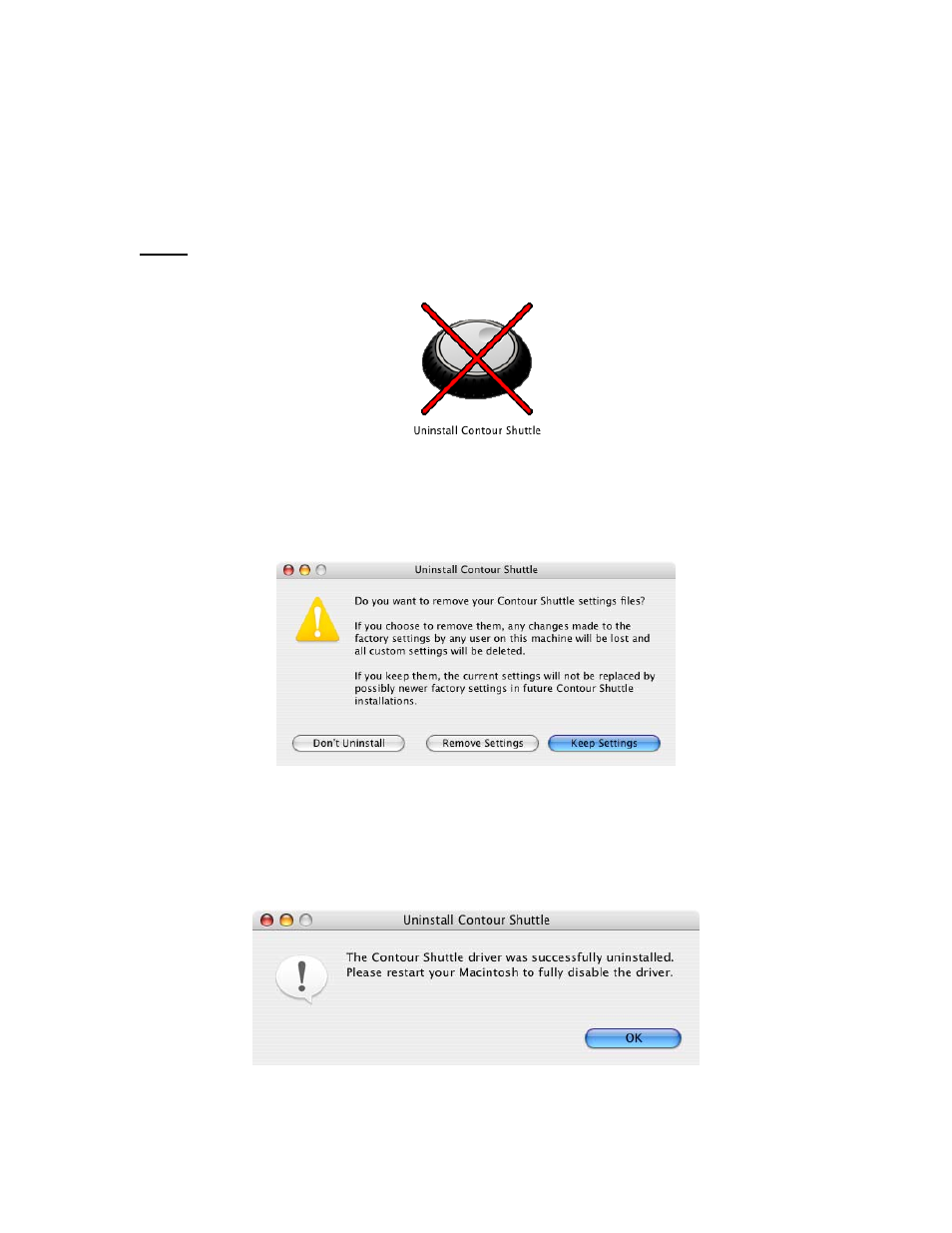
Locate and
double-click
the Uninstaller.
Step 2.
Step 3.
A dialog box will prompt you: “Click the Uninstall button to remove the Contour
Shuttle driver from your system.” Click
Uninstall
.
A dialog box will prompt you to choose whether to remove or keep your settings. If
you click Remove Settings, all settings of any user on the system
will be lost.
Step 4.
Step 5.
The Authenticate dialog box will prompt you: “Uninstall requires that you type your
passphrase.” Type your login password then click
Ok
.
A dialog box will now prompt you stating that “The Contour Shuttle driver was
successfully uninstalled. Please restart your Macintosh to fully disable the driver.”
Click
OK
.
Step 6.
Restart your computer.
Contour Shuttle Multimedia Controllers
28