Modifier keys and smart release check box, Press modifiers – Contour Design Shuttle-Xpress NLE Multimedia Controller (Black) User Manual
Page 11
•
Press Modifiers
This option allows you to place one or more Modifier keys in a given
target button. The Modifier keys are the Shift, Alt, Control and Win keys.
•
Type Keystroke
on the menu allows you to type a keyboard shortcut in the Keystroke
field. The text associated with Keystroke field (Comment field) provides additional
guidance.
•
Mouse Click
will allow you to associate a mouse click. A Modifier key can be also
associated to the mouse click.
•
Mouse Wheel
will either perform a wheel up or wheel down movement. A Modifier key
can be also associated to the wheel movement.
•
Switch settings
allows you to perform as a toggle in cases where an application has
more than one application setting defined.
•
Macro
(ShuttlePRO v2 only) allows you to associate one of the available macros to a
Shuttle component or to create your own macro.
In the following paragraphs, a detailed description of the Computer Response functions is
given.
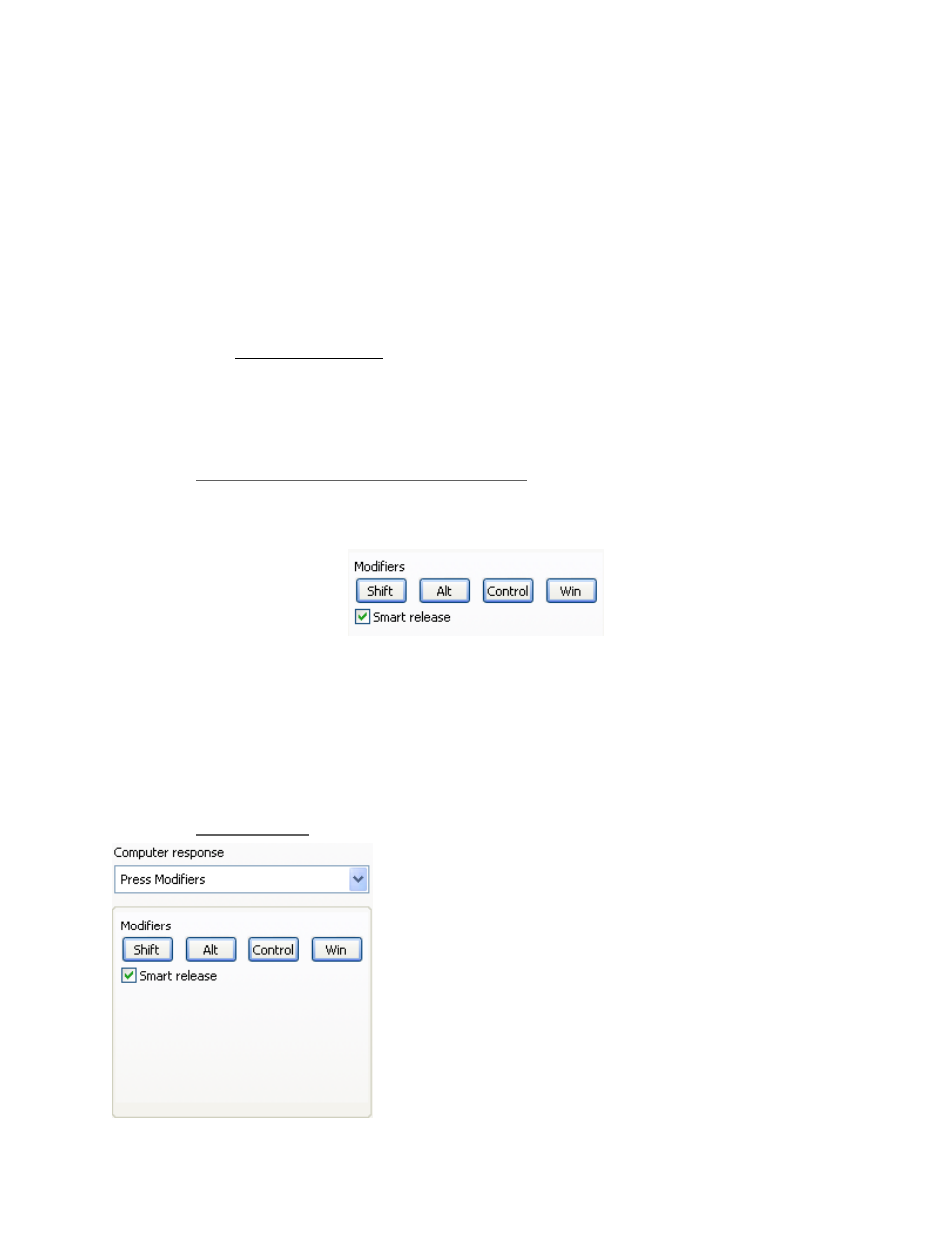
2.3.2.2.1 Modifier Keys and Smart Release Check Box
A Modifier key is one of the following keys: Shift, Alt, Control, Win. Modifier keys can be
selected one at a time or combined together.
Fig. 2-4
You can program the Shuttle components to perform repeated pressure (or hold down) of the
modifier keys. The Smart Release checkbox enables a software optimization of these repeated
keystrokes in order to optimize application performance.
However, this optimization may interfere with some applications, usually games, that have a
particular specialized use of the modifier keys. In those cases you can disable the Smart
Release feature.
2.3.2.2.2 Press
Modifiers
The Press Modifiers action is used when you want a
button, jog or shuttle position to perform a modifier key.
Contour Shuttle Multimedia Controllers
8