Creating new settings (mac) – Contour Design Shuttle-Xpress NLE Multimedia Controller (Black) User Manual
Page 5
Advertising
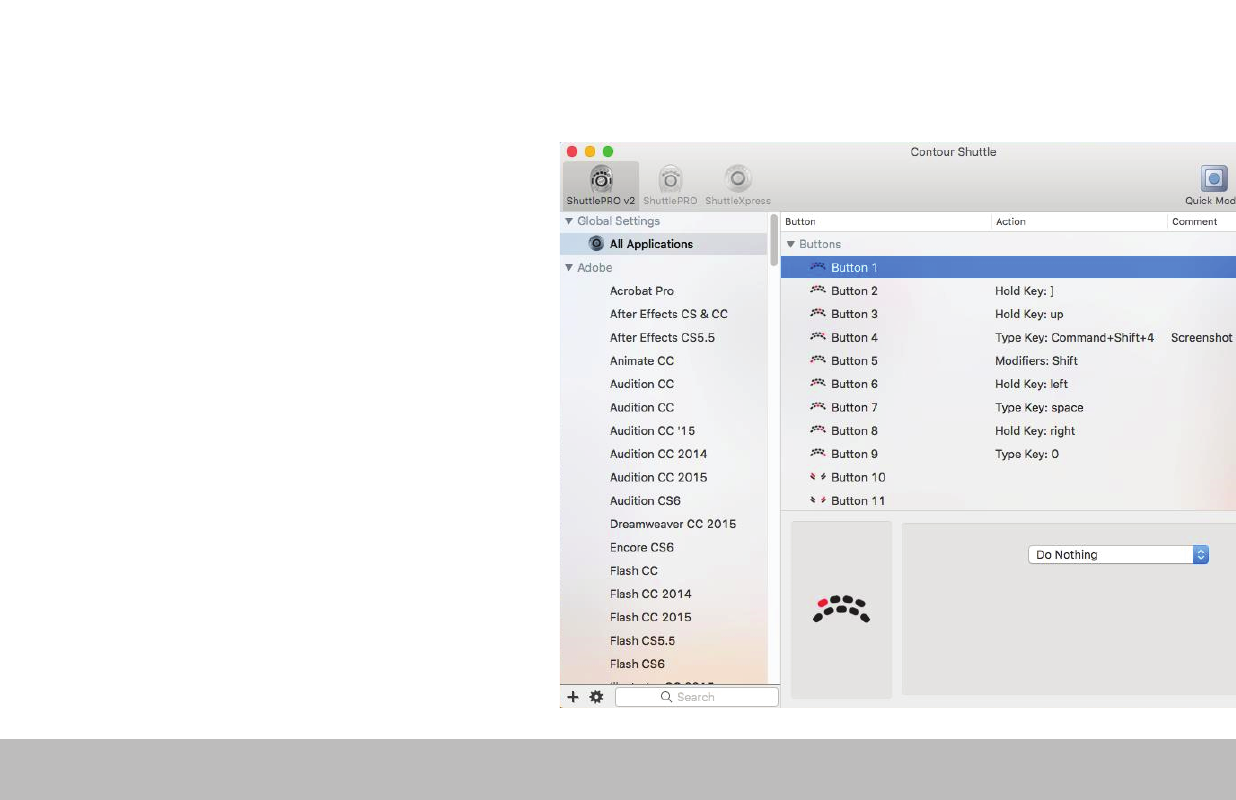
1. Copy method:
In the Shuttle Device Configuration
– Select the settings to be copied in the applications list.
– Choose “Copy to new settings…” in the Tools menu
(gear icon at the bottom).
– Select the application you want to create settings for in the
file picker that pops up.
2. Custom Settings Method:
– Click the Tools menu (gear icon at the bottom)
– Choose “New Settings…”
– Select the application you want to create settings for in the
file picker that pops up
.
Creating New Settings (Mac)
Shuttle PRO v2 and Xpress
/4
Advertising