Trigger setup names, Copy trigger parameters, Trigger setup name page – Yamaha DTX-Multi12 Multi-Pad Electronic Percussion Instrument User Manual
Page 104: Trigger setup copy page, Trg3 ≥≥≥≥≥≥name trg3-1 ≥[handpercus, Trg4 ≥≥≥≥copy≥pad trg4-1≥≥≥≥<copy> ≥≥º¡≥≥≥-ß≥≥º
104
Owner’s Manual
TRIGGER Setting Area (TRG)
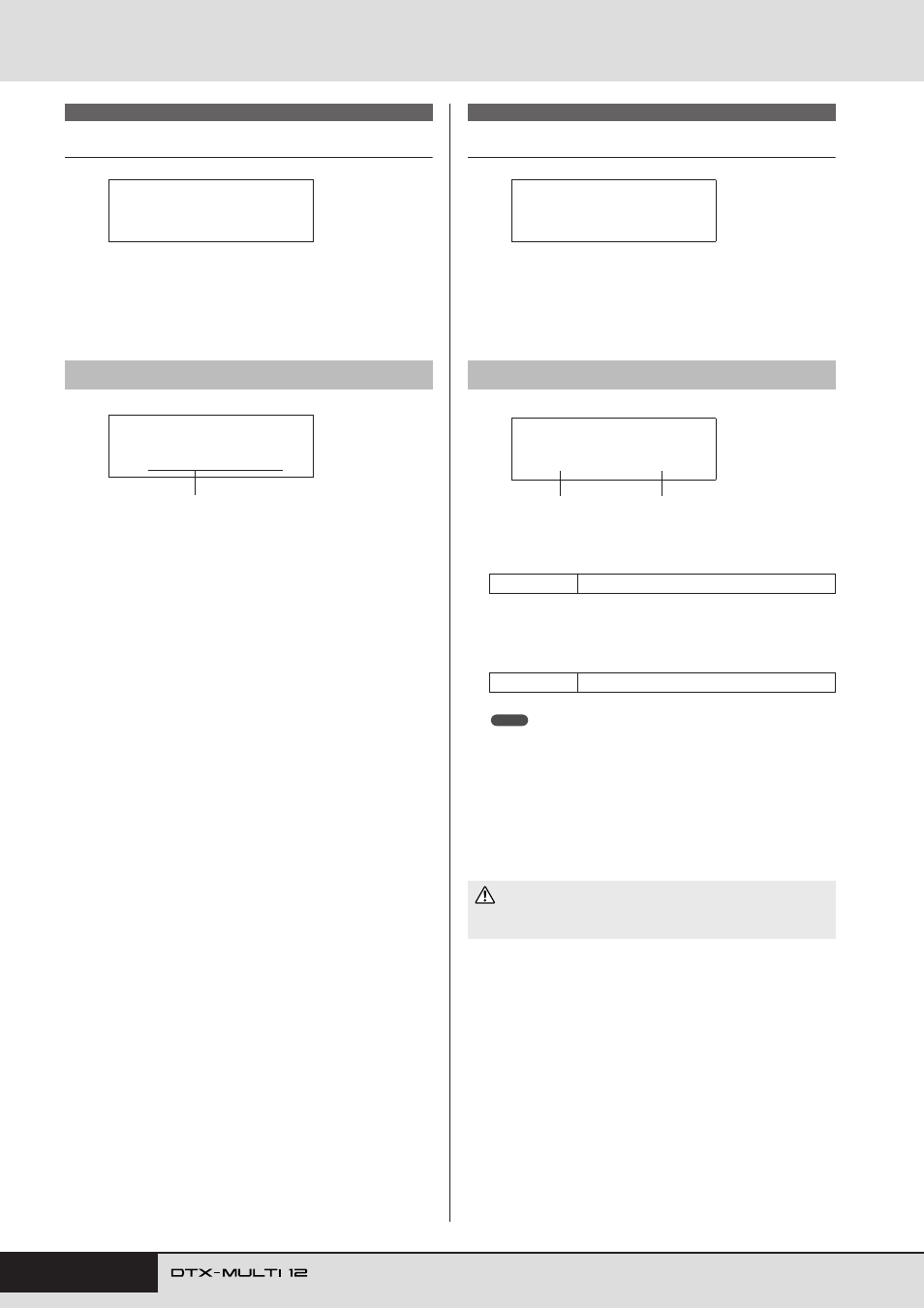
Trigger Setup Names
In the NAME section, you can assign a name of up to 12 charac-
ters in length to trigger setups. With the NAME page displayed,
press the [ENTER] button to open the Trigger Setup Name page
(TRG3-1).
On this page, you can assign a name of up to 12 characters in
length to the current trigger setup. Use the [
B
]/[
C
] buttons
to move the flashing cursor to the character you want to
change, and then select a character using the [-/DEC] and [+/
INC] buttons. The following characters can be used in pattern
names.
[space]
Copy Trigger Parameters
In the COPY PAD section, you can copy and replace data for the
currently selected trigger setup on a pad-specific basis. With the
COPY PAD page displayed, press the [ENTER] button to open
the Trigger Setup Copy page (TRG4-1).
1
Pad to copy
Use this parameter to set the pad whose settings are to be cop-
ied. You can also strike a pad to select it.
B
Pad to replace
Use this parameter to set the pad whose settings are to be
replaced. You can also strike a pad to select it.
• Copying of trigger setup data can only be carried out between the
built-in pads (1 to 12) or between the external pads (13 to 17). If you
attempt to copy between a built-in pad and an external pad, the above
parameters will be automatically changed (to Pad 1 or Pad 13) in order
to prevent this from occurring.
When you have selected the pads to copy and replace, press the
[ENTER] button. When asked to confirm that you wish to pro-
ceed, press the [ENTER] button once again to do so.
Be sure, therefore, to use the [STORE] button to access the Trig-
ger Store page and save important information in the instrument’s
internal memory in advance (see page 45).
TRG3 NAME
TRG3-1
Trigger Setup Name page
TRG3
≥≥≥≥≥≥NAME
TRG3-1
≥[HandPercus≥≥]
Trigger setup name
!"#$%&'()*+,-./0123456789:;<=>?@
ABCDEFGHIJKLMNOPQRSTUVWXYZ[\]^_`
abcdefghijklmnopqrstuvwxyz{|}ßå
TRG4 COPY PAD
TRG4-1
Trigger Setup Copy page
Settings
01 to 17
Settings
01 to 17
• Whenever trigger-setup data is copied, all of the trigger-setup data
for the pad indicated by
2
will be replaced.
TRG4
≥≥≥≥COPY≥PAD
TRG4-1≥≥≥≥<COPY>
≥≥º¡≥≥≥-ß≥≥º™
1
2
NOTE
CAUTION