Selecting a preset kit – Yamaha DTX-Multi12 Multi-Pad Electronic Percussion Instrument User Manual
Page 17
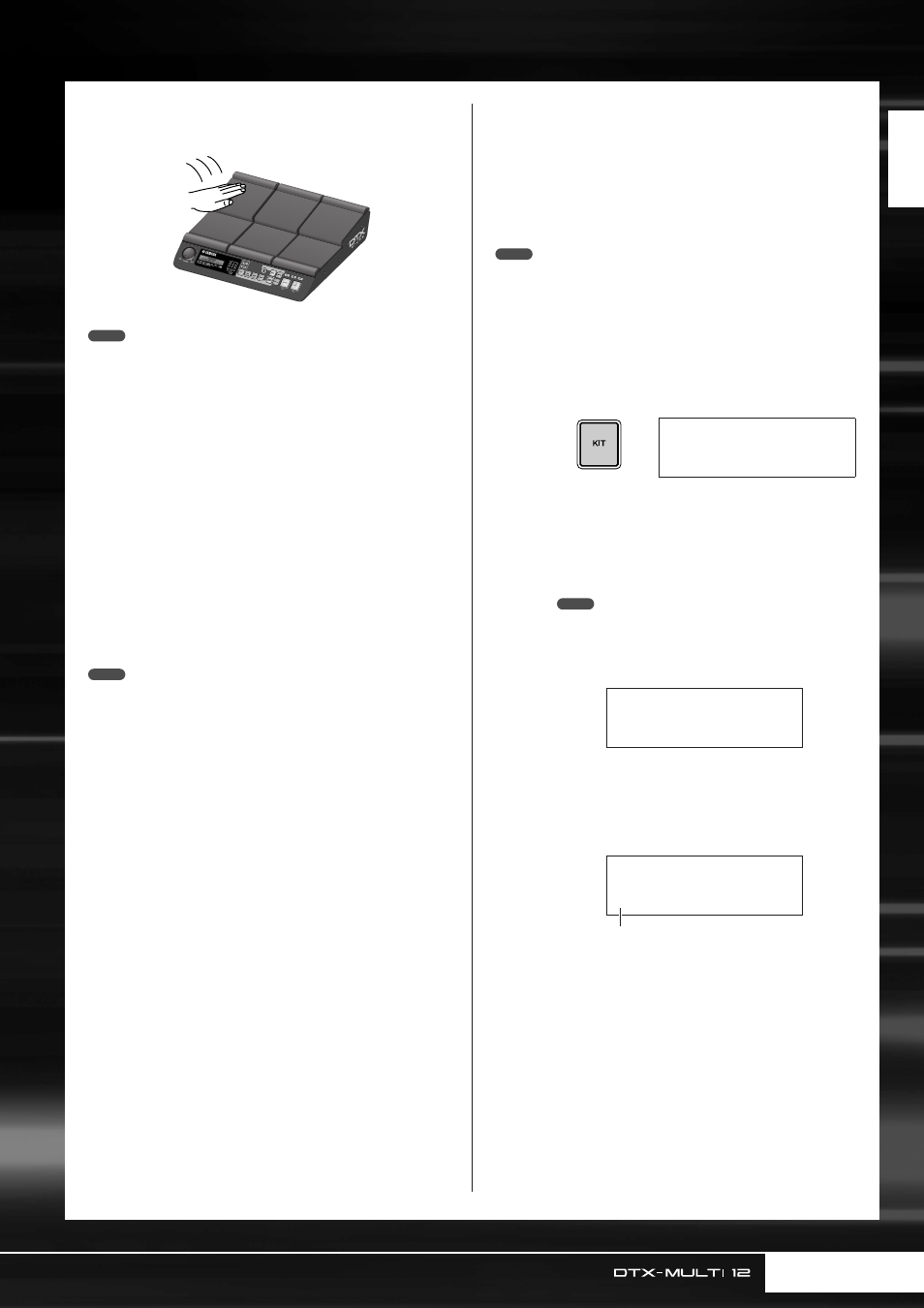
Producing Sounds with the Pads
Quic
k Guide
Owner’s Manual
17
You can also adjust the sensitivity of the pads to allow them to be
played by hand (see page 19).
• Drum and other individual instrument sounds known collectively as preset
voices and rhythmic or musical phrases known as patterns can be
assigned to each of the pads. Whenever you strike a pad to which a pat-
tern has been assigned, the pattern will either be played through just once
(one-shot) or repeated (loop), and the corresponding lamp within the Pad
Indicator will light up. If a pad playing a looped pattern is struck again, the
pattern will stop playing and the lamp will go out.
• If looping patterns are assigned to multiple pads and you loose track of
which ones are actually being played, you can silence all sound output by
holding down the [SHIFT] button and pressing the [EXIT] button.
• If a pad is struck too lightly or very close to an edge or corner, the corre-
sponding lamp in the Pad Indicator may not turn on.
■
Muting
Muting is the action of placing a hand on a struck percussion
instrument in order to silence it, and the DTX-MULTI 12 pads
support this playing technique. In addition, when multiple
sounds have been assigned to a pad, you can use also muting to
switch between these sounds for more expressive performances.
• For details on how to switch sounds by muting, see page 51.
Selecting a Preset Kit
The term “kit” is used to refer to a collection of sounds (i.e., pre-
set voices, waves, and patterns) produced when you strike each
of the pads, and the DTX-MULTI 12 comes complete with an
impressive range of specially-prepared preset kits. Using the pro-
cedure outlined below, select various kits and enjoy some of the
stunning sounds that your instrument can produce.
• The screen displays shown in this Owner’s Manual are for instructional
purposes only, and they may appear somewhat different from those on
your DTX-MULTI 12.
1
Press the [KIT] button to open the Select
Kit page.
The [KIT] button will light up.
2
Use the [-/DEC] and [+/INC] buttons to
select a new drum kit.
Try playing the each of the pads from various differ-
ent types of kit.
• A number of the Preset kits have been specially setup for
playing by hand. When you select one of them, a hand icon
will be displayed on-screen as shown below.
• Kits having a number preceded by the letter “U” are User kits
(i.e., user-defined kits). With these kits, you can create and
save your own collections of preset voices, patterns, and
waves.
NOTE
NOTE
NOTE
KIT1
P001:PercsMaster
NOTE
KIT1≥≥≥≥≥≥≥ˇÁ
P001:PercsMaster
●
Kit suitable for playing by hand
KIT1
U001:User≥Kit
●
User-defined kit
Starts with “U”