Now≥saving [exit]≥to≥cancel completed – Yamaha DTX-Multi12 Multi-Pad Electronic Percussion Instrument User Manual
Page 24
24
Owner’s Manual
Saving Your Data on a USB Memory Device
7
To proceed, press the [ENTER] button one
more time.
If a file with the same name already exists on the USB
memory device, you will be asked to confirm whether
you want to overwrite it. If that file is no longer
needed and can be overwritten, press the [ENTER]
button. Alternatively, if the older file contains impor-
tant data, press the [EXIT] button to return to the
Name page and repeat the procedure from Step 5
above using a different file name.
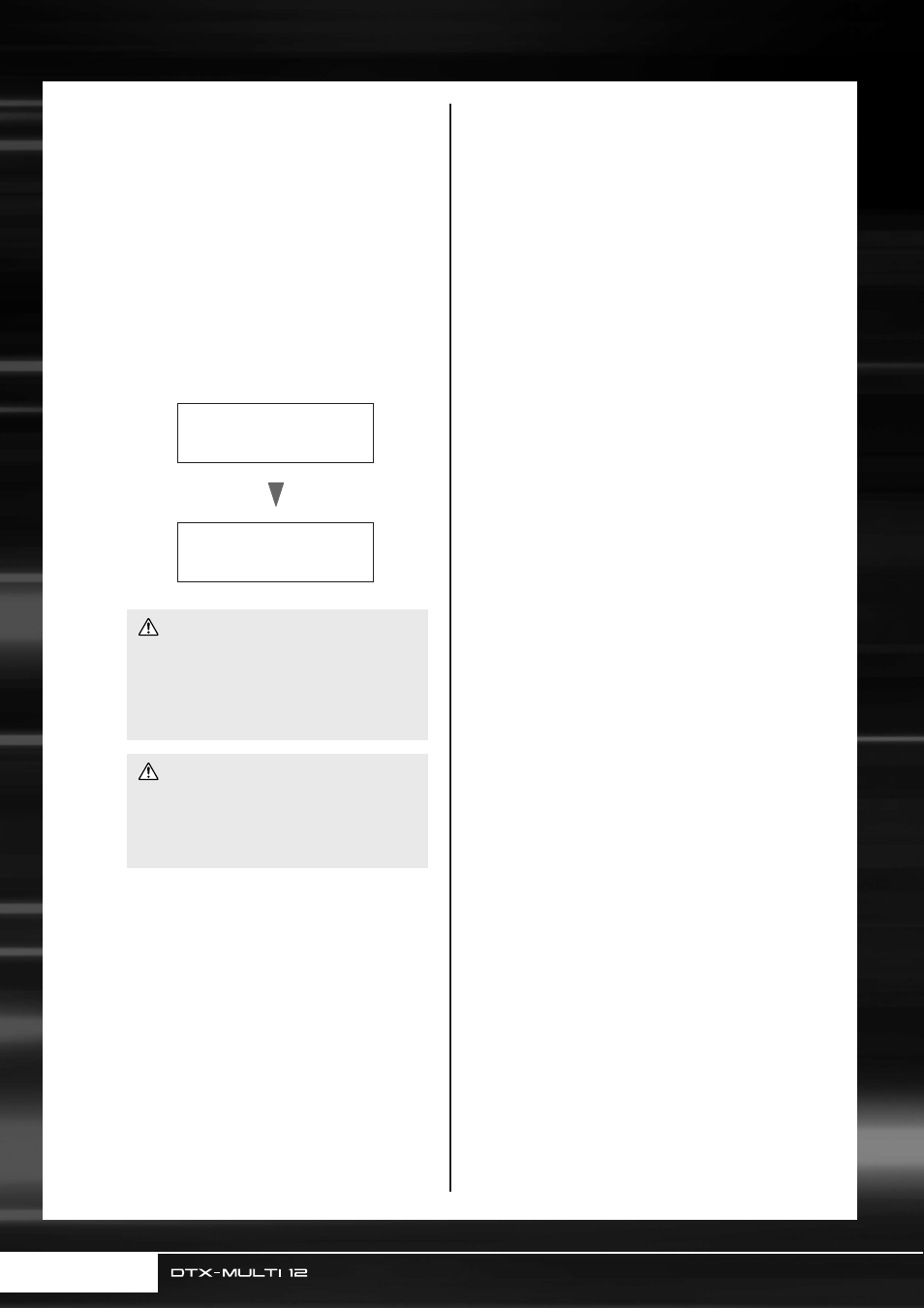
The message “Now saving... [EXIT] to cancel” will
be displayed while your data is being saved. The mes-
sage “Completed.” will then be displayed when the
data has been saved, and the display will return to the
Save File page (UTIL7-1) from Step 4 above.
• Do not unplug the USB memory device from the USB
TO DEVICE port or turn off either the USB memory
device or the DTX-MULTI 12 while data is being
loaded or saved. Failure to observe this precaution
can lead to the USB memory device or the DTX-
MULTI 12 being permanently damaged.
• Be sure to always unplug USB memory devices from
the DTX-MULTI 12 before you start to play. If you
were to accidentally strike a memory device with a
drum stick while playing, it could be permanently
damaged and all data saved on it could be lost.
≥Now≥Saving
[EXIT]≥to≥cancel
Completed
CAUTION
CAUTION