Select kit, Kit volume, tempo & name, Kit1 select kit kit2 kit volume, tempo & name – Yamaha DTX-Multi12 Multi-Pad Electronic Percussion Instrument User Manual
Page 47: Kit volume page, Kit selection tempo page, Kit name page, Kit1 p001:percsmaster, Kit2-2≥≥<common> ≥≥≥tempo=off
TRIGGER
Ref
erence
KIT
MIDI
V
OICE
UTILITY
W
A
VE
PA
TTERN
KIT Setting Area (KIT)
Owner’s Manual
47
Select Kit
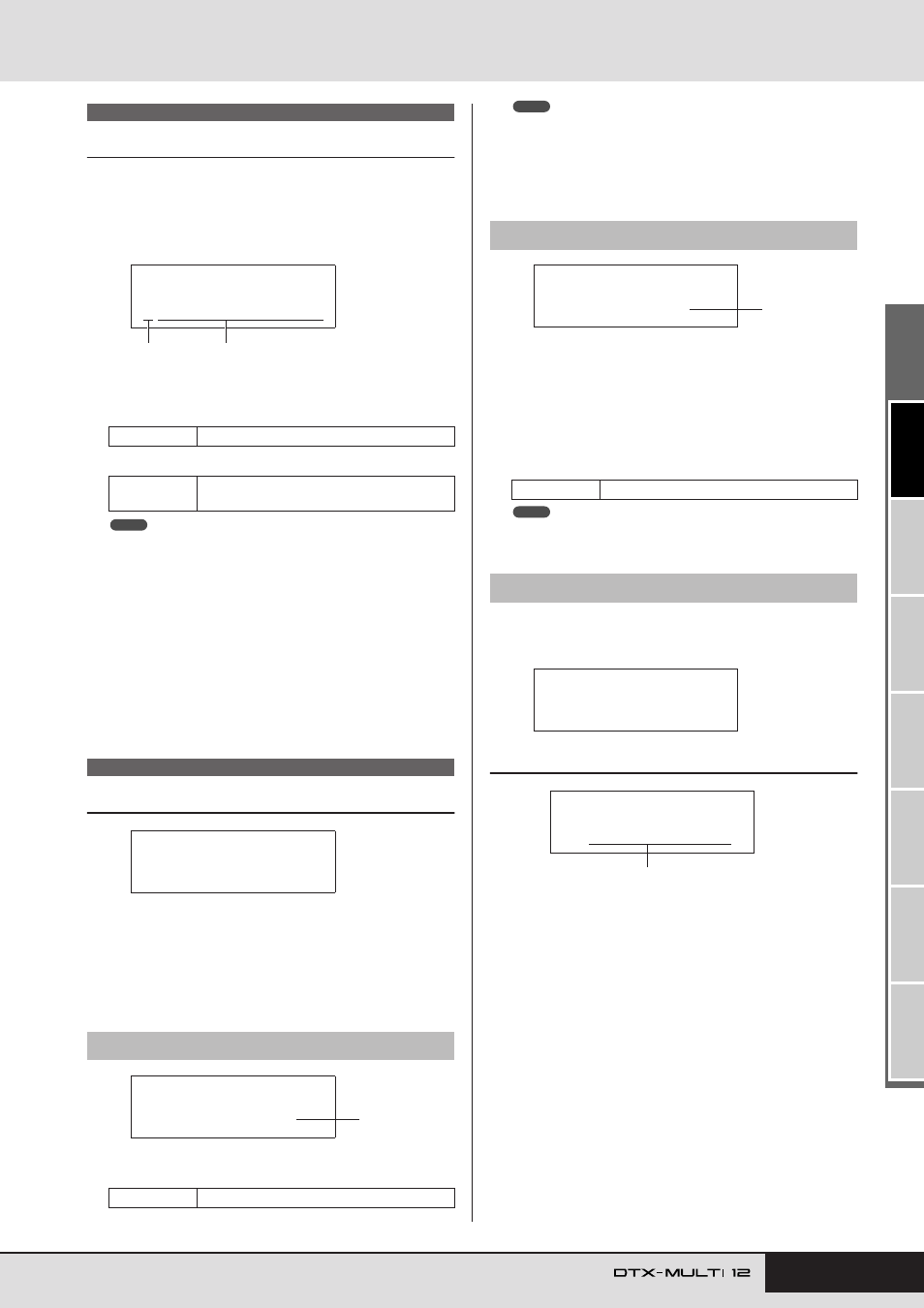
On the Select Kit page (KIT1) you can select the Preset kit or
User kit you want to play. To access this page, press the [KIT]
button, and if necessary, the [
B
]/[
C
] buttons. Before you can
edit pads or voices in the VOICE or MIDI setting areas, the drum
kit in question must be selected on this page.
A
Kit category
Use this parameter to specify either the Preset (P) or User (U)
drum-kit category.
B
Kit number: Kit name
• If you select a new drum kit while a pattern assigned to one if its pads
is being played, the pattern will stop automatically.
• If you select a new drum kit while a preset voice or wave assigned to
one if its pads is being played, the corresponding sound will be auto-
matically silenced.
• If identical voices are assigned to the same Channel-10 MIDI note
numbers in both the newly selected kit and the previous kit, it is normal
for voices for the corresponding pads to continue to play when the new
drum kit is selected.
• If any of the currently selected drum kit’s pads are set to “Hand” on the
Pad Type page (TRG2-1), the Hand icon (
) will be displayed on-
Kit Volume, Tempo & Name
In the COMMON section, you can set the volume, tempo, and
name of the currently selected drum kit. With the COMMON
page (KIT2) displayed, press the [ENTER] button to access its
three parameter-setting pages (KIT2-1 to KIT2-3). You can use
the [
B
]/[
C
] buttons to navigate between these pages.
1
Volume
Use this parameter to set the volume of the entire kit.
• If you change the volume setting for MIDI channel 10 on the MIDI
area’s Volume page (MIDI3-2), the Volume parameter on this page
(KIT2-1) will be automatically set to the same value. The reverse does
not apply, however – in other words, the volume setting on the MIDI
area’s Volume page (MIDI3-2) is not affected by changes made on this
page (KIT2-1).
1
Tempo
Use this parameter to specify the tempo to be set automati-
cally upon selection of the current drum kit. If patterns are
assigned to any of the kit’s pads, they will be played at this
tempo. An “off” setting means that the tempo will not change
automatically when the current kit is selected – in other
words, the tempo of the previously selected kit will be main-
tained.
• If waves are assigned to any of the kit’s pads, the tempo (or speed) at
which they are played will not be affected by the kit’s tempo setting.
From the Kit Name page, you can assign a name to the currently
selected drum kit. With this page displayed, press the [ENTER]
button to open the Kit Name Setting page.
KIT2-3-1
Kit Name Setting page
On the Kit Name Setting page, a name of up to 11 characters in
length can be assigned to the currently selected drum kit. Use the
[
B
]/[
C
] buttons to move the flashing cursor to the character
you want to change, and then select a character using the [-/DEC]
and [+/INC] buttons. The following characters can be used in
drum-kit names.
[space]
KIT1
Settings
P or U
Settings
With “P” (Preset kit) selected: 001 to 050
With “U” (User kit) selected: 001 to 200
KIT2 COMMON
KIT2-1
Kit Volume page
Settings
0 to 127
KIT1
P001:PercsMaster
1
2
NOTE
ˇÁ
KIT2
≥≥≥≥≥COMMON
KIT2-1≥≥<COMMON>
≥≥≥Volume=118
1
KIT2-2
Kit Selection Tempo page
Settings
off, or 30 to 300
KIT2-3
Kit Name page
NOTE
KIT2-2≥≥<COMMON>
≥≥≥Tempo=off
1
NOTE
KIT2-3≥≥<COMMON>
≥≥≥≥≥≥Name
KIT2-3-1
≥≥[User≥Kit≥≥≥]
Kit name
!"#$%&'()*+,-./0123456789:;<=>?@
ABCDEFGHIJKLMNOPQRSTUVWXYZ[\]^_`
abcdefghijklmnopqrstuvwxyz{|}Яе