Reverb effect setup, Kit6 reverb effect setup, Chorus pan page – Yamaha DTX-Multi12 Multi-Pad Electronic Percussion Instrument User Manual
Page 50: Chorus to reverb page, Reverb type page, Reverb return page, Reverb pan page, Kit5-3≥≥≥≥≥<cho> ≥≥≥chopan=≥c, Kit5-4≥≥≥≥≥<cho> ≥≥chotorev=≥≥0, Kit6 ≥≥≥≥≥reverb
50
Owner’s Manual
KIT Setting Area (KIT)
1
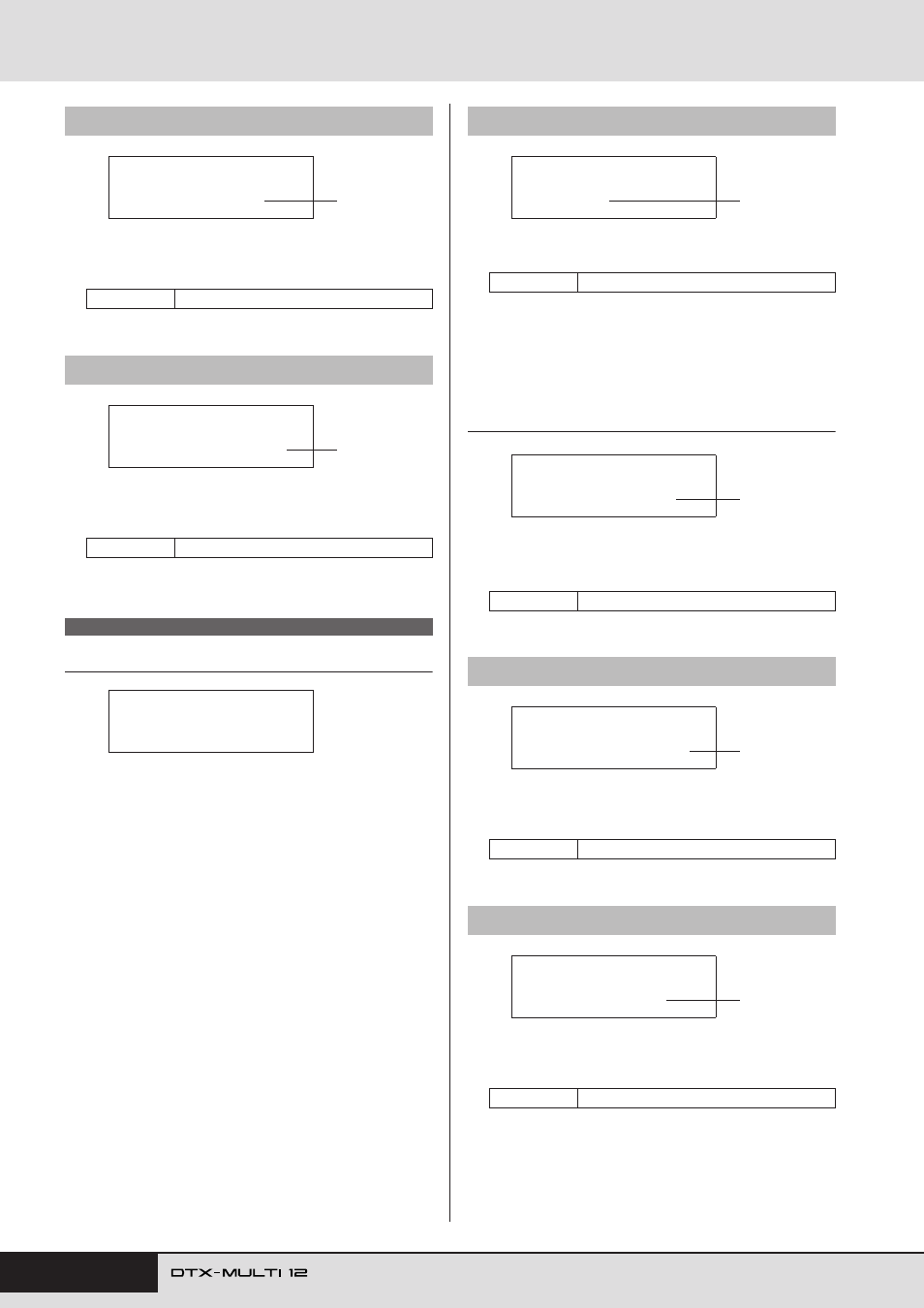
Chorus pan (ChoPan)
Use this parameter to set the stereo panning of the chorus
effect’s return signal.
1
Chorus to reverb (ChoToRev)
Use this parameter to set the degree to which the output from
the chorus effect is sent to the reverb effect.
Reverb Effect Setup
In the REVERB section, you can select a reverb effect and config-
ure it in a range of different ways. Reverb effects are applied to all
voices (on all MIDI channels). With the REVERB page (KIT6)
displayed, press the [ENTER] button to access its three parame-
ter-setting pages (KIT6-1 to KIT6-3). You can use the [
B
]/[
C
]
buttons to navigate between these pages.
1
Reverb type
Use this parameter to select a reverb-effect type.
With a reverb type selected, you can press the [ENTER] button on
the Reverb Type page (KIT6-1) to access a range of setting pages
allowing each of its parameters to be set. (The number of parame-
ter-setting pages depends on the type selected.) Use the [
B
]/[
C
]
buttons to navigate between these pages.
KIT6-1-1
Parameter setting page (example)
1
Effect parameter
Each parameter setting page contains a different parameter for
the selected reverb type.
1
Reverb return (RevReturn)
Use this parameter to set the level of the return signal from the
reverb effect.
1
Reverb pan (RevPan)
Use this parameter to set the stereo panning of the reverb
effect’s return signal.
KIT5-3
Chorus Pan page
Settings
L63 to C to R63
KIT5-4
Chorus to Reverb page
Settings
0 to 127
KIT6 REVERB
KIT5-3≥≥≥≥≥<CHO>
≥≥≥ChoPan=≥C
1
KIT5-4≥≥≥≥≥<CHO>
≥≥ChoToRev=≥≥0
1
KIT6
≥≥≥≥≥REVERB
KIT6-1
Reverb Type page
Settings
Refer to the separate Data List booklet.
Settings
Refer to the separate Data List booklet.
KIT6-2
Reverb Return page
Settings
0 to 127
KIT6-3
Reverb Pan page
Settings
L63 to C to R63
KIT6-1≥≥RevType=
R3≥Hall
1
KIT6-1-1≥≥≥<REV>
RevTime=≥0.0s
1
KIT6-2≥≥≥≥≥<REV>
≥RevReturn=≥64
1
KIT6-3≥≥≥≥≥<REV>
≥≥≥RevPan=≥C
1