Other drum kit settings, Kit7 other drum kit settings, Layer switch page – Yamaha DTX-Multi12 Multi-Pad Electronic Percussion Instrument User Manual
Page 51: Mute switch page, Kit7 ≥≥≥≥≥other kit7-1≥-º¡- layerswitch=off, Kit7-2≥-º¡- ≥≥≥mutesw=off
TRIGGER
Ref
erence
KIT
MIDI
V
OICE
UTILITY
W
A
VE
PA
TTERN
KIT Setting Area (KIT)
Owner’s Manual
51
Other Drum Kit Settings
In the OTHER section, you can set parameters related to muting*
and hi-hats, and you can also specify the trigger setup to be used
when the current drum kit is selected. With the OTHER page
(KIT7) displayed, press the [ENTER] button to access its six
parameter-setting pages (KIT7-1 to KIT7-6). You can use the
[
B
]/[
C
] buttons to navigate between these pages.
*: Muting
The action of pressing a hand down on a pad in order to change the sound
it produces or to silence it is referred to as “muting”. This technique can
be used to delicately change the sound of a performance, and with the
DTX-MULTI 12, you can setup muting in advance in order to change or
silence sounds when you press a hand down on a pad.
Using the Layer Switch function, you can apply the muting tech-
nique during performances to switch between the four layers that
can be assigned to built-in and external pads.
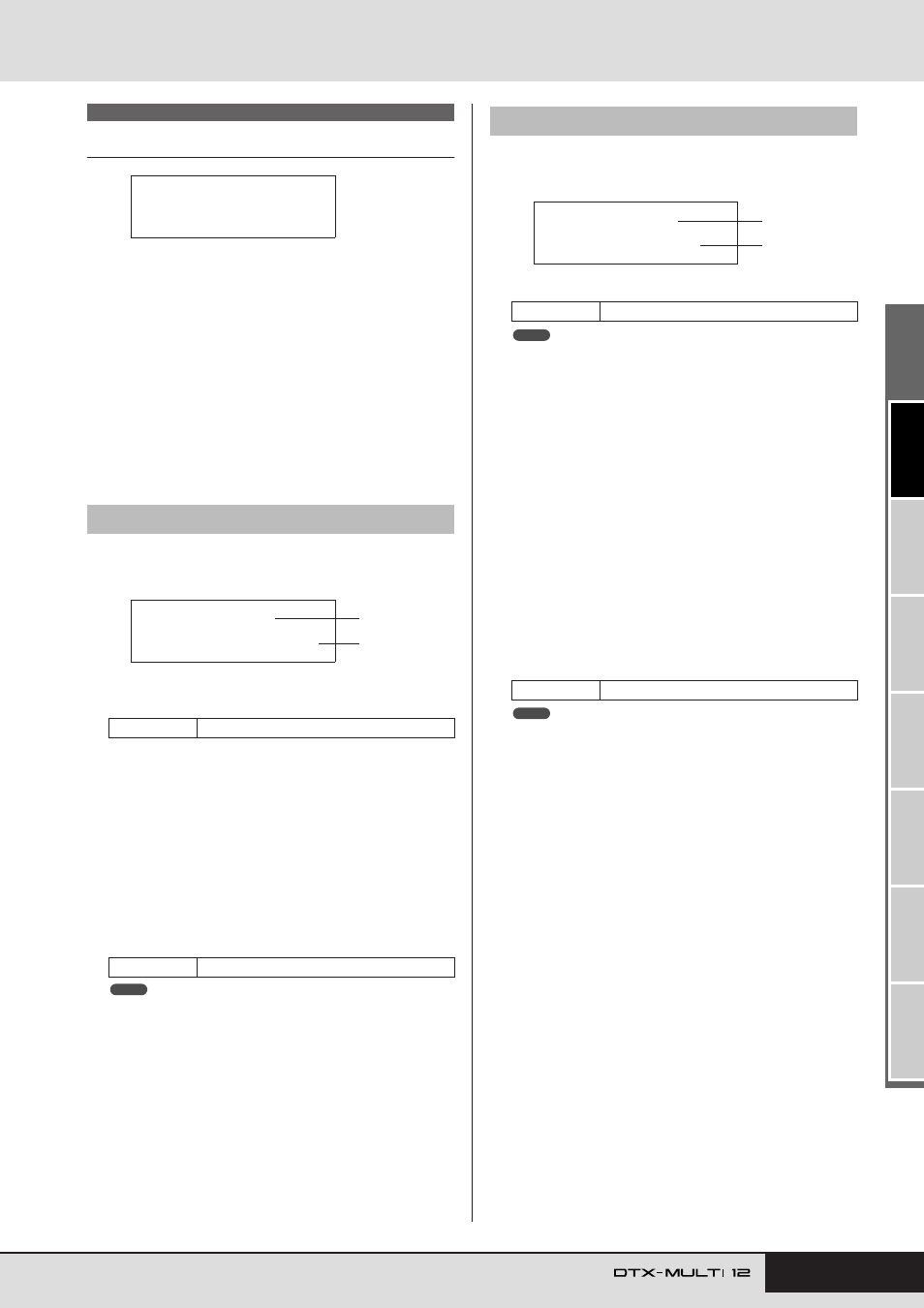
1
Pad number
Use this parameter to select the pad to be set.
B
Layer switch
Use this parameter to specify whether or not triggered layers
from the pad indicated by
1
are to be switched in response to
muting or operation of a hi-hat controller. For more details
regarding layers, see page 32.
• off ............. Layers will not be switched.
• mute ......... Layers A and B are played when muting is off.
Layers C and D are played when muting is on.
• hh ............. Layers A and B are played when the hi-hat is
open.
Layers C and D are played when the hi-hat is
closed.
• The “mute” setting is available only for the twelve built-in pads on your
DTX-MULTI 12.
On the Mute Switch page, you can select a group of pads to be
treated as one in terms of muting in order to silence or change
their sounds during performances.
1
Pad number
• This parameter can be set only for the twelve built-in pads on your
DTX-MULTI 12.
B
Mute switch (MuteSw)
Set this parameter to “on” if muting for the pad indicated by
1
is to operate in conjunction with muting for other pads
with the same setting. When pad sensitivity is set for playing
with sticks, we recommend that you set MuteSw to “on” for at
least two pads so that you can use the muting technique with-
out the fear of accidentally striking your hand. As you make
your selections, the numbers in the Pad Indicator will light up
to show which pads have been grouped together for muting.
Example: If MuteSw has been set to “on” for Pads 4, 5, and 6:
• When you strike Pad 4, 5, or 6 while pressing down on
either of the other two pads by hand, the struck pad will
produce a shorter sound.
• When you press down on Pad 4, 5, or 6 by hand while one
or more of these pads are producing a sound as a result of
being struck, the struck pad(s) will be silenced.
• Be sure to press firmly on a pad when you want to activate the muting
function.
• If you are using the muting technique with the MuteSw parameter (
2
above) set to “on” and with “mute” selected on the Layer Switch page
(KIT7-1), the Layer Switch function will be activated.
• A polyphonic aftertouch message with a value of 127 is output when-
ever you press down on a pad with MuteSw set to “on”. Similarly, a
polyphonic aftertouch message with a value of 0 is output whenever
you release the pad. These messages are output for note numbers
assigned to all DTX-MULTI 12 pads, except those for which the mute
switch is not enabled (i.e., MuteSw is set to “off”).
• In cases where pads 4 to 9 are setup for playing by hand on the TRIG-
GER area’s Pad Type page (TRG2-1), muting will be automatically
activated without the need for multiple pads to have MuteSw turned
on. In such a case, the pad with MuteSw turned on can be pressed
and held in order to mute another struck pad. Note, however, that this
type of single-pad muting cannot be activated for the other pads (1 to
3, 10 to 12).
KIT7 OTHER
KIT7-1
Layer Switch page
Settings
01 to 12, 13, 13R1, 13R2, 14 to 17
Settings
off, mute, or hh
KIT7
≥≥≥≥≥OTHER
KIT7-1≥-º¡-
LayerSwitch=off
2
1
NOTE
KIT7-2
Mute Switch page
Settings
01 to 12
Settings
off or on
KIT7-2≥-º¡-
≥≥≥MuteSw=off
2
1
NOTE
NOTE