Exchange kits page, Initialize pad page, Initialize kit page – Yamaha DTX-Multi12 Multi-Pad Electronic Percussion Instrument User Manual
Page 54: Kit8-5≥≥≥≥≥<job> ≥initialize≥kit
54
Owner’s Manual
KIT Setting Area (KIT)
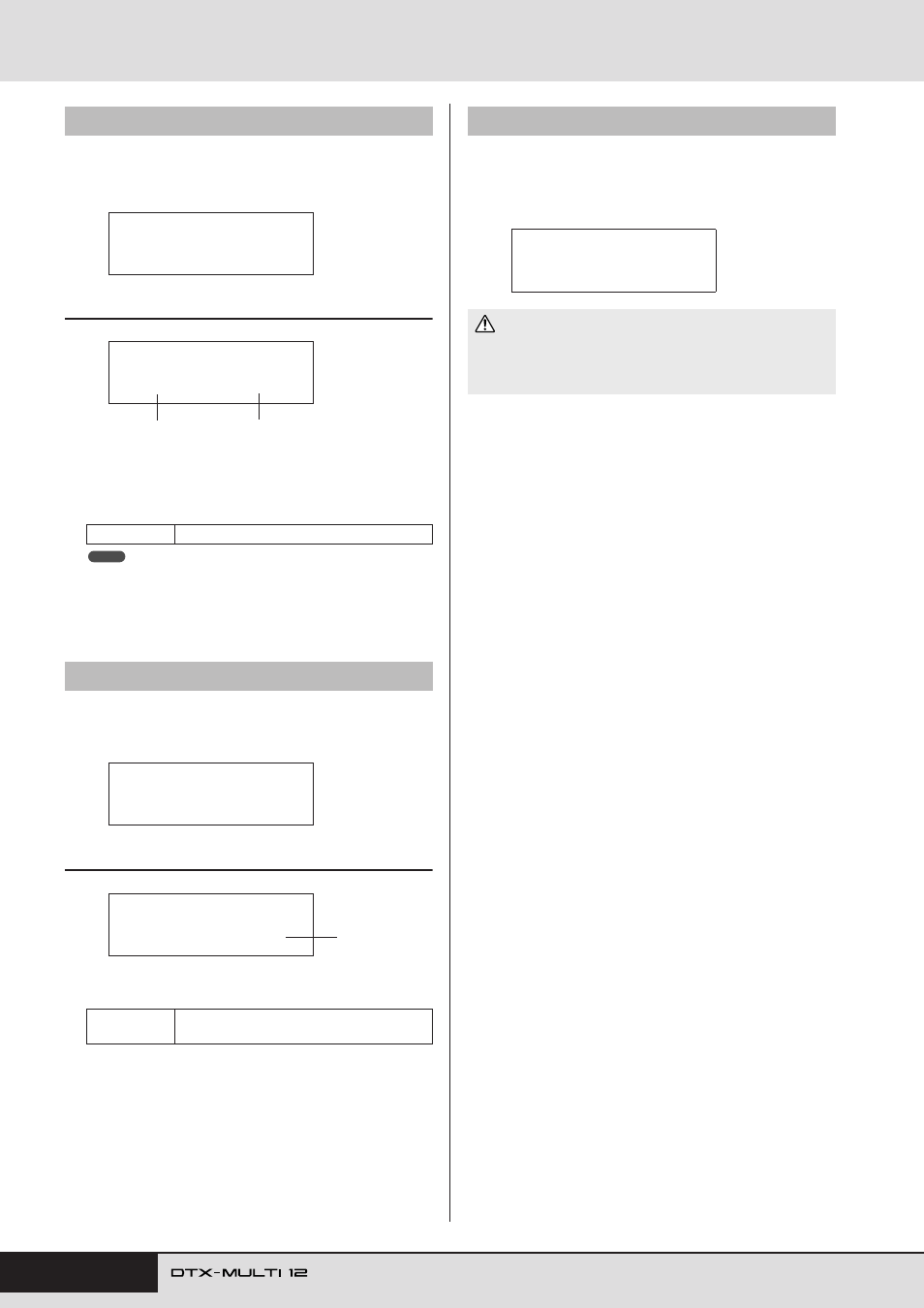
From the Exchange Kits page, you can swap settings for a pair of
User kits. With this page displayed, press the [ENTER] button to
open the Exchange Kits Settings page.
KIT8-3-1
Exchange Kits Settings page
1
Exchange kit 1
B
Exchange kit 2
Use these parameters to select the two drum kits whose set-
tings are to be swapped.
• Only those settings already stored will be swapped. In addition, if drum
kits are swapped without first storing any modified settings, the
swapped settings will be overwritten with the modified settings when
the drum kit is subsequently stored.
From the Initialize Pad page, you can initialize individual pads
from the currently selected drum kit. With this page displayed,
press the [ENTER] button to open the Initialize Pad Setting page.
KIT8-4-1
Initialize Pad Setting page
1
Pad number
Use this parameter to select the pad to be initialized.
Once you have selected a pad, press the [ENTER] button, and
when asked to confirm that you wish to proceed, press the
[ENTER] button once again.
From the Initialize Kit page, you can initialize the drum kit cur-
rently being edited. With the Initialize Kit page displayed, press
the [ENTER] button, and when asked to confirm that you wish to
proceed, press the [ENTER] button once again.
KIT8-3
Exchange Kits page
Settings
U001 to U200
KIT8-4
Initialize Pad page
Settings
01 to 12, 13, 13R1, 13R2, 14 to 17, FTSW,
HHCL, or HHSP
KIT8-3≥≥≥≥≥<JOB>
≥≥Exchange≥Kit
KIT8-3-1≥<Exchg>
≥≥U001≥åß≥U002
1
2
NOTE
KIT8-4≥≥≥≥≥<JOB>
≥Initialize≥Pad
KIT8-4-1≥
≥≥InitPad=¡£Ω¡
1
KIT8-5
Initialize Kit page
• When a kit is initialized, all of its parameters will be returned to their
default settings. If you would like to save a copy of the kit before ini-
tialization, perform a Store operation as described on
store the currently selected drum kit as a different User kit.
KIT8-5≥≥≥≥≥<JOB>
≥Initialize≥Kit
CAUTION