Select message type, Midi1 select message type, Playing mode page – Yamaha DTX-Multi12 Multi-Pad Electronic Percussion Instrument User Manual
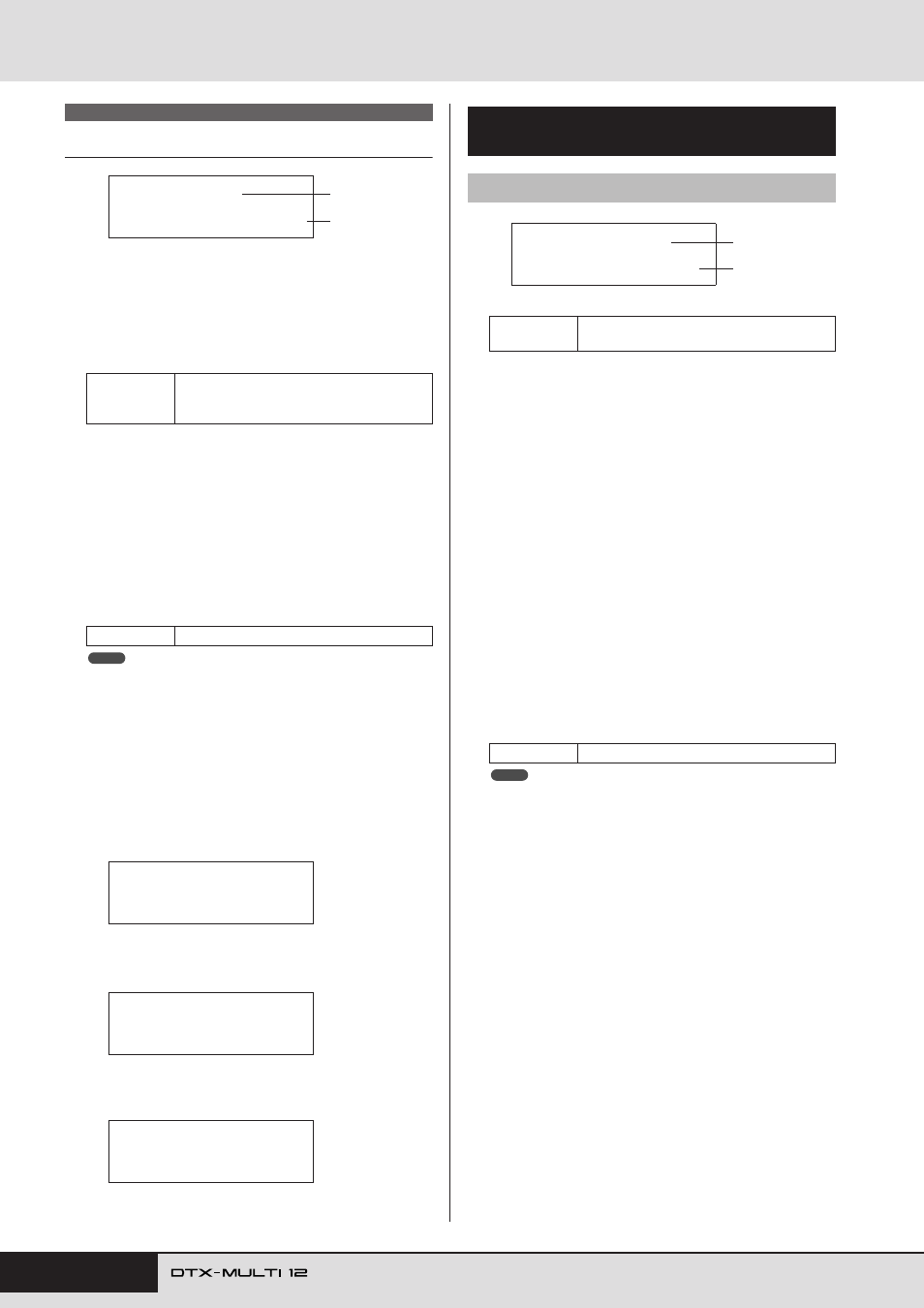
Page 62: Midi1-1≥-º¡- ≥mode=alternate
62
Owner’s Manual
MIDI Setting Area (MIDI)
Select Message Type
When you press the [MIDI] button, a page for selecting a MIDI
message type (MIDI1) will be displayed. On this page, you can
select the type of MIDI message to be assigned to each pad.
1
Pad number
Use this parameter to select the pad to be set. You can also
strike a pad to select it.
B
Message type
Use this parameter to set the type of MIDI message that will
be sent whenever the pad indicated by
1
is struck.
• note ........... A MIDI note will be sent. Use this setting if you
want to produce a sound whenever you strike the
pad.
• CC ............ A Control Change message will be sent.
• PC ............. A Program Change message will be sent.
• strt............. A SysEx FA Start command will be sent.
• cont ........... A SysEx FB Continue command will be sent.
• stop ........... A SysEx FC Stop command will be sent.
• “note” type messages are sent simultaneously to the DTX-MULTI 12’s
internal tone generator and to connected external MIDI devices.
• Message types other than “note” are sent only to connected external
MIDI devices.
The parameter-setting pages that can be accessed
within the MIDI1 section will depend on the type of
MIDI message selected.
• Parameter-setting pages for “note” messages are
explained on this page.
• Parameter-setting pages for “CC” messages are
• Parameter-setting pages for “PC” messages are
1
Pad number
B
Playing mode
Use this parameter to set Stack, Alternate, or Hold as the play-
ing mode for the pad indicated by
1
. Some typical applica-
tions of these modes are explained on the following page.
• stack ......... When Stack mode is selected, all notes assigned
to the pad are triggered simultaneously. For
example, you can use this mode to produce
chords or to trigger multiple preset voices or
waves with a single strike. To produce just one
sound, select this mode and assign only one
voice to the pad.
• alternate.... When Alternate mode is selected, the notes
assigned to the pad are played individually in
turn each time it is struck. For example, you can
use this mode to produce a different sound each
time you strike the pad.
• hold .......... When Hold mode is selected, the notes assigned
to the pad are alternately turned on and off each
time it is struck. If, for example, a sustained
sound has been assigned, the first strike of the
pad will turn it on, the next strike will turn it off,
and so on.
• If no note numbers have been assigned to any of the pad’s layers (A to
D) on the MIDI Note page (MIDI1-2), this setting will be displayed as “-
--” and modification will not be possible.
MIDI1
Settings
01 to 12, 13, 13R1, 13R2, 14 to 17, FTSW
(foot switch), HHCL (hi-hat close), or HHSP
(hi-hat splash)
Settings
note, CC, PC, strt, cont, or stop
MIDI1≥-º¡-
MessageType=note
1
2
NOTE
MIDI1≥-º¡-
MessageType=note
MIDI1≥-º¡-
MessageType=CC
MIDI1≥-º¡-
MessageType=PC
Parameter-Setting Pages for
“note” Messages
MIDI1-1
Playing Mode page
Settings
01 to 12, 13, 13R1, 13R2, 14 to 17, FTSW,
HHCL, or HHSP
Settings
stack, alternate, or hold
MIDI1-1≥-º¡-
≥Mode=alternate
1
2
NOTE