Typical uses of stack, alternate, and hold modes, Midi channel page, Midi1-3≥-º¡-≥≥≥ç ≥≥≥midi≥ch=10 – Yamaha DTX-Multi12 Multi-Pad Electronic Percussion Instrument User Manual
Page 63
TRIGGER
Ref
erence
KIT
MIDI
V
OICE
UTILITY
W
A
VE
PA
TTERN
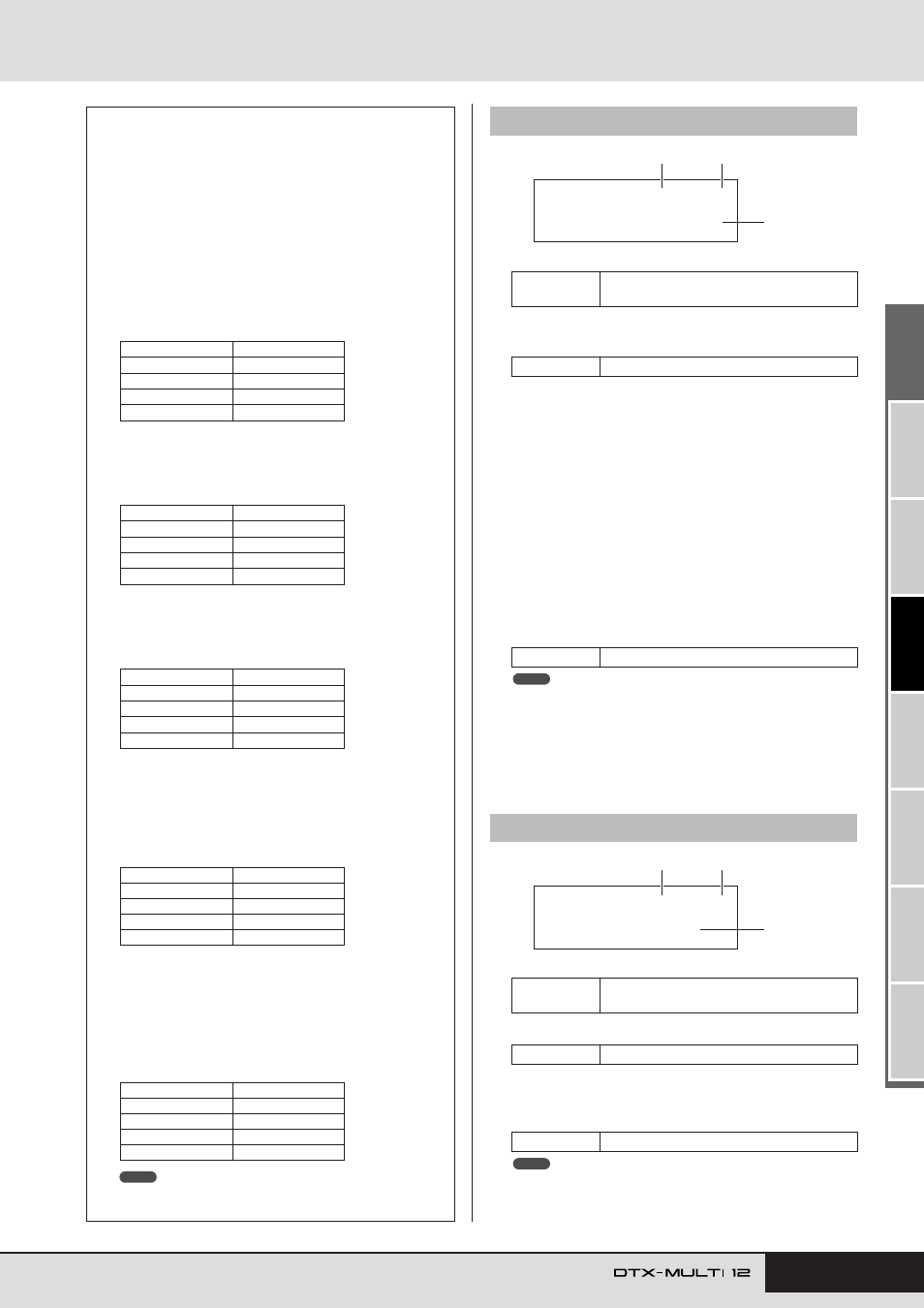
MIDI Setting Area (MIDI)
Owner’s Manual
63
1
Pad number
B
Layer number
Use this parameter to select the layer you want to set.
C
Note
Use this parameter to select a MIDI note to be sent by the
layer indicated by
2
. You can also choose either of the fol-
lowing two special settings.
• off..............Regardless of the setting made on the Playing
Mode page (MIDI1-1), no MIDI note will be
sent when the pad is struck.
• skip............If “alternate” has been selected on the Playing
Mode page (MIDI1-1), this layer will be
skipped. In other words, no MIDI note will be
sent when it is this layer’s turn to play. Alterna-
tively, if “stack” or “hold” has been set on the
Playing Mode page (MIDI1-1), this setting has
the same effect as “off” above (i.e., no MIDI
note will be sent for this layer).
• Notes outside the range covered by General MIDI are displayed in
parentheses – for example, “(C#-2/1)”.
• Notes on MIDI channel 10 having already been assigned to a layer will
be displayed with an asterisk in front of them – for example, “*C3”. If
you change the note setting for a pad indicated in this way, the note
setting for the other pad will also be changed in the same way .
1
Pad number
B
Layer number
C
MIDI channel (MIDI Ch)
Use this parameter to set the MIDI channel for MIDI notes
sent for the layer indicated by
2
.
• If no note number has been assigned to any of the pad’s layers (A to
D) on the MIDI Note page (MIDI1-2), this setting will be displayed as “-
--” and modification will not be possible.
Typical Uses of Stack, Alternate, and
Hold Modes
Using the Playing Mode page (MIDI1-1), you can select the
way in which a pad’s four layers will be played. For example,
pads can be setup to produce a chord by playing multiple lay-
ers at the same time or to play a different layer on each succes-
sive strike. The following are typical examples of how these
modes can be used.
●
Playing just one sound when a pad is struck
Select “stack” on the Playing Mode page (MIDI1-1), and
assign a MIDI note to Layer A only on the MIDI Note
page (MIDI1-2).
●
Playing two sounds simultaneously when a pad is struck
Select “stack” on the Playing Mode page (MIDI1-1), and
assign a different MIDI note to both Layer A and Layer B
on the MIDI Note page (MIDI1-2).
●
Playing two sounds alternately each time a pad is struck
Select “alternate” on the Playing Mode page (MIDI1-1),
and assign a different MIDI note to Layers A and B on the
MIDI Note page (MIDI1-2).
●
Playing Layer A, then silencing it, playing Layer C, then
silencing it, playing Layer A… and so on each time a
pad is struck
Select “alternate” on the Playing Mode page (MIDI1-1),
and assign a MIDI note or “skip” to Layers A through D
on the MIDI Note page (MIDI1-2) as follows.
●
Playing three held sounds simultaneously when a pad
is struck, and silencing them the next time it is struck
Select “hold” on the Playing Mode page (MIDI1-1), and
assign MIDI notes to Layers A through C on the MIDI
Note page (MIDI1-2) as follows. In addition, select “on”
for Layers A through C on the Receive Key-Off page
(MIDI1-5).
• If a note on MIDI channel 10 is assigned, be sure to select “on” for
Layers A through C on the Receive Key-Off page (MIDI1-5).
Layer
Note number
A
D1
B
off
C
off
D
off
Layer
Note number
A
D1
B
E2
C
off
D
off
Layer
Note number
A
D1
B
E2
C
off
D
off
Layer
Note number
A
D1
B
skip
C
E2
D
skip
Layer
Note number
A
C3
B
E3
C
G3
D
off
NOTE
MIDI1-2
MIDI Note page
Settings
01 to 12, 13, 13R1, 13R2, 14 to 17, FTSW,
HHCL, or HHSP
Settings
A, B, C, or D
Settings
off, C#-2/1 to F#8/126, or skip
MIDI1-3
MIDI Channel page
Settings
01 to 12, 13, 13R1, 13R2, 14 to 17, FTSW,
HHCL, or HHSP
Settings
A, B, C, or D
Settings
1 to 16
MIDI1-2≥-º¡-≥≥≥ç
Note=*≥C#-1/≥13
3
1
2
NOTE
MIDI1-3≥-º¡-≥≥≥ç
≥≥≥MIDI≥Ch=10
3
1
2
NOTE