Gate time page, Receive key-off page, Velocity limits page – Yamaha DTX-Multi12 Multi-Pad Electronic Percussion Instrument User Manual
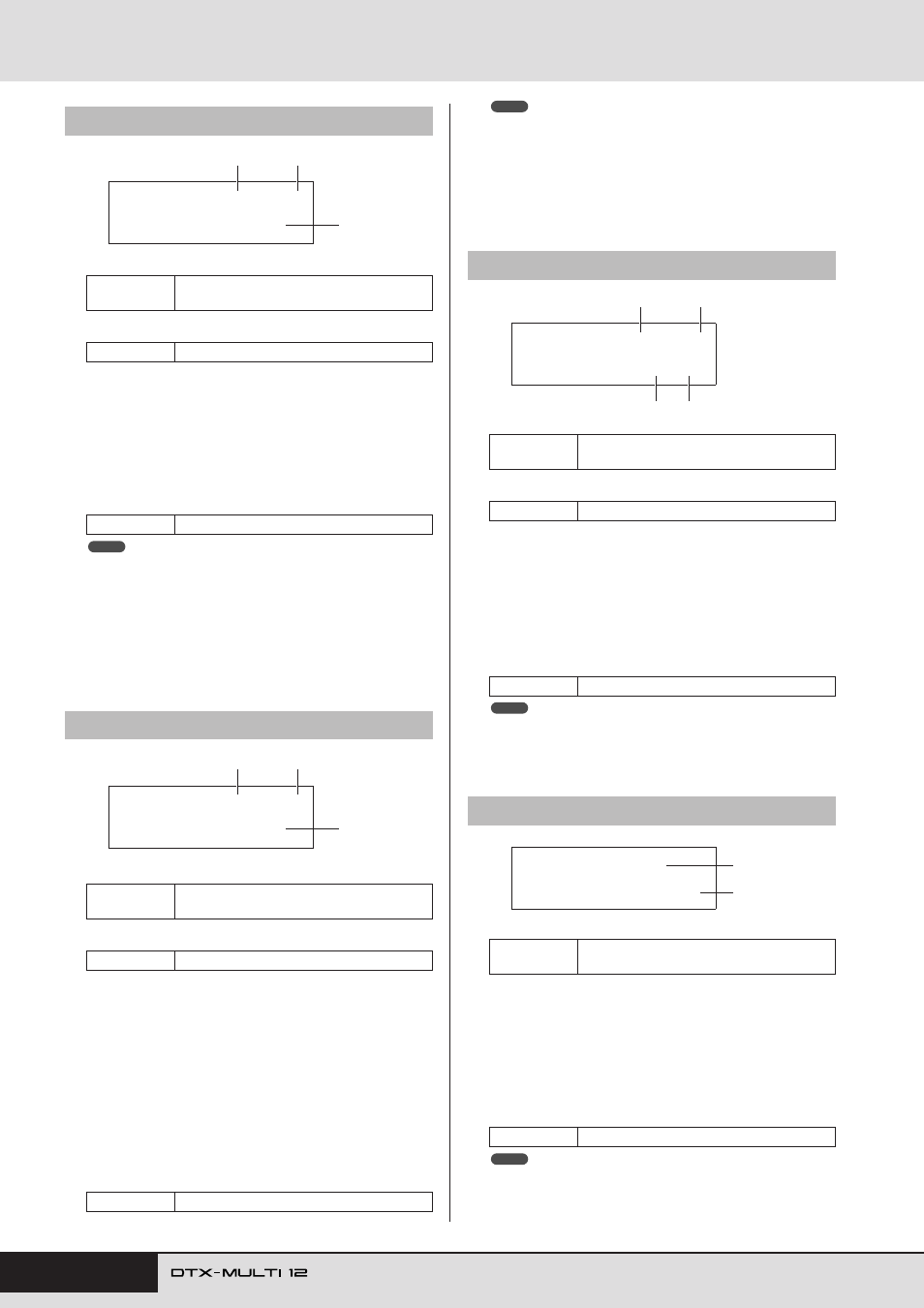
Page 64: Trigger velocity page, Midi1-4≥-º¡-≥≥≥ç ≥gatetime=0.0s, Midi1-5≥-º¡-≥≥≥ç ≥rcvkeyoff=off, Midi1-7≥-º¡-≥≥≥ trgvel=variable
64
Owner’s Manual
MIDI Setting Area (MIDI)
1
Pad number
B
Layer number
C
Gate time
Use this parameter to set a gate time for MIDI notes sent for
the layer indicated by
2
. A MIDI Note On message is sent
when a pad is struck, and the corresponding Note Off mes-
sage is sent a short time later. The duration between sending
of these signals is referred to as the “gate time”, and by
adjusting this setting, you can control the duration of MIDI
notes.
• If no note numbers have been assigned to any of the pad’s layers (A to
D) on the MIDI Note page (MIDI1-2), this setting will be displayed as “-
--” and modification will not be possible.
• If “hold” has been selected on the Playing Mode page (MIDI1-1), this
setting will be displayed as “---” and modification will not be possible.
• MIDI Note Off signals are not sent for pads set to “off” on the Receive
Key-Off page (MIDI1-5). If you want to set a gate time, therefore, be
sure to set RcvKeyOff to “on”.
1
Pad number
B
Layer number
C
Receive key-off (RcvKeyOff)
Use this parameter to set whether or not MIDI Note Off mes-
sages will be sent for the layer indicated by
2
. Most drum
voices are one-shot sounds that decay over time until they
become silent; therefore, MIDI Note Off messages are not
needed to stop them. As such, this parameter should normally
be set to “off”. If, however, a non-decaying sound is assigned
to a pad or layer, you can ensure that the required MIDI Note
Off message is sent by setting this parameter to “on”. In addi-
tion, you can adjust the amount of time that passes between
striking of the pad and sending MIDI Note Off messages
using the Gate Time page (MIDI1-4).
• If no note numbers have been assigned to any of the pad’s layers (A to
D) on the MIDI Note page (MIDI1-2), this setting will be displayed as “-
--” and modification will not be possible.
• Sending of MIDI Note Off messages is automatically turned on when-
ever a MIDI Channel other than 10 has been selected on the MIDI
Channel page (MIDI1-3). In such a case, therefore, this setting will be
displayed as “---” and modification will not be possible.
1
Pad number
B
Layer number
C
Velocity lower limit
D
Velocity upper limit
Use these parameters to set the range of velocities that will
cause the layer indicated by
2
to send a MIDI note message.
The term “velocity” refers to the speed (or power) with which
a pad is struck. By setting upper and lower limits using these
parameters, you can prevent sounds from being produced
when the pad is struck too hard or too soft.
• If no note numbers have been assigned to any of the pad’s layers (A to
D) on the MIDI Note page (MIDI1-2), these settings will be displayed
as “---” and modification will not be possible.
1
Pad number
B
Trigger velocity (TrgVel)
Use this parameter to control the velocity value of MIDI notes
to be sent whenever the pad indicated by
1
is struck.
• variable..... MIDI velocity values will reflect the strength
with which the pad is struck.
• 1 – 127...... MIDI notes are sent with this fixed velocity
value, regardless of how hard or soft the pad is
struck.
• If no note numbers have been assigned to any of the pad’s layers (A to
D) on the MIDI Note page (MIDI1-2), this setting will be displayed as “-
--” and modification will not be possible.
• No sound will be produced if TrgVel
2
is set to a value outside the lim-
its set on the Velocity Limits page (MIDI1-6).
MIDI1-4
Gate Time page
Settings
01 to 12, 13, 13R1, 13R2, 14 to 17, FTSW,
HHCL, or HHSP
Settings
A, B, C, or D
Settings
0.0s to 9.9s
MIDI1-5
Receive Key-Off page
Settings
01 to 12, 13, 13R1, 13R2, 14 to 17, FTSW,
HHCL, or HHSP
Settings
A, B, C, or D
Settings
off or on
MIDI1-4≥-º¡-≥≥≥ç
≥GateTime=0.0s
3
1
2
NOTE
MIDI1-5≥-º¡-≥≥≥ç
≥RcvKeyOff=off
3
1
2
MIDI1-6
Velocity Limits page
Settings
01 to 12, 13, 13R1, 13R2, 14 to 17, FTSW,
HHCL, or HHSP
Settings
A, B, C, or D
Settings
0 to 127
MIDI1-7
Trigger Velocity page
Settings
01 to 12, 13, 13R1, 13R2, 14 to 17, FTSW,
HHCL, or HHSP
Settings
variable or 1 to 127
NOTE
MIDI1-6≥-º¡-≥≥≥ç
VelLimit=≥≥0-127
3
4
1
2
NOTE
MIDI1-7≥-º¡-≥≥≥
TrgVel=variable
1
2
NOTE