Select pattern, Looping, tempo & pattern names, Pattern loop page – Yamaha DTX-Multi12 Multi-Pad Electronic Percussion Instrument User Manual
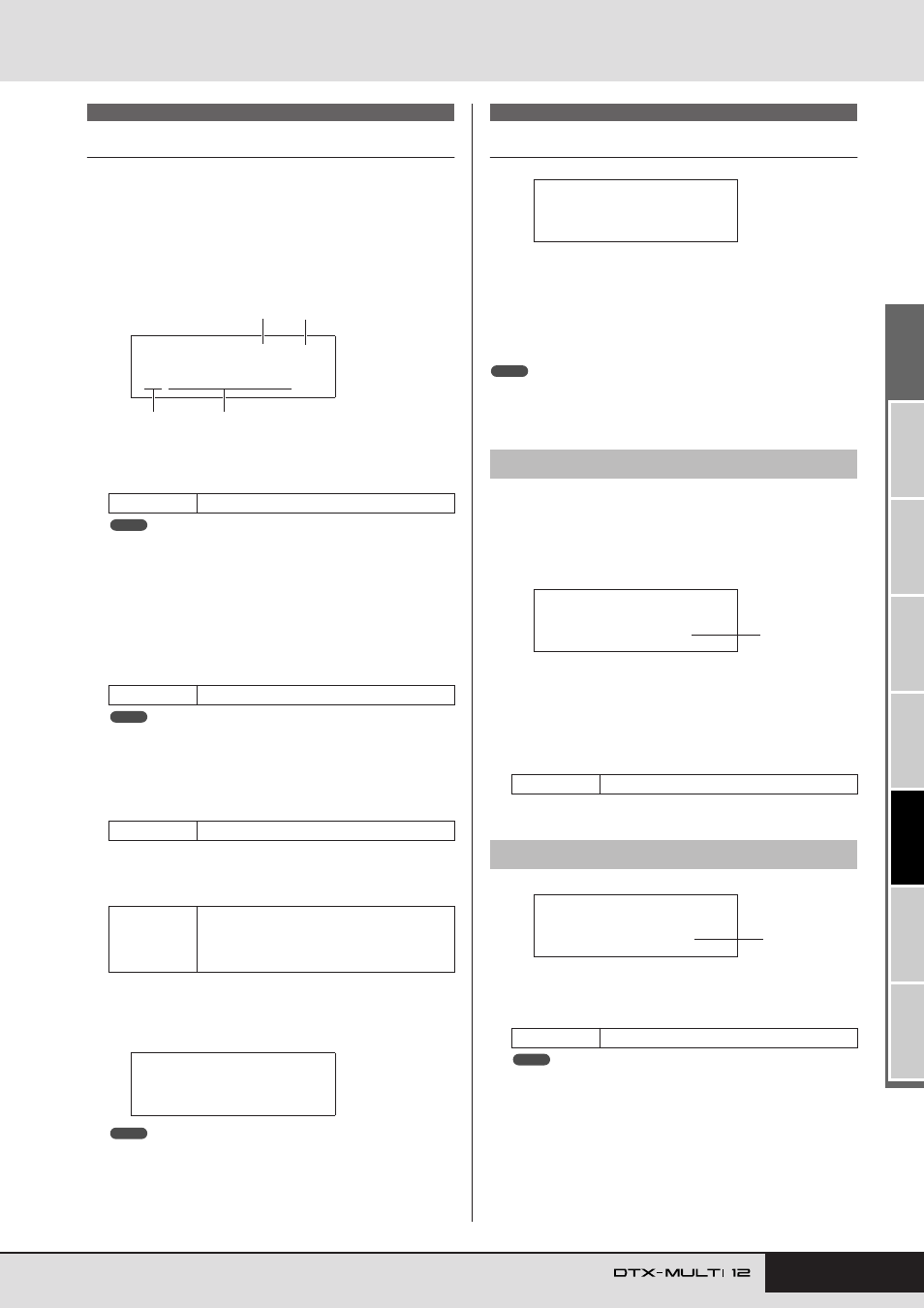
Page 75: Pattern tempo page, Ptn2 ≥≥≥≥≥common, Ptn2-1≥≥<common> ≥≥≥≥loop=off
TRIGGER
Ref
erence
KIT
MIDI
V
OICE
UTILITY
W
A
VE
PA
TTERN
PATTERN Setting Area (PTN)
Owner’s Manual
75
Select Pattern
On the Select Pattern page (PTN1), you can select and play pat-
terns and also set their tempo and time signature. To access this
page, press the [PTN] button, and if necessary, the [
B
]/[
C
] but-
tons. If you again press the [PTN] button with this page displayed,
the selected pattern will start to play. To stop playback, press the
[PTN] button once again with the Select Pattern page (PTN1) dis-
played. Whenever you want to edit or record a pattern, further-
more, be sure to select it first on this page.
1
Tempo
Use this parameter to set the tempo at which the selected pat-
tern will be played.
• Whenever you select a new pattern, its tempo will be set automatically.
• The Tempo parameter’s setting will be displayed as “ext” and modifica-
tion will not be possible if “ext” has been selected on the UTILITY
area’s MIDI Sync page (UTIL6-6) or if “auto” has been selected on that
page and MIDI clock messages are being received from an external
device.
B
Time signature
Use this parameter to set the time signature for playback of
the selected pattern.
• Whenever you select a new pattern, its time signature will be set auto-
matically.
C
Pattern category
Use this parameter to select either the Preset (
P) or User
(
U) pattern category.
D
Pattern number: Pattern name
Use these parameters to select the pattern to be played,
recorded, or processed.
Whenever a demo pattern (P001 to P003) is being played, a
page similar to that shown below will be displayed and modi-
fication of the tempo or time signature will not be possible.
• Playback of the click track or of patterns assigned to pads will be
stopped whenever playback of a demo pattern is started.
• Playback of demo patterns can be stopped by pressing any button
other than [SHIFT].
Looping, Tempo & Pattern Names
In the COMMON section, you can specify whether the currently
selected pattern is to be played repeatedly as a loop, and you can
also set its tempo and name. With the COMMON page (PTN2)
displayed, press the [ENTER] button to access its three parame-
ter-setting pages (PTN2-1 to PTN2-3). You can use the [
B
]/[
C
]
buttons to navigate between these pages.
• This section can be used only with User patterns. If a Preset pattern has
been selected, the [ENTER] button will not open a parameter-setting page.
Using the Pattern Loop page, you can specify whether or not the
selected pattern is to be played repeatedly as a loop. The selection
made on this page will apply regardless of whether the pattern is
played using the [
A
] button or by striking a pad to which it
has been assigned.
1
Loop
If “on” is selected for this parameter, playback of the pattern
will start again from the beginning whenever it finishes (i.e.,
looped playback). When set to “off”, the pattern will be
played once to the end and will then stop (i.e., one-shot play-
back).
1
Tempo
Use this parameter to set a tempo for playback of the selected
pattern.
• If the pattern is assigned to a kit, the kit’s tempo setting (see page 47)
will take priority over this setting.
PTN1
Settings
30 to 300
Settings
1/4 to 16/4, 1/8 to 16/8, or 1/16 to 16/16
Settings
P or
U
Settings
With “
P” (Preset pattern) selected: 001 to
128
With “
U” (User pattern) selected: 001 to
050
PTN1≥≥≥ƒ=120≥4/4
©P001:Demo≥01
3
1
2
4
NOTE
NOTE
≥<<Demo≥01>>
P001:PercsMaster
NOTE
PTN2 COMMON
PTN2-1
Pattern Loop page
Settings
off or on
PTN2-2
Pattern Tempo page
Settings
30 to 300
PTN2
≥≥≥≥≥COMMON
NOTE
PTN2-1≥≥<COMMON>
≥≥≥≥Loop=off
1
PTN2-2≥≥<COMMON>
≥≥≥Tempo=120
1
NOTE