Click-track midi page, Util2-5-2<click> ≥≥midi≥out=off – Yamaha DTX-Multi12 Multi-Pad Electronic Percussion Instrument User Manual
Page 85
TRIGGER
Ref
erence
KIT
MIDI
V
OICE
UTILITY
WA
V
E
PA
TTERN
UTILITY Setting Area (UTIL)
Owner’s Manual
85
From the Click-track MIDI page (UTIL2-5), you can set a range
of MIDI parameters related to the click track. With this page dis-
played, press the [ENTER] button to access a further four param-
eter-setting pages (UTIL2-5-1 to UTIL2-5-4). You can use the
[
B
]/[
C
] buttons to navigate between these pages.
UTIL2-5-1
Click-track MIDI In page
1
MIDI IN
Use this parameter to specify whether or not click-track
sounds are to be produced based on MIDI Note On messages
received via the MIDI IN connector. When set to “on”, the
DTX-MULTI 12 operates as follows:
• A click-track accent sound will be produced upon the
receipt of a MIDI note with the note number set on the
Accent Note Number page (UTIL2-5-3).
• A click-track quarter note sound will be produced upon the
receipt of a MIDI note with the note number set on the
Quarter-Note Note Number page (UTIL2-5-4).
UTIL2-5-2
Click-Track MIDI Out page
1
MIDI OUT
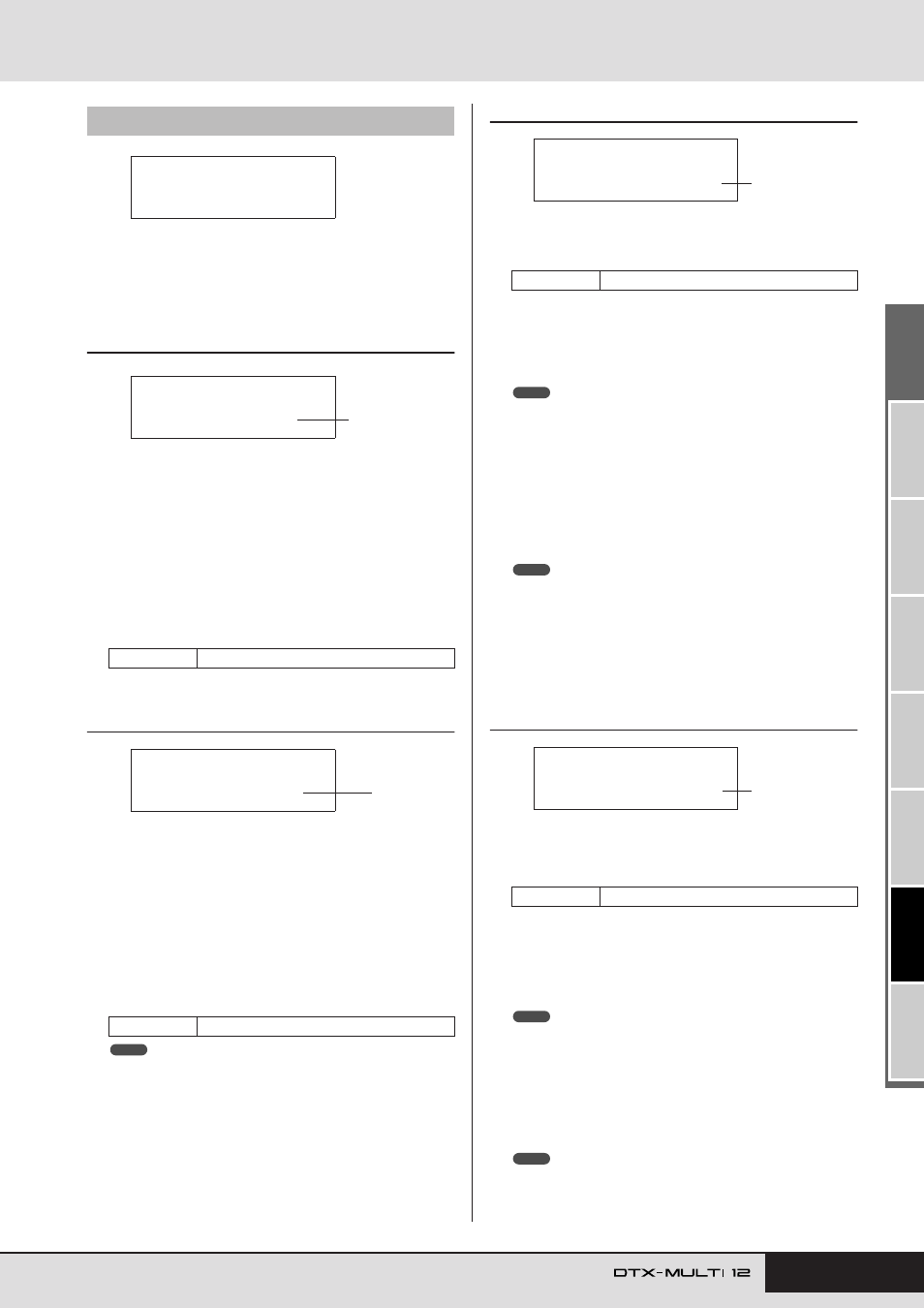
Use this parameter to turn the output of click-track MIDI
events (i.e., MIDI Note On messages) on and off. When set to
“on”, the DTX-MULTI 12 operates as follows:
• A MIDI note with the note number set on the Accent Note
Number page (UTIL2-5-3) will be produced for each click-
track accent sound.
• A MIDI note with the note number set on the Quarter-Note
Note Number page (UTIL2-5-4) will be produced for each
click-track quarter note sound.
• Regardless of this parameter’s setting, no MIDI Note On messages
can be produced for click-track sounds other than accents and quarter
notes.
UTIL2-5-3
Accent Note Number page
1
Accent note number (NoteAcc)
Use this parameter to assign a MIDI note number to click-
track accent sounds.
• If “on” is selected on the Click-track MIDI In page
(UTIL2-5-1), a click-track accent sound will be produced
each time a MIDI note with the note number set here is
received.
• If “off” is selected on this page (UTIL2-5-3), no click-track accent
sounds will be produced in response to received MIDI notes.
• If the same value is set on this page (UTIL2-5-3) and on the Quarter-
Note Note Number page (UTIL2-5-4), the same sound will be pro-
duced for all beat timings.
• If “on” is selected on the Click-Track MIDI Out page
(UTIL2-5-2), a MIDI Note On message with the note num-
ber set here will be produced for each click-track accent
sound.
• If “off” is selected both on this page (UTIL2-5-3) and on the Quarter-
Note Note Number page (UTIL2-5-4), no MIDI Note On messages will
be output for click-track sounds. If, however, “off” is selected on this
page (UTIL2-5-3) but a setting other than “off” is selected on the Quar-
ter-Note Note Number page (UTIL2-5-4), MIDI Note On messages
with the corresponding note number will be output for all click-track
sounds.
UTIL2-5-4
Quarter-Note Note Number page
1
Quarter-note note number (Note
q
q
q
q
)
Use this parameter to assign a MIDI note number to click-
track quarter note sounds.
• If “on” is selected on the Click-track MIDI In page
(UTIL2-5-1), a click-track quarter-note sound will be pro-
duced each time a MIDI note with the note number set here
is received.
• If “off” is selected on this page (UTIL2-5-4), no click-track quarter-note
sounds will be produced in response to received MIDI notes.
• If “on” is selected on the Click-Track MIDI Out page
(UTIL2-5-2), a MIDI Note On message with the note num-
ber set here will be produced for each click-track quarter-
note sound.
• If “off” is selected on this page (UTIL2-5-4), no MIDI Note On mes-
sages will be produced for click-track quarter-note sounds.
UTIL2-5
Click-track MIDI page
Settings
off or on
Settings
off or on
UTIL2-5
≥≥≥Click≥MIDI
UTIL2-5-1<CLICK>
≥≥MIDI≥IN=off
1
UTIL2-5-2<CLICK>
≥≥MIDI≥OUT=off
1
NOTE
Settings
off or C#-2 to F#8
Settings
off or C#-2 to F#8
UTIL2-5-3<CLICK>
NoteA…=C#-1/≥13
1
NOTE
NOTE
UTIL2-5-4<CLICK>
≥Noteƒ=C#-1/≥13
1
NOTE
NOTE