Load file page – Yamaha DTX-Multi12 Multi-Pad Electronic Percussion Instrument User Manual
Page 94
94
Owner’s Manual
UTILITY Setting Area (UTIL)
4
When you have set a file name, press the [ENTER]
button.
You will be asked to confirm that the data is to be saved. To
proceed, press the [ENTER] button. Alternatively, you can
press the [EXIT] button to return to Step 3 above without sav-
ing.
If a file of the same name already exists, you will be asked to
confirm whether it is to be overwritten as shown below. If you
want to set a different file name to avoid overwriting, press the
[EXIT] button to return to the Name page (UTIL7-1-2).
5
Press the [ENTER] button to save the file.
The following message will be displayed as the data is being
saved. If you press the [EXIT] button at this time, the save
process will be aborted and the display will return to the
Name page (UTIL7-1-2).
When the file has been saved, the display will return to the
Save File page (UTIL7-1).
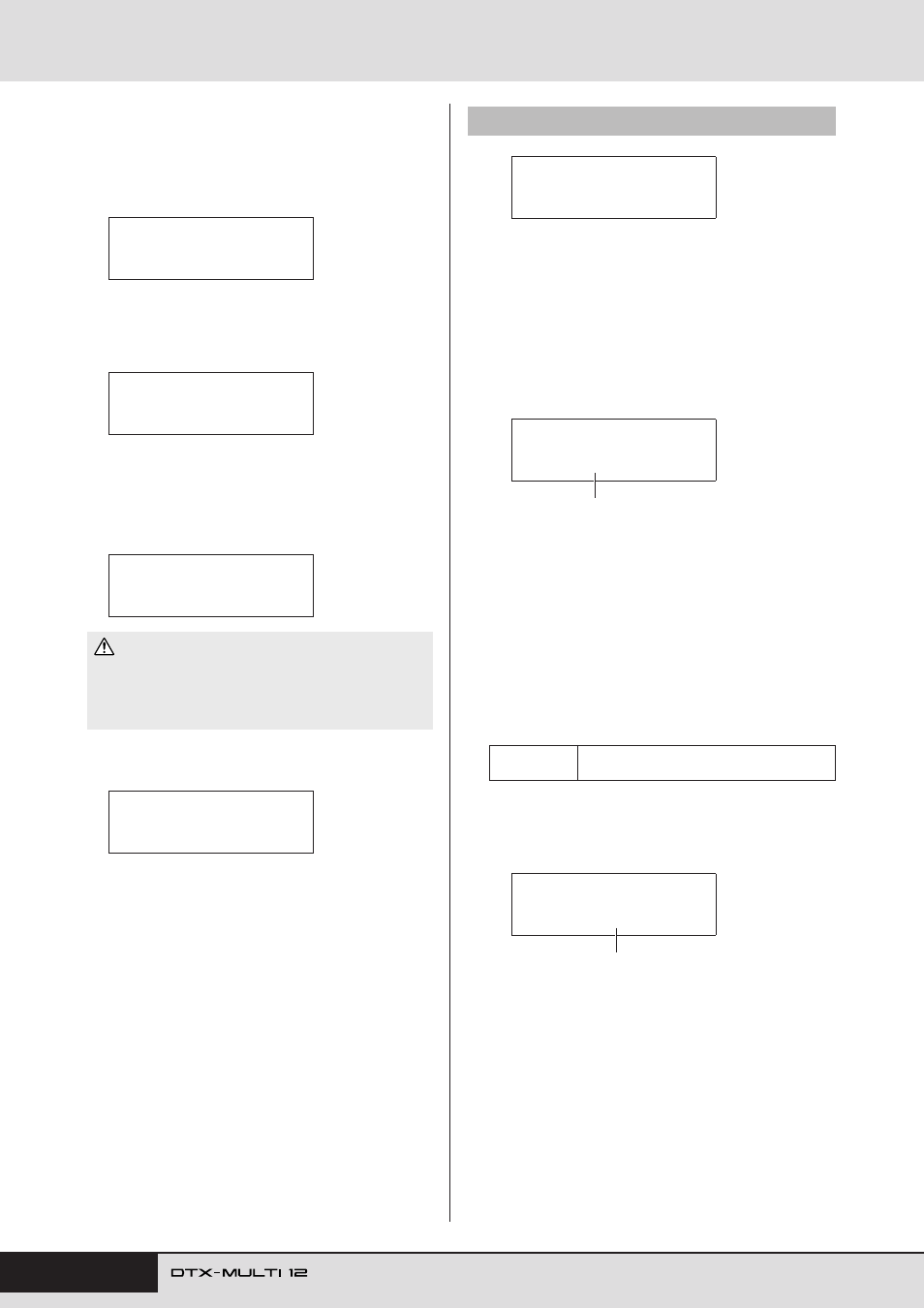
From the Load File page, you can load files previously saved on a
USB memory device into the DTX-MULTI 12.
1
Plug the USB memory device containing the
required files into the USB TO DEVICE port on the
side of the DTX-MULTI 12.
2
Navigate to the Load File page (UTIL7-2) and press
the [ENTER] button.
The Type page (UTIL7-2-1) will open.
The Type parameter specifies the types of file to be loaded.
• All ............... All user data – i.e., all User kits, all waves, all
User patterns, all User triggers, and utility set-
tings.
• AllKit .......... All User-kit data
• Kit ............... A single User kit
• AllWave....... All wave data
• Wave............ A single wave
• AllPattern .... All User-pattern data
• Pattern ......... A single User pattern
• AllTrigger.... All User-trigger data
• Trigger......... A single User trigger setup
• Utility .......... Utility settings
3
Specify a file type using the Type parameter, and
press the [ENTER] button.
The File page (UTIL7-2-2) will open.
Select the file to be loaded using the [-/DEC] and [+/INC]
buttons. Only those files matching your selection on the Type
page (UTIL7-2-1) will be presented for loading. If you are
loading a single file, you will first of all need to select the All
file that contains it (for example, when loading a single drum
kit, you first select a file saved with the type “AllKit”). It is
not, however, possible to load a single file when an All type
has been selected for loading.
• Do not unplug the USB memory device from the USB TO
DEVICE port or turn off either the memory device or the DTX-
MULTI 12 while data is being saved. Failure to observe this pre-
caution can lead to the memory device or the DTX-MULTI 12
being permanently damaged.
≥≥≥Save≥File
≥Are≥you≥sure?
≥≥≥Save≥File
≥≥≥Overwrite?
≥Now≥saving...
[EXIT]≥to≥cancel
CAUTION
UTIL7-1≥≥≥<FILE>
≥≥≥Save≥File
UTIL7-2
Load File page
Settings
All, AllKit, Kit, AllWave, Wave, AllPattern,
Pattern, AllTrigger, Trigger, or Utility
UTIL7-2≥≥≥<FILE>
≥≥≥Load≥File
UTIL7-2-1≥<FILE>
Type=All
File type
UTIL7-2-2≥<FILE>
≥File=ALL_DATA
File name