Util7-2≥≥≥<file> ≥≥≥load≥file – Yamaha DTX-Multi12 Multi-Pad Electronic Percussion Instrument User Manual
Page 95
TRIGGER
Ref
erence
KIT
MIDI
V
OICE
UTILITY
WA
V
E
PA
TTERN
UTILITY Setting Area (UTIL)
Owner’s Manual
95
4
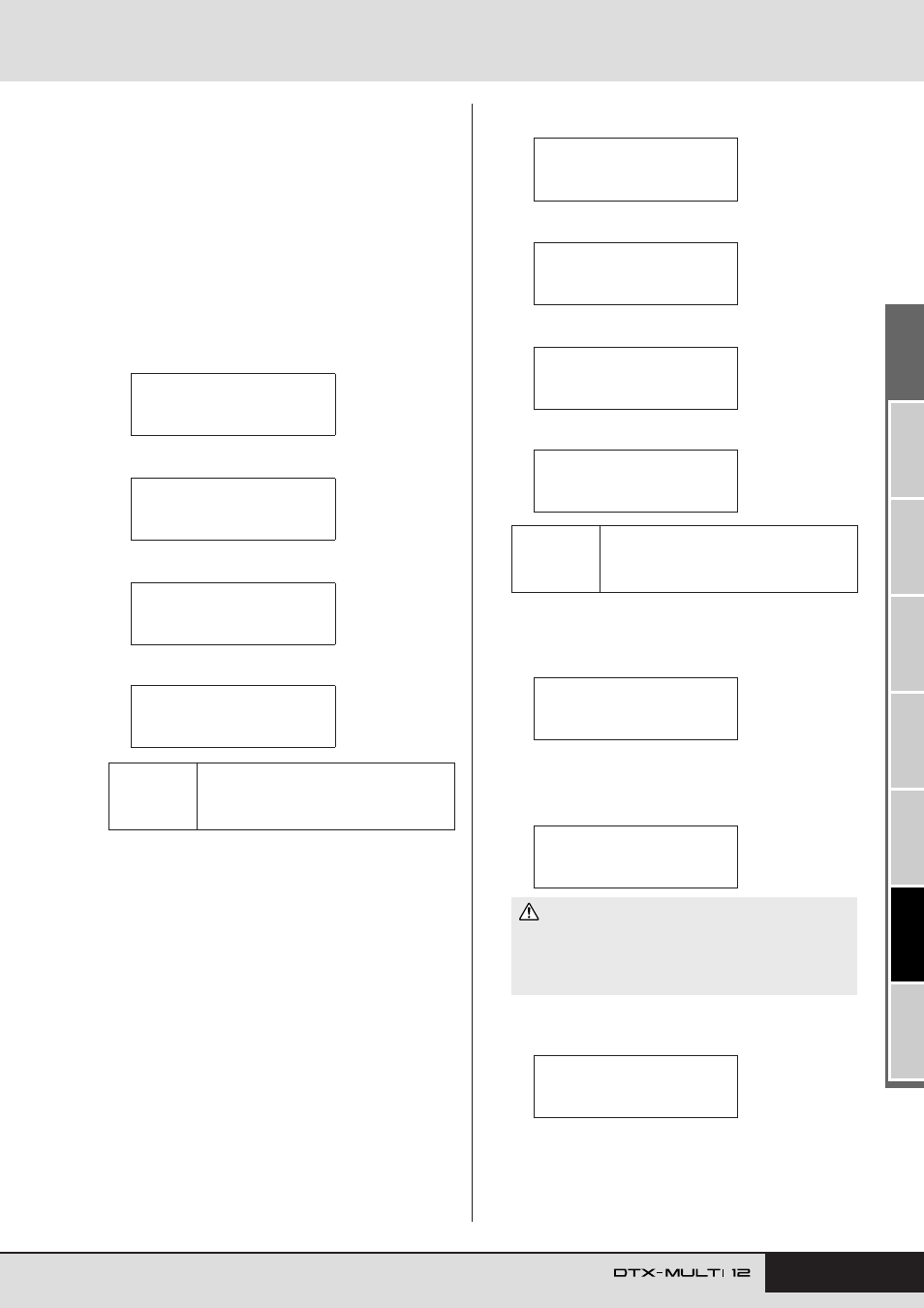
When you have selected the file to be loaded, press
the [ENTER] button.
If “All”, “AllKit”, “AllWave”, “AllPattern”, “AllTrigger”,
or “Utility” was selected:
The applicable page from Step 8 below will be displayed.
If “Kit”, “Wave”, “Pattern”, or “Trigger” was selected:
The applicable page from Step 5 below will be displayed.
5
Select the required package of data from inside the
selected file.
You can scroll through the available data using the [-/DEC]
and [+/INC] buttons.
6
When you have selected the file to be loaded, press
the [ENTER] button.
7
Select a destination for the data to be loaded.
The [-/DEC] and [+/INC] buttons can be used to select the
number of the User kit, wave, User pattern, or User trigger to
be overwritten with the loaded data.
8
When you have selected the file to be loaded, press
the [ENTER] button.
You will be asked to confirm that the data is to be loaded.
9
To proceed, press the [ENTER] button.
The following message will be displayed as the data is being
loaded.
When the data has been loaded, the display will return to the
Load File page (UTIL7-2).
Settings
Kit: U001 to U200
Wave: WV001 to WV500
Pattern:
e
U001 to
e
U050
Trigger: U01 to U10
UTIL7-2-3≥≥<Src>
U001:MyKit
UTIL7-2-3≥≥<Src>
WV001:MyWave
UTIL7-2-3≥≥<Src>
©U001:MyPtn
UTIL7-2-3≥≥<Src>
U01:MyTrigger
If “Kit” was selected:
If “Wave” was selected:
If “Pattern” was selected:
If “Trigger” was selected:
Settings
Kit: U001 to U200
Wave: WV001 to WV500
Pattern:
e
U001 to
e
U050
Trigger: U01 to U10
• Do not unplug the USB memory device from the USB TO
DEVICE port or turn off either the memory device or the DTX-
MULTI 12 while data is being loaded. Failure to observe this
precaution can lead to the memory device or the DTX-MULTI 12
being permanently damaged.
UTIL7-2-4≥≥<Dst>
U001:User≥Kit
UTIL7-2-4≥≥<Dst>
WV001:Empty≥Wave
UTIL7-2-4≥≥<Dst>
©U001:Empty≥Ptn
UTIL7-2-4≥≥<Dst>
U01:User≥Trigger
If “Kit” was selected:
If “Wave” was selected:
If “Pattern” was selected:
If “Trigger” was selected:
≥≥≥Load≥File
≥Are≥you≥sure?
Now≥loading.....
[EXIT]≥to≥cancel
CAUTION
UTIL7-2≥≥≥<FILE>
≥≥≥Load≥File