Extracting the speaking portions of files of, Spoken-word content [voice detect, Extracting the speaking portions – Olympus LS-P5 Linear PCM Recorder User Manual
Page 105: Of files of spoken-word content [voice, Detect, P.105) for more information
105
EN
4
Menu
The function extracts the speech portions of a voice file or a file being recorded by the
voice recorder.
•
The [
Voice Detect
] function can only be used in [
Recorder
] mode.
NOTE
•
To extract the speech portion from
saved files, select a folder from the
[
Recorder
] folder beforehand.
1
Press the
MENU/SCENE
button while the voice recorder
is in stop mode.
2
Press the
`
OK
button to
move the cursor into the list of
setting items.
3
Press the
`
OK
button.
4
Press the
+
or - button to
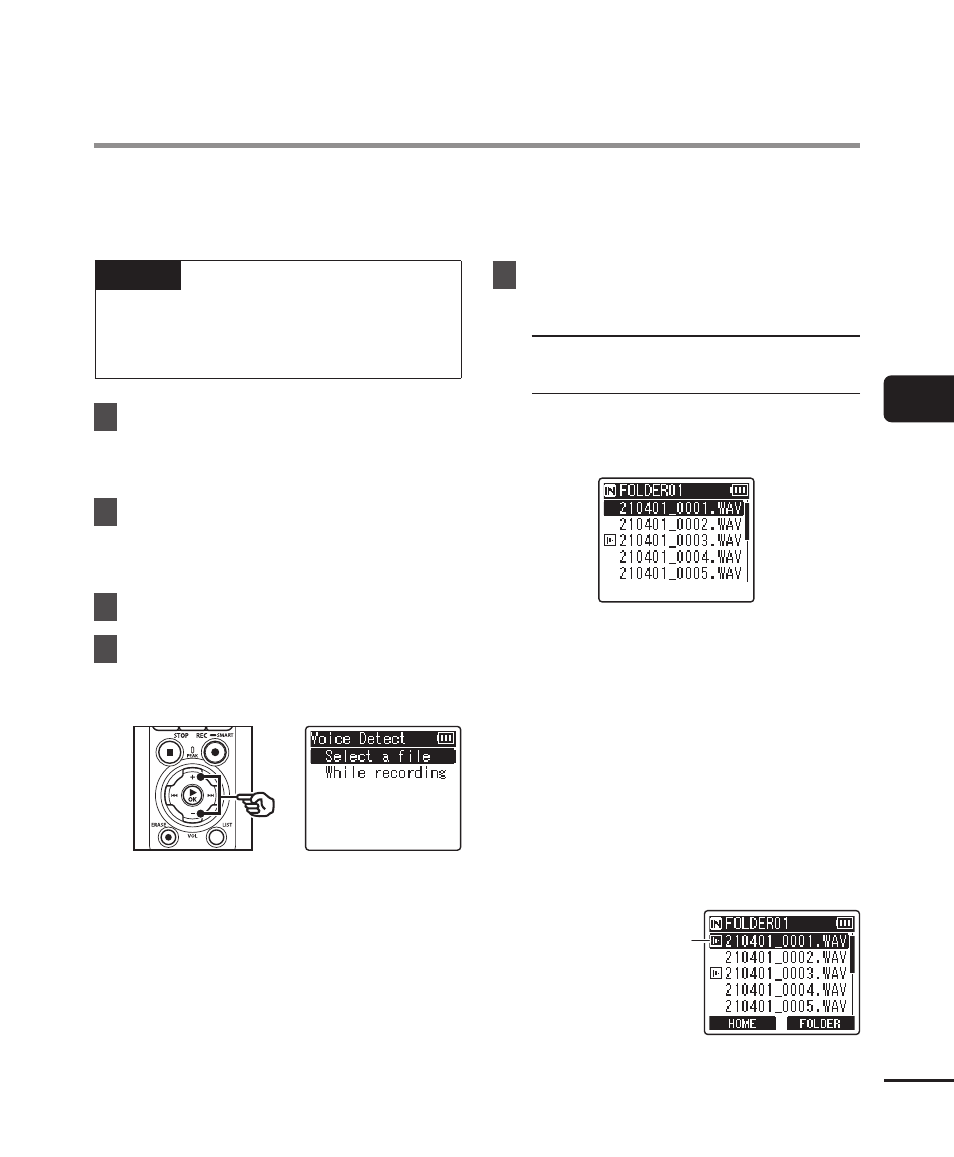
select [Select a file] or [While
recording].
[
Select a file
]:
Select a file for which you want to
extract the speech portion.
[
While recording
]:
Extract the speech portion while
recording.
5
Press the
`
OK
button to move
to the respective setting.
When [Select a file] is
selected
1
Press the
+
or
−
button to select
the desired file in which you want
to detect voice.
2
Press the
`
OK
button.
• The progress of the operation
is shown as a percentage in the
display.
• [
Voice Detection completed
]
appears when the process has
finished.
3
Press the
STOP
(
4
) button to exit
the menu screen.
• Files created via voice detection
are indicated by icons in the file
list.
File created via voice
detection
Extracting the speaking portions of files
of spoken-word content [Voice Detect]