Moving/copying files [move/copy – Olympus LS-P5 Linear PCM Recorder User Manual
Page 109
109
EN
4
Menu
Moving/copying files [Move/Copy]
9
Press the
`
OK
button to
continue to the next setting.
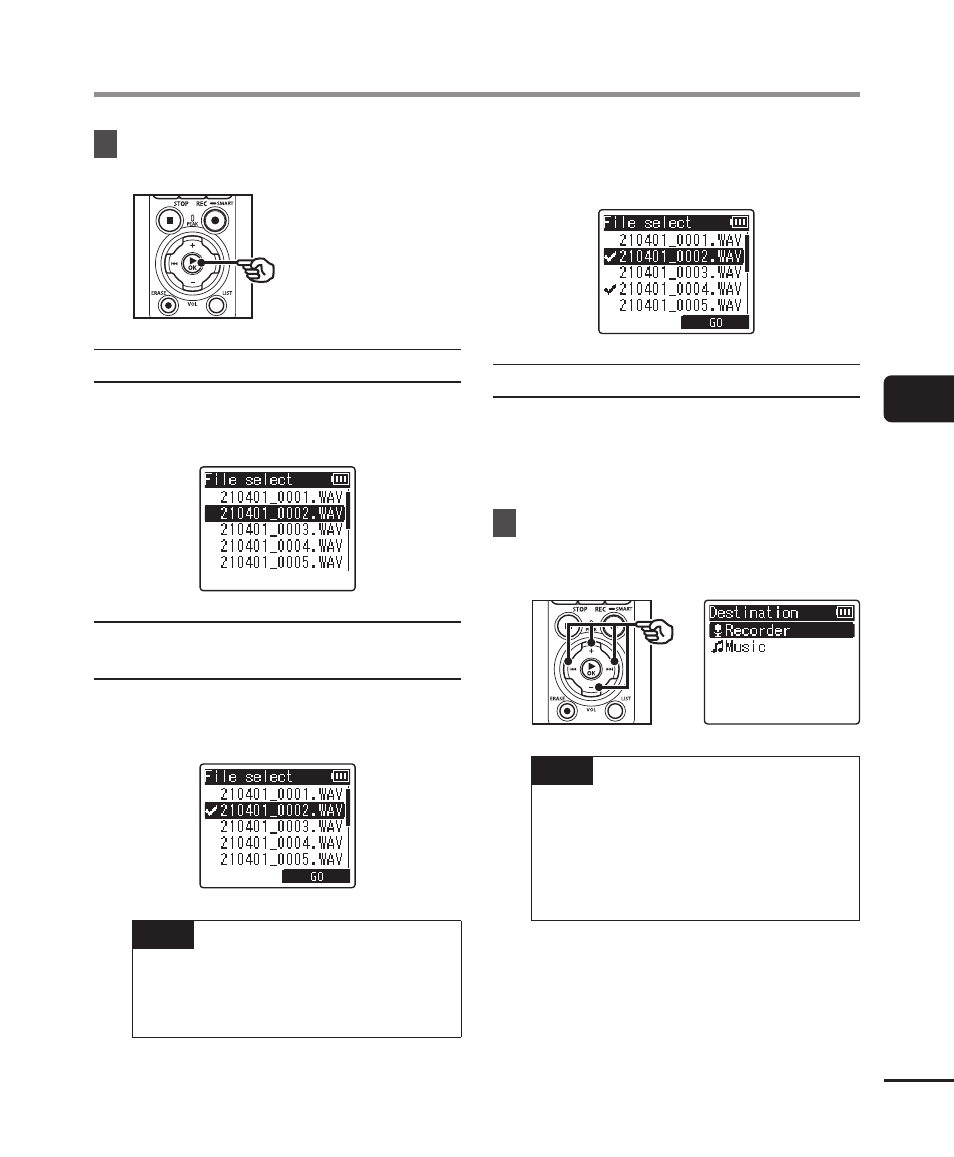
When [One file] was selected
1
Press the
+
or
−
button to select
the file to move or copy, then
press the
`
OK
button.
When [Selected files] was
selected
1
Press the
+
or
−
button to select
a file to move or copy, then press
the
`
OK
button.
TIP
•
You can deselect a previously
selected file by selecting it and
pressing the
`
OK
button again.
2
Repeat Step
1
to select all the
files you want to move or copy,
then press the
F2
button.
When [All files] was selected
All the files in the current folder
are selected automatically, and the
display switches to the [
Destination
]
screen.
10
Press the
+
,
−
,
9
or
0
button to select the folder to
move or copy the files to.
TIP
•
Files cannot be moved or copied
directly within the [
Recorder
]
folder. Press the
9
or
0
button to select a folder in the
[
Recorder
] folder.