Moving/copying files [move/copy – Olympus LS-P5 Linear PCM Recorder User Manual
Page 110
110
EN
4
Menu
Moving/copying files [Move/Copy]
11
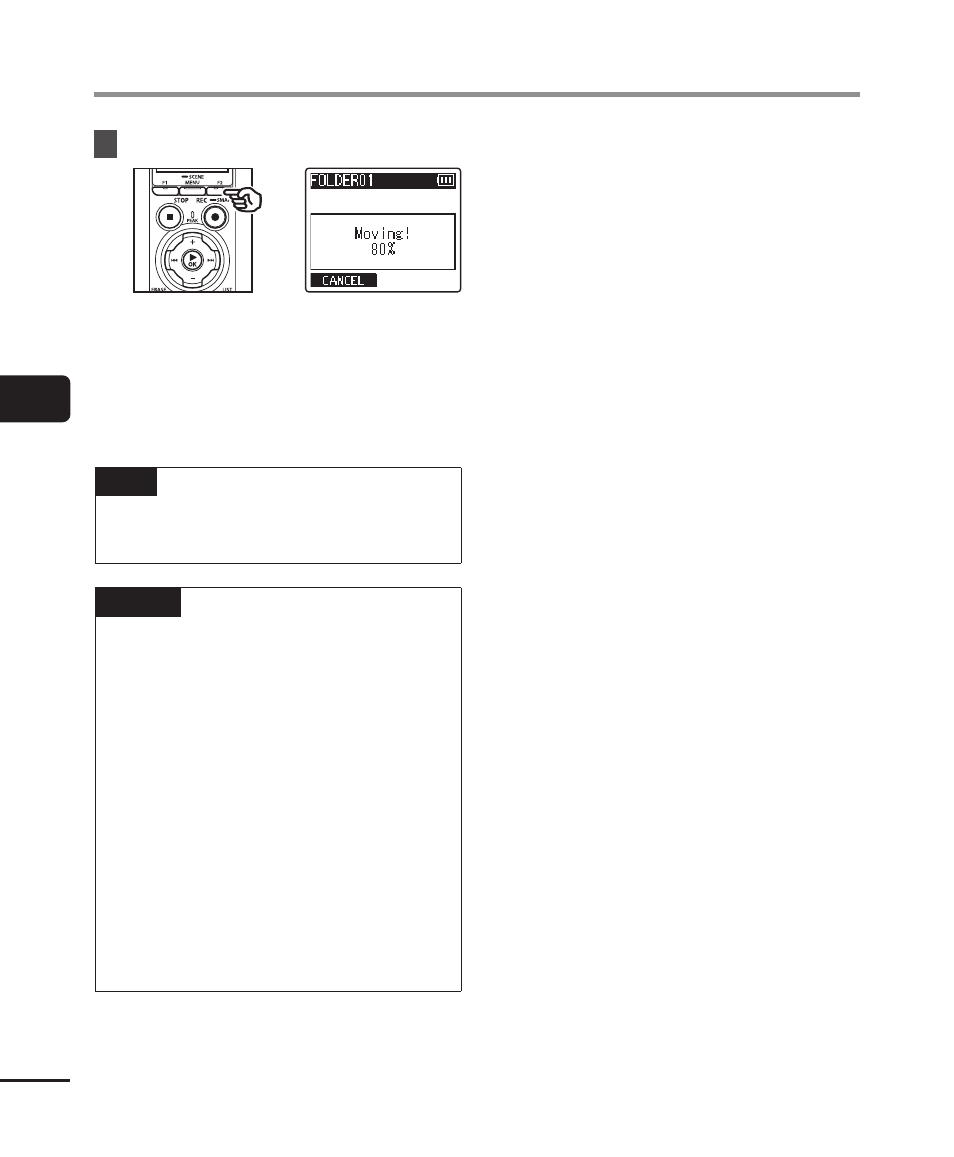
Press the
F2
button.
•
The progress of the operation
is shown as a percentage in the
display.
•
[
File move completed
] or [
File
copy completed
] appears when the
process has finished.
TIP
•
Locked files (
☞
) remain
locked after being moved or copied.
NOTE
•
Files cannot be copied if there is
insufficient remaining memory.
•
Files cannot be moved or copied if
there are over 200 files.
•
To prevent the risk of data damage,
never remove the batteries while
moving or copying a file.
•
Files cannot be moved or copied
within the same folder.
•
When a file moving or copying
process is canceled before
completion, the files that completed
the process will have been moved or
copied, and process is canceled for
the other files.