Trimming a file [trimming – Olympus LS-P5 Linear PCM Recorder User Manual
Page 116
116
EN
4
Menu
Trimming a file [Trimming]
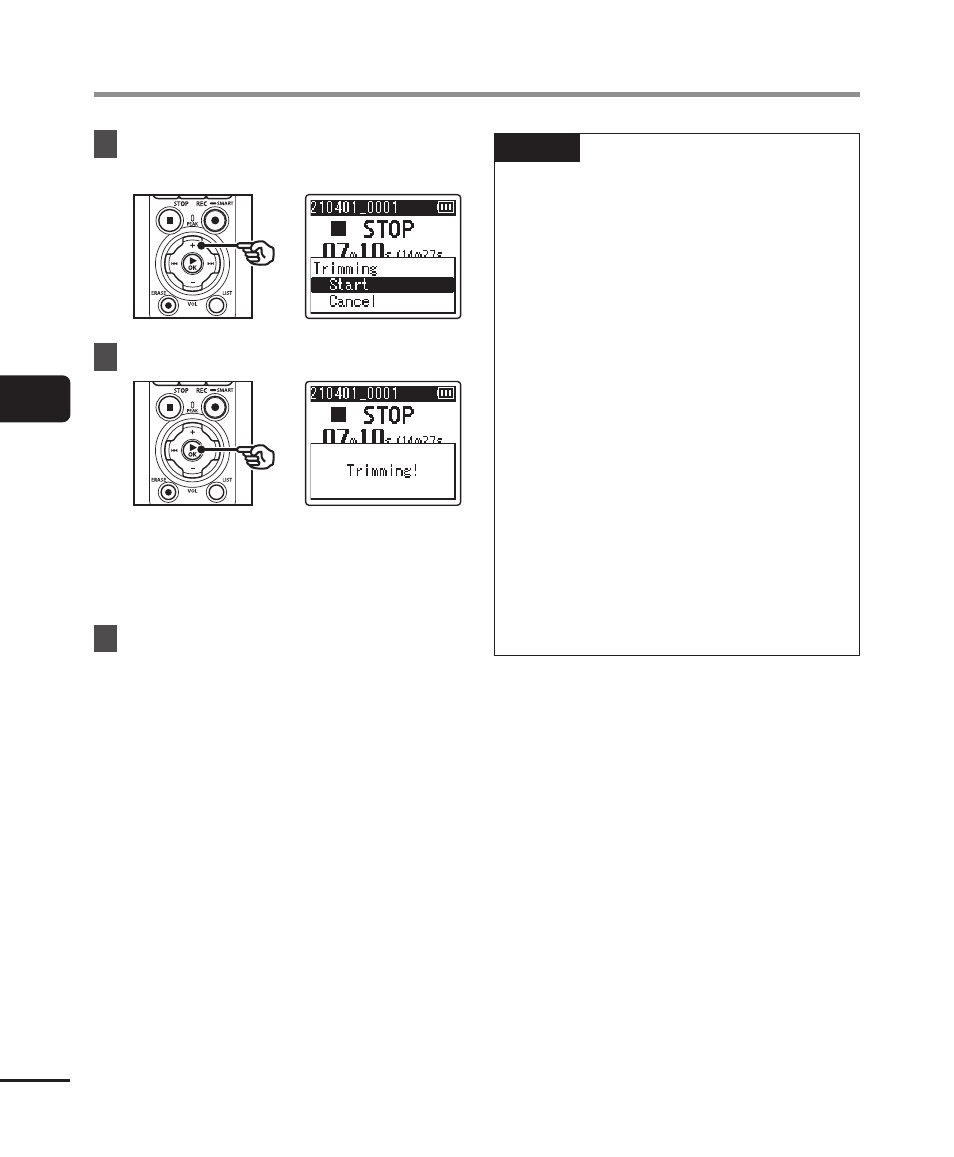
9
Press the
+
button to select
[Start].
10
Press the
`
OK
button.
•
[
Trimming!
] appears in the display,
and the file trimming process starts.
[
Trimming completed
] appears
when the process has finished.
11
Press the
STOP
(
4
) button to
exit the menu screen.
NOTE
•
If a file has an extremely short
recording time, it may not be trimmed
even if it is a PCM file.
•
Locked files and read-only files
cannot be trimmed (
☞
•
Before trimming a file, charge or
replace the batteries to ensure
they will not run out before the
process has finished. Trimming
processes can take over 10 seconds
to complete. To prevent the risk
of damage to data, never attempt
to perform any of the following
processes before a trimming process
has finished:
•
Disconnecting the AC adapter
•
Removing the batteries
•
Removing the microSD card (if the
recording media has been set to
[
microSD card
]).