Using overdubbing [over dubbing, Using overdubbing [over, Dubbing – Olympus LS-P5 Linear PCM Recorder User Manual
Page 125: P.125) for the procedure, P.125)
125
EN
4
Menu
Choosing a Recording Method [Fn Rec]
Using Overdubbing [Over Dubbing]
You can overdub a file while listening to its playback sound. The overdubbed file is saved
with a different name. This function is useful for composing music or practicing musical
instruments.
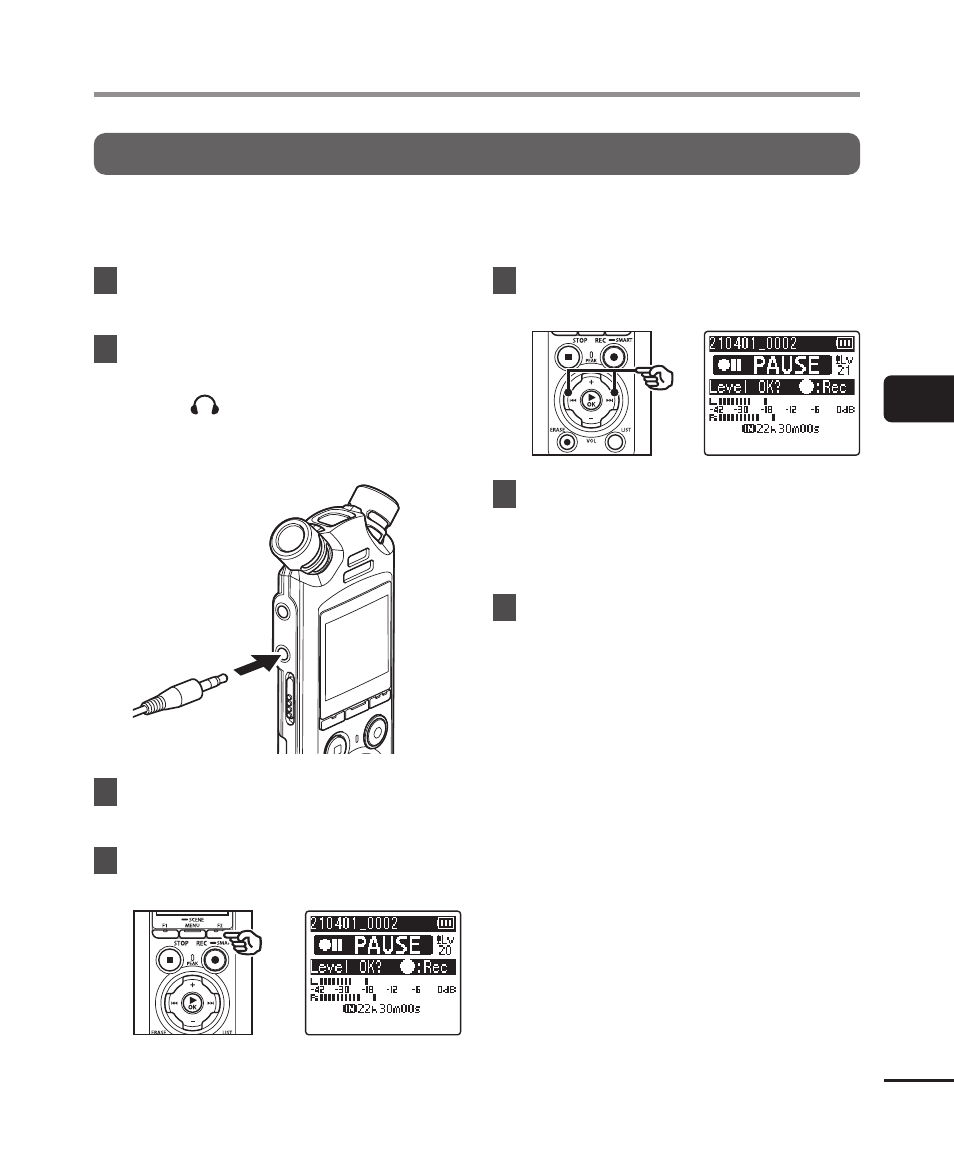
1
Select [Over Dubbing] for [Fn
Rec] (
☞
P.121).
2
Connect the earphones to the
voice recorder’s earphone
jack ( ).
•
The playback sound is output from
the earphones.
To earphone
jack
3
Select a file to be overdubbed
(
☞
P.33).
4
Press the
F2
(OVER DUB)
button in stop mode.
5
Press the
9
or
0
button
to adjust the recording level.
6
Press the
REC
(
s
) button.
•
Playback starts from the beginning
of the file simultaneously with start
of overdubbing.
7
Press the
STOP
(
4
) button
when you want to stop
recording.
•
Overdubbing is ended when the
playback is finished.