P.128) – Olympus LS-P5 Linear PCM Recorder User Manual
Page 128
128
EN
4
Menu
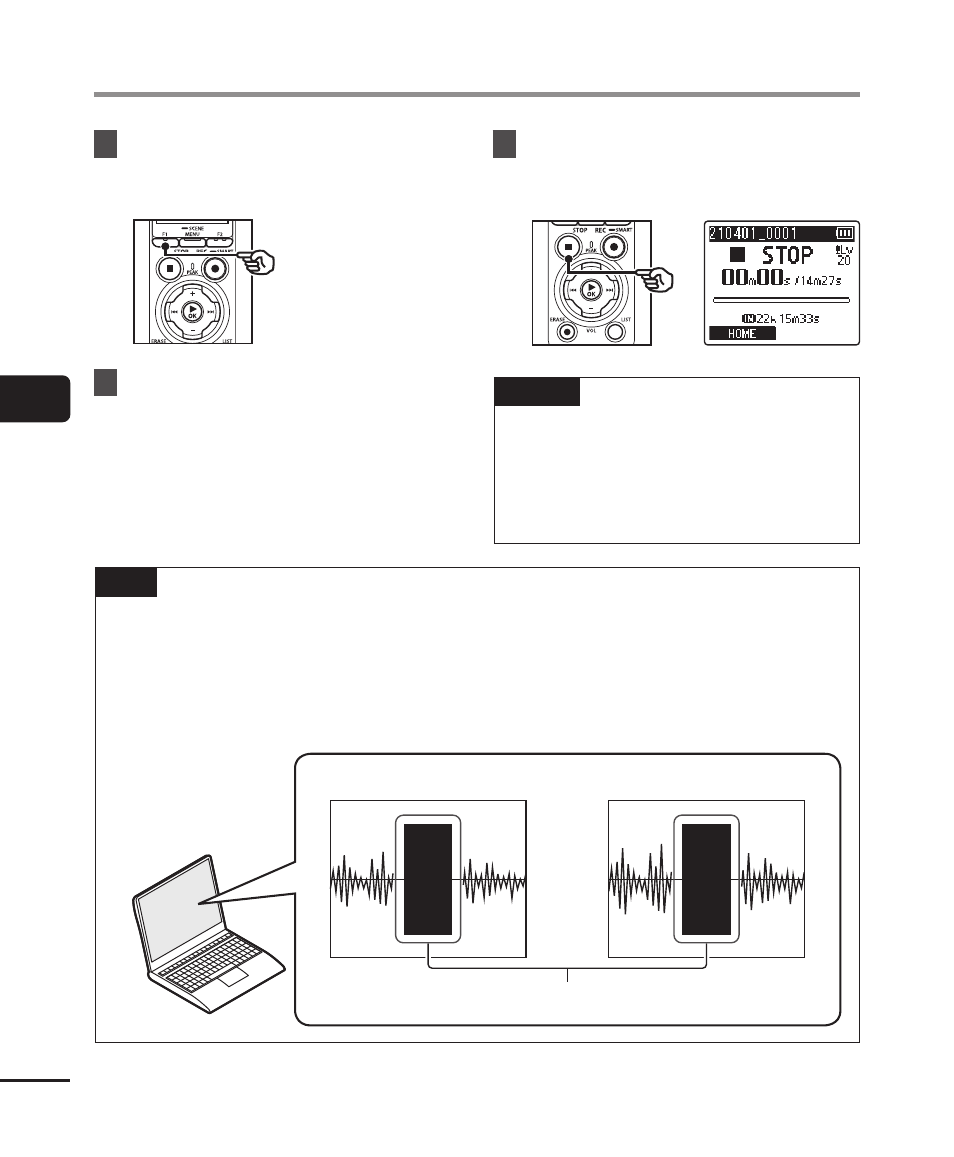
Recording a Reference Tone for Use When Synchronizing Audio and Video [Slate Tone]
6
Press the
F1
(SLATE) button
on the voice recorder.
• A beep (slate tone) will be recorded.
7
End filming on the camera.
8
Press the
STOP
(
4
) button
when you want to stop
recording.
NOTE
•
The slate tone is recorded to both
the video and audio files.
•
The slate tone is not output on the
voice recorder or the camera’s built-
in speaker during filming.
TIP
•
Having the slate tone waveform available as a marker will help you synchronize
the audio and video when using OM Workspace to replace the audio originally
recorded with the video with the sound file from the voice recorder. For information
on downloading OM Workspace, visit our website.
Third-party editing software can also be used. For more information, see the user’s
manual provided with the editing software.
Waveform (camera audio)
Waveform (voice recorder audio)
Marker (slate tone)