Charging batteries – Olympus LS-P5 Linear PCM Recorder User Manual
Page 13
Advertising
13
EN
1
Getting started
Setup
Charging batteries
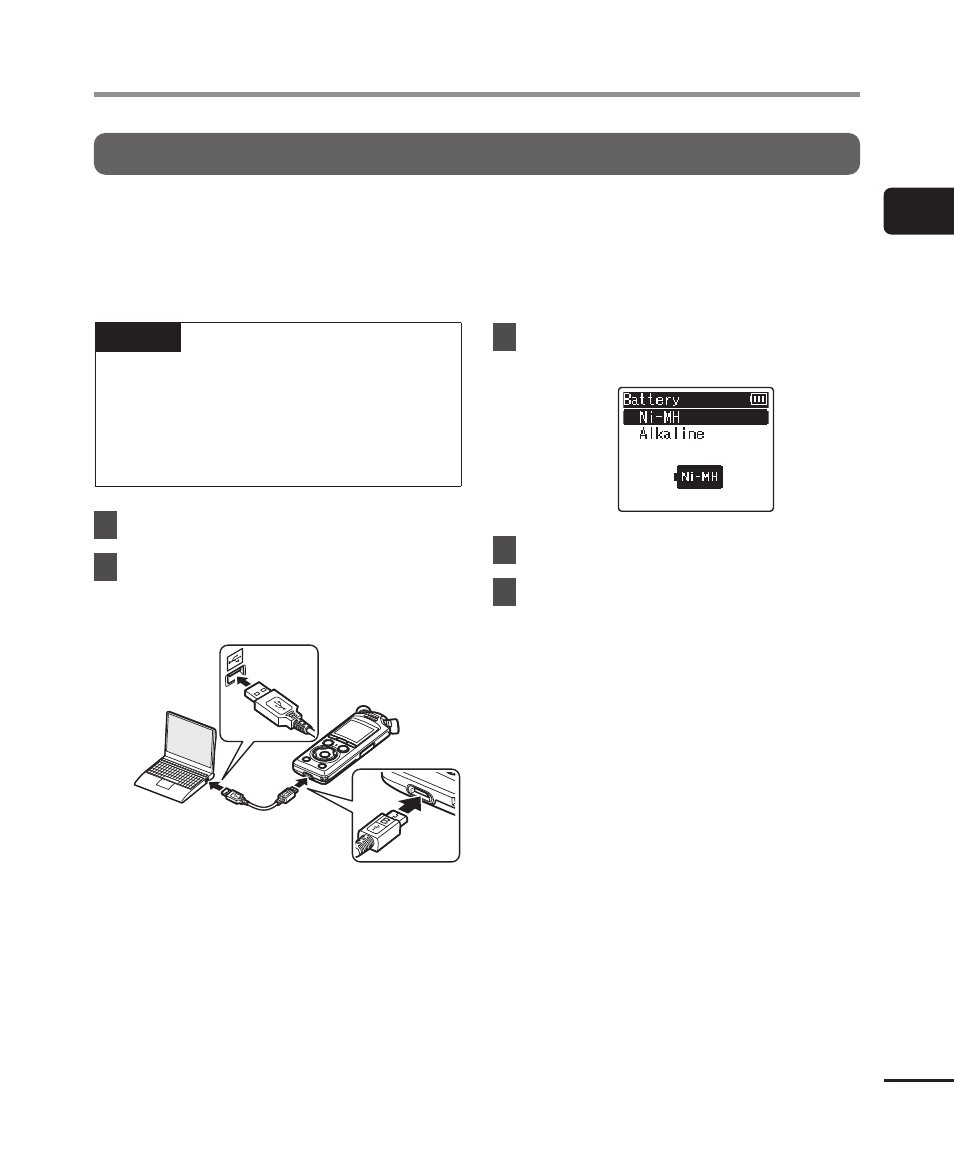
The supplied batteries can be charged by connecting the recorder to a computer via the
supplied USB cable.
The recorder can be used with the supplied Ni-MH (BR404) batteries or with third-
party alkaline batteries. When using alkaline batteries, choose [
Alkaline
] for [
Battery
]
(
☞
NOTE
•
Never attempt to charge an alkaline
battery, lithium battery or other
primary cell battery. Fluid leakage or
overheating may cause the recorder
to malfunction.
1
Start the computer.
2
Connect the voice recorder to
a computer via the supplied
USB cable.
•
The recorder will display a [
Battery
]
dialog.
3
Press the
+
or
−
button to
select [Ni-MH].
4
Press the
`
OK
button.
5
Press the
+
or
−
button to
select [OK].
Advertising