Olympus LS-P5 Linear PCM Recorder User Manual
Page 130
130
EN
4
Menu
Adjusting Sound Level for Output to the Camera [Test Tone]
8
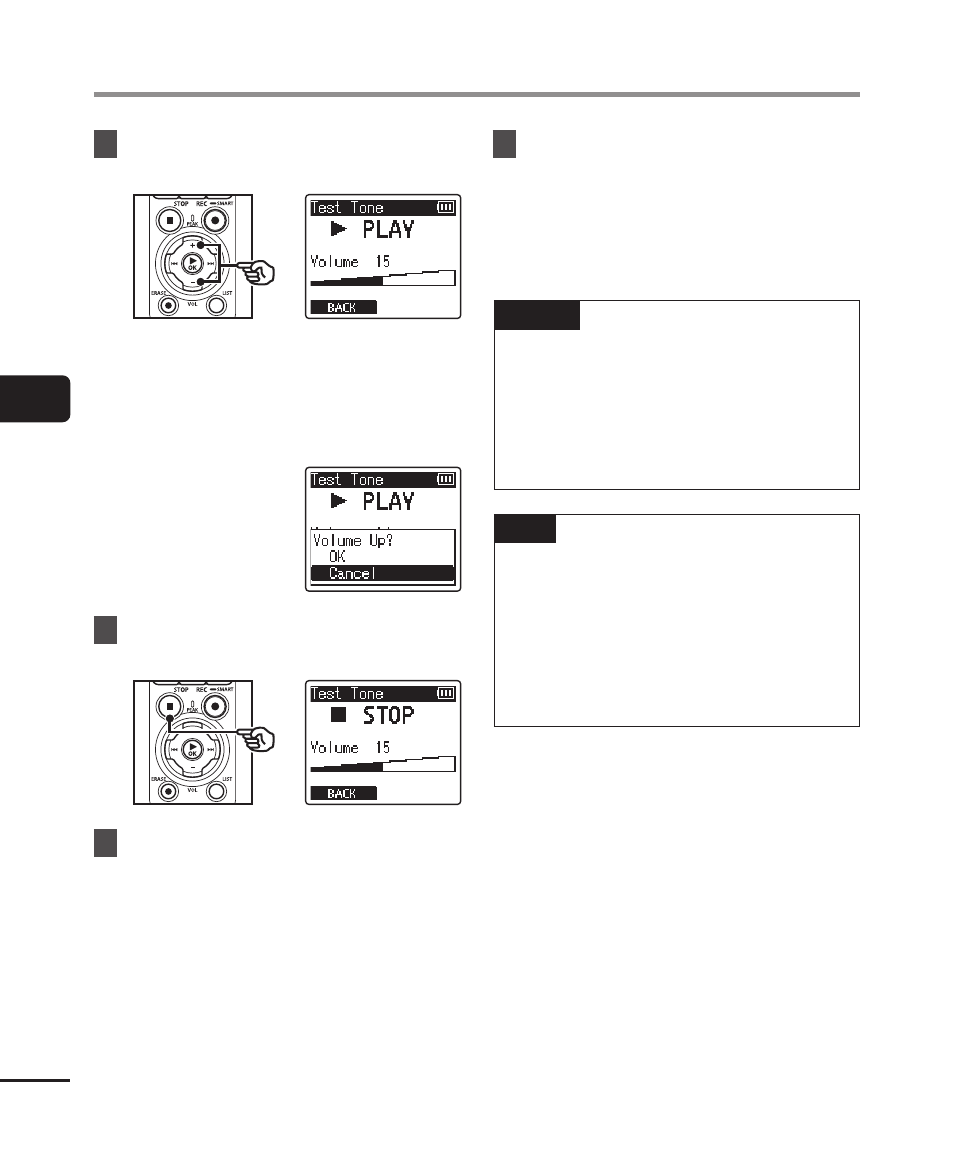
Adjust the volume using the
+
or
−
button.
•
The volume can be adjusted to a
setting between [
00
] to [
30
]. The
higher the number, the louder the
volume.
•
If the volume is set too loud, a
warning screen may appear.
9
Press the
STOP
(
4
) button to
stop the test tone.
10
Press the
F1
(BACK) button to
return to the menus.
11
Press the
STOP
(
4
) button to
exit the menu screen.
•
Press and hold the
STOP
(
4
)
button when the voice recorder is
stopped to check setting indicators
meanings.
NOTE
•
Changes to test tone volume also
apply to voice recorder playback
volume (
☞
•
The test tone is not output on the
voice recorder or the camera’s
built-in speaker.
TIP
•
Noise can be minimized by setting
the voice recorder to maximum
volume and adjusting the recording
level on the camera.
•
Test tones can also be output
to
Bluetooth
®
compatible audio
devices (
☞