Connecting/disconnecting a bluetooth, Device – Olympus LS-P5 Linear PCM Recorder User Manual
Page 139
139
EN
5
Bluetooth
®
function
Connecting/disconnecting a Bluetooth
®
device
Connecting using [Connection]
Performing operations such as turning
the recorder off after it has been paired
with a
Bluetooth
®
compatible device
ends the
Bluetooth
®
connection. Select
[
Connection
] to reconnect. [
Connection
]
can also be used to connect to a device
other than the one to which the recorder
connected automatically.
1
Ready the Bluetooth
®
compatible device for pairing.
•
For details on pairing mode, see
the user's manual of the device to
be used.
•
If the recorder is currently connected
to a device other than that to
which you want to connect, end
the connection before proceeding
(
☞
2
Press the
MENU/SCENE
button while the voice recorder
is in stop mode.
3
Press the
+
or
−
button to
select [Device Menu] tab.
4
Press the
`
OK
button to
move the cursor into the list of
setting items.
5
Press the
`
OK
button.
6
Press the
+
or
−
button to
select [Audio Device].
7
Press the
`
OK
button.
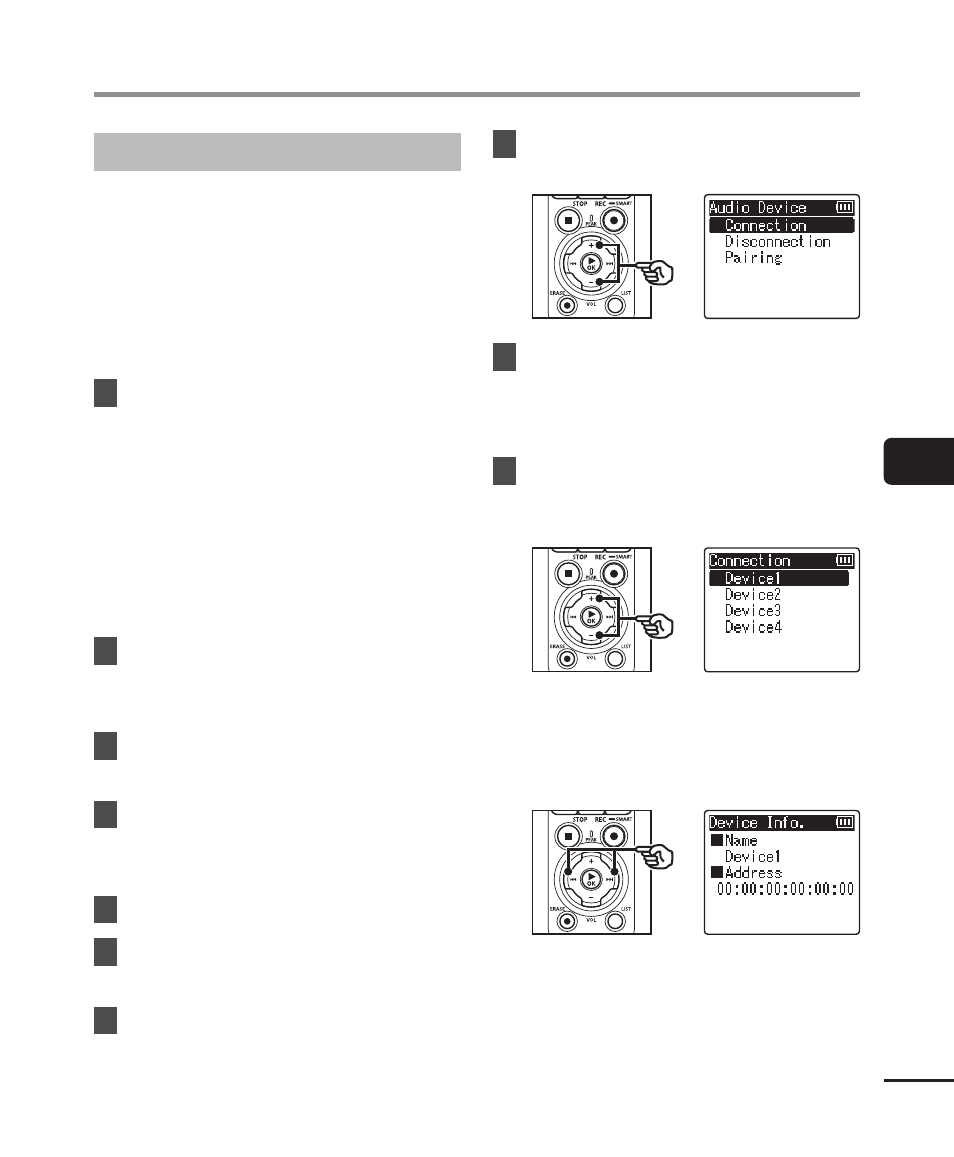
8
Press the
+
or
−
button to
select [Connection].
9
Press the
`
OK
button.
•
The name of the
Bluetooth
®
device
connected with the voice recorder
up until now is displayed in the list.
10
Press the
+
or
−
button
to select the device to be
connected.
•
Press the
9
button to confirm the
name and address of the selected
Bluetooth
®
device. Press the
0
button to return to the previous
screen.