Connecting/disconnecting a bluetooth, Device – Olympus LS-P5 Linear PCM Recorder User Manual
Page 140
140
EN
5
Bluetooth
®
function
Connecting/disconnecting a Bluetooth
®
device
11
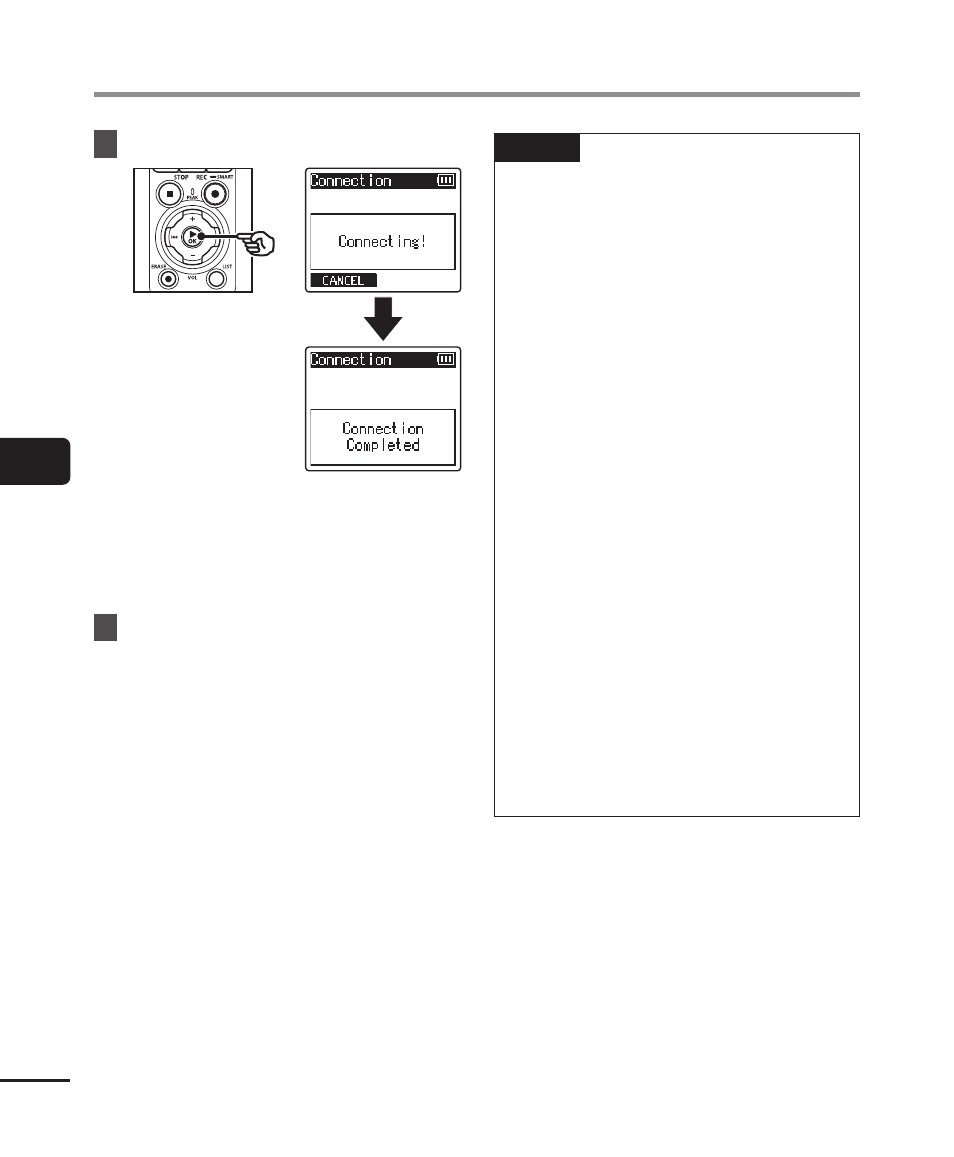
Press the
`
OK
button.
•
[
Connecting!
] appears in the
display, and the connecting process
starts. [
Connection Completed
]
appears when the process has
finished.
12
Press the
STOP
(
4
) button to
exit the menu screen.
NOTE
•
Recording, playback, and other
operations are not possible during
the pairing process.
•
Only one
Bluetooth
®
device can
be connected by performing pairing
setting once. Multiple devices cannot
be paired simultaneously. Configure
the connection settings separately
for each device.
•
The recorder can connect with only
one audio device at a time. It can
connect with both an audio device
and a smartphone at the same time
(
☞
P.136).
•
If communication become unstable
after the connecting is completed,
the voice recorder may enter the
connection wait state.
•
If the
Bluetooth
®
connection wait
state is entered while playback is in
progress, the playback operation is
interrupted. Check the status of the
voice recorder while playback is in
progress.
•
If
Bluetooth
®
is disconnected while
playback is in progress, the playback
operation stops.