Connecting to smartphones via bluetooth, About dvr.remote, P.142) – Olympus LS-P5 Linear PCM Recorder User Manual
Page 142
142
EN
5
Bluetooth
®
function
About DVR.Remote
The DVR.Remote application for smartphones is required to use your
smartphone to operate the voice recorder from a distance.
What the application can do
With the application installed on your
smartphone, you can remotely:
•
Start and end recording.
•
Start and end playback.
•
Adjust recording settings.
•
Add index marks.
For more information, visit our website.
TIP
•
The recorder can connect to
smartphones and audio devices
simultaneously. You can control the
recorder from a smartphone while
listening to recordings on
Bluetooth
®
earphones.
NOTE
•
When you download the application
using a mobile phone line such as
4G, depending on your particular
contract, you may incur packet
communication fees.
Connecting to Smartphones via
[Pairing]
The initial connection between two
Bluetooth
®
devices is established
through a process called “pairing”. Once
the devices are paired, the recorder will
automatically re-establish a connection to
the most recently connected smartphone
when [
On
] is selected for [
Bluetooth
] >
[
On/Off
] (
☞
Configuring the Recorder
1
Press the
MENU/SCENE
button while the voice recorder
is in stop mode.
2
Press the
+
or
−
button to
select the [Device Menu] tab.
3
Press the
`
OK
button to
move the cursor into the list of
setting items.
4
Press the
`
OK
button.
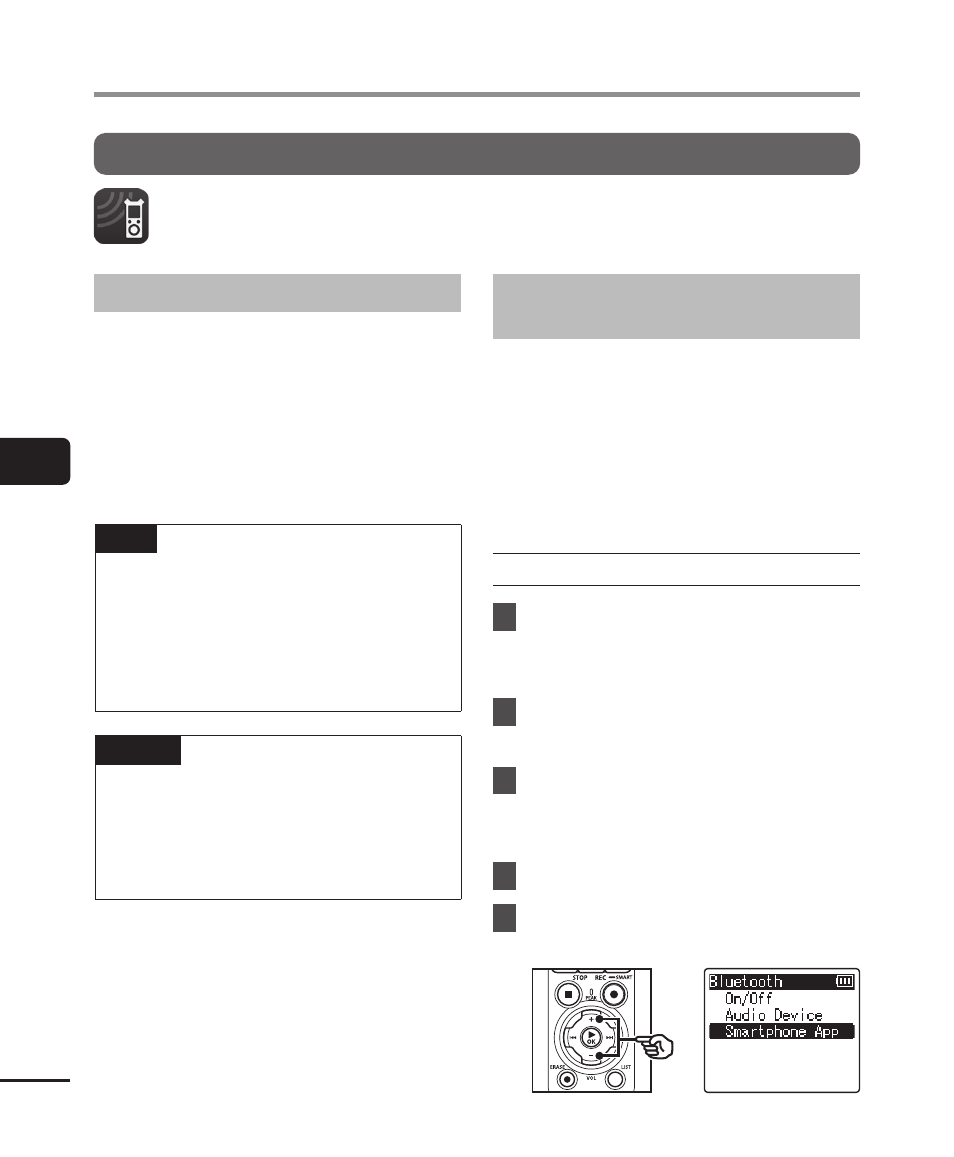
5
Press the
+
or
−
button to
select [Smartphone App].
Connecting to Smartphones via Bluetooth
®