Use with a computer, P.145) – Olympus LS-P5 Linear PCM Recorder User Manual
Page 145
145
EN
6
Use with a computer
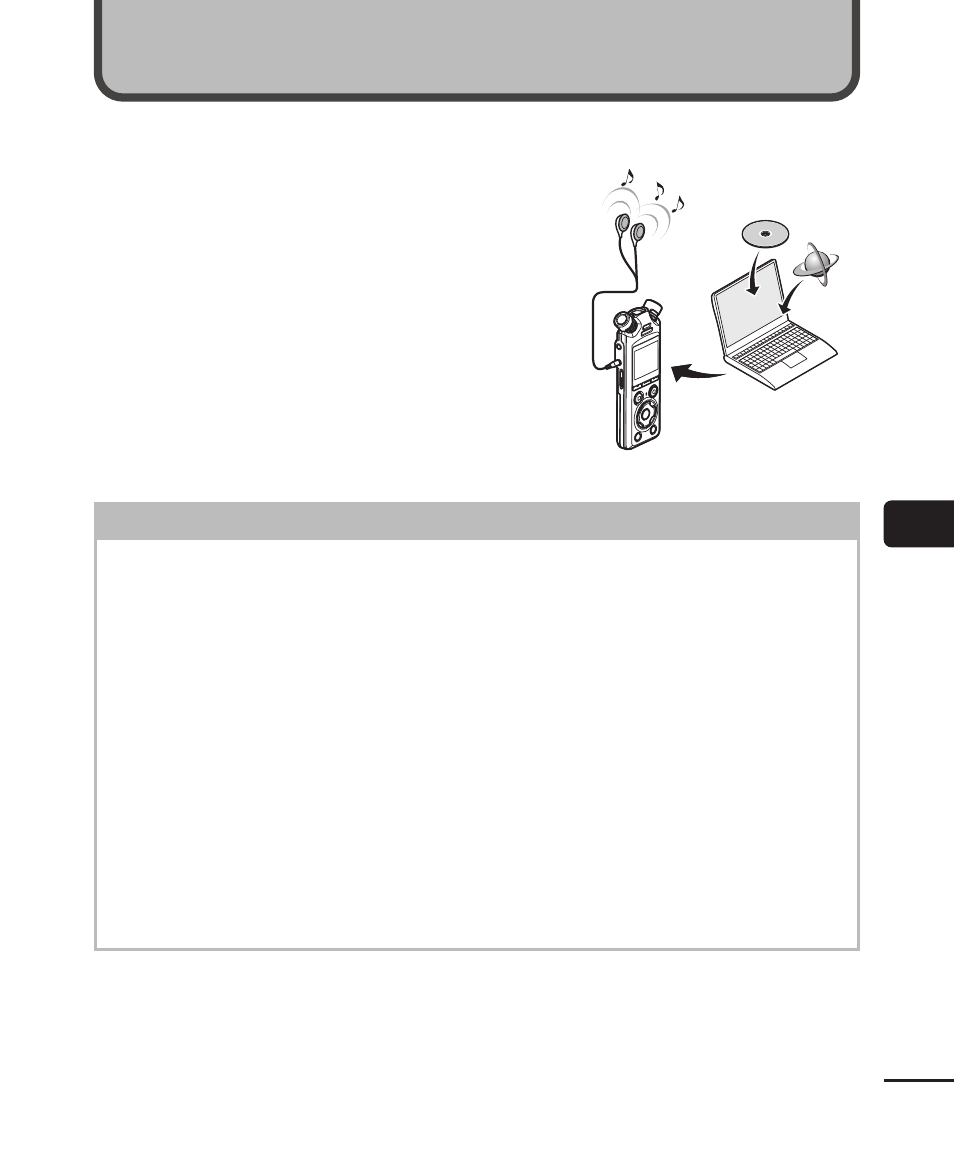
When connecting the voice recorder to a computer you can do the following:
• You can enjoy MP3 or linear PCM (WAV) format
files saved on your computer, or FLAC format
music files downloaded from high-resolution
distribution site.
• Use the voice recorder as external storage
to save or load data to/from your computer
(
☞
• The recorder firmware can be updated via
firmware updates downloaded to the computer.
• The earphones are optional
Computer connection precautions
•
When uploading or downloading a file to or from the voice recorder, data transfer
will continue as long as the voice recorder’s LED indicator light is flashing, even
if the computer data communication screen disappears. Never disconnect the
USB cable before data communication has finished. Always use the procedure on
☞
P.147 to disconnect the USB cable. Data may not be transferred correctly if
you disconnect the connector before the drive has stopped.
•
Do not format (initialize) the voice recorder’s drive from a computer. Formatting
done from a computer will not be done correctly. Use the voice recorder’s
[
Format
] menu for formatting (
☞
•
Voice recorder folders or files that are moved or renamed in a computer file
management screen may be reordered or become unrecognizable.
•
Note that it will still be possible to read and write data on the voice recorder after
setting the attribute of the voice recorder’s drive to ’Read only’ on a computer.
•
To prevent nearby electronic devices being affected by noise, disconnect the
external microphone and earphones when connecting the voice recorder to a
computer.
Use with a computer