Setting the time/date – Olympus LS-P5 Linear PCM Recorder User Manual
Page 15
Advertising
15
EN
1
Getting started
Setup
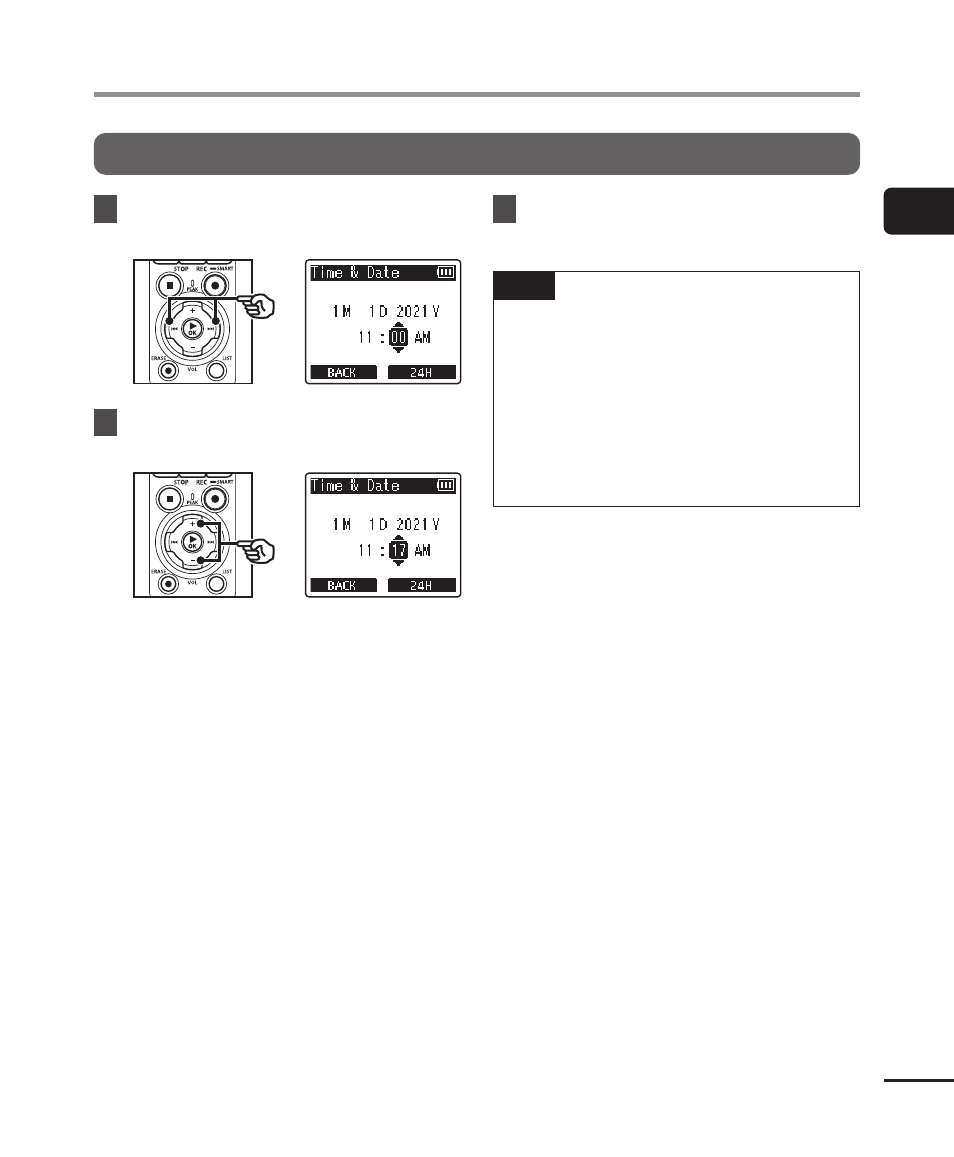
Setting the time/date
1
Press the
9
or
0
button
to select the item to set.
2
Press the
+
or
−
button to
change the number.
•
To change the setting of another
item, press the
9
or
0
button
to move the blinking cursor, then
press the
+
or
−
button to change
the number.
3
Press the
`
OK
button to
finalize the setting.
TIP
•
You can press the
`
OK
button
during the setting procedure to set
the items entered so far and start
the clock.
•
You can change the clock display
format.
” (
P.101) for the procedure.
Advertising