Charging the batteries – Olympus LS-P5 Linear PCM Recorder User Manual
Page 19
19
EN
1
Getting started
Charging the batteries
3
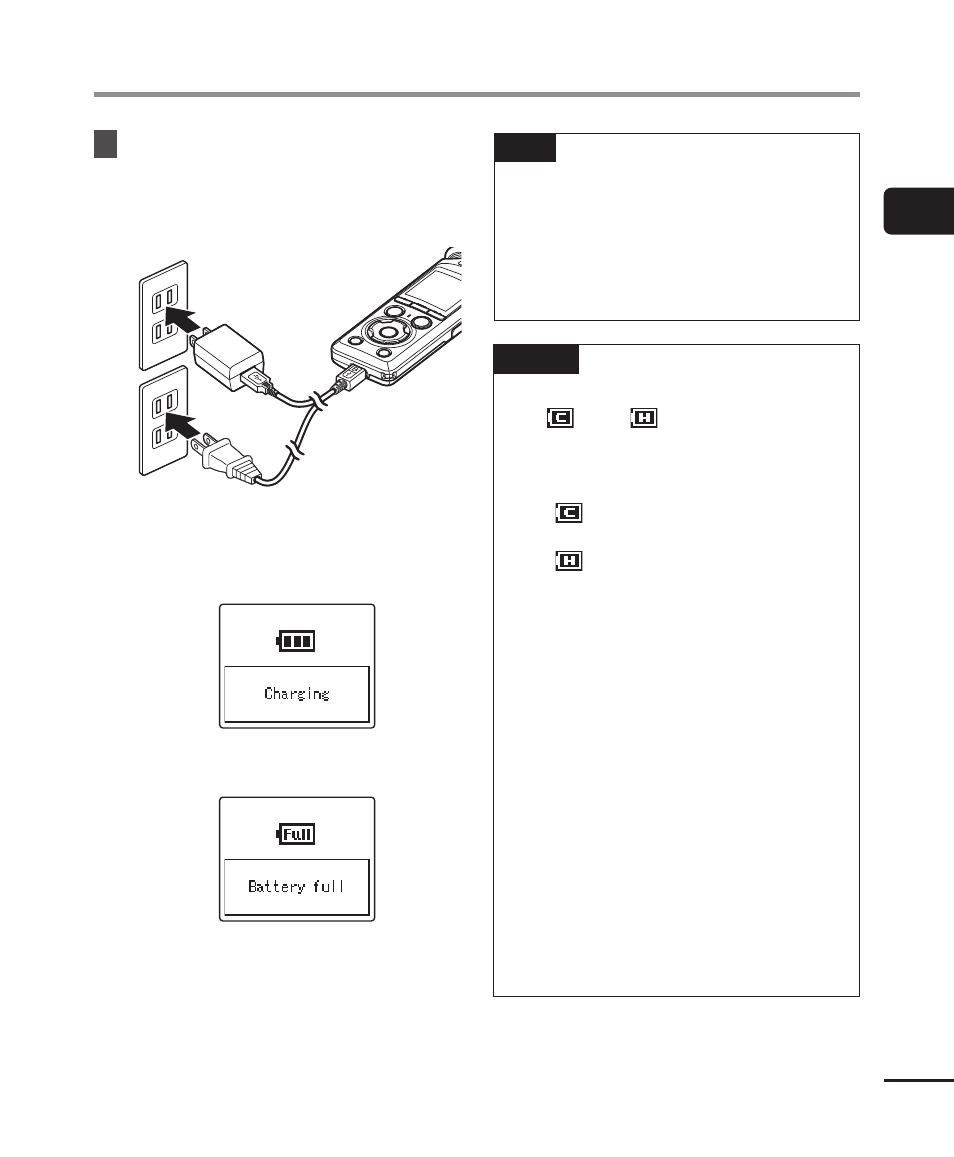
After confirming that the
recorder is stopped or off,
plug the AC adapter into an AC
power outlet.
To an AC
power outlet
•
The recorder will display a
[
Charging
] dialog and start charging
the batteries. The LED indicator light
will turn on.
•
Charging is finished when [
Battery
full
] appears.
TIP
•
Choosing [
Optional
] for [
USB
Connection
] when [
Composite
]
is selected for [
USB Class
] gives
you the option of enabling charging
by choosing [
AC Adapter
] when
connecting (
☞
NOTE
•
You cannot charge the batteries
if [
]*
1
or [
]*
2
is blinking.
Charge the batteries in an ambient
temperature of between 5 and 35°C
(41 and 95°F).
*1 [
] Ambient temperature is too
low.
*2 [
] Ambient temperature is too
high.
•
If battery life has become noticeably
short on a full charge, replace the
batteries with new ones.
•
Insert the USB connector securely
all the way. Operation will not be
normal if the connection is not made
properly.
•
Use the supplied USB cable only.
Never use a third-party cable, as
this could damage the product. The
supplied cable should similarly never
be used for connections between
third-party devices.
•
No audio will be recorded if the
batteries run out during recording.
Before starting recording, check that
the batteries are charged (
☞
P.20).