Turning the power on/off, Turning the power on, Turning the power off – Olympus LS-P5 Linear PCM Recorder User Manual
Page 26
26
EN
1
Getting started
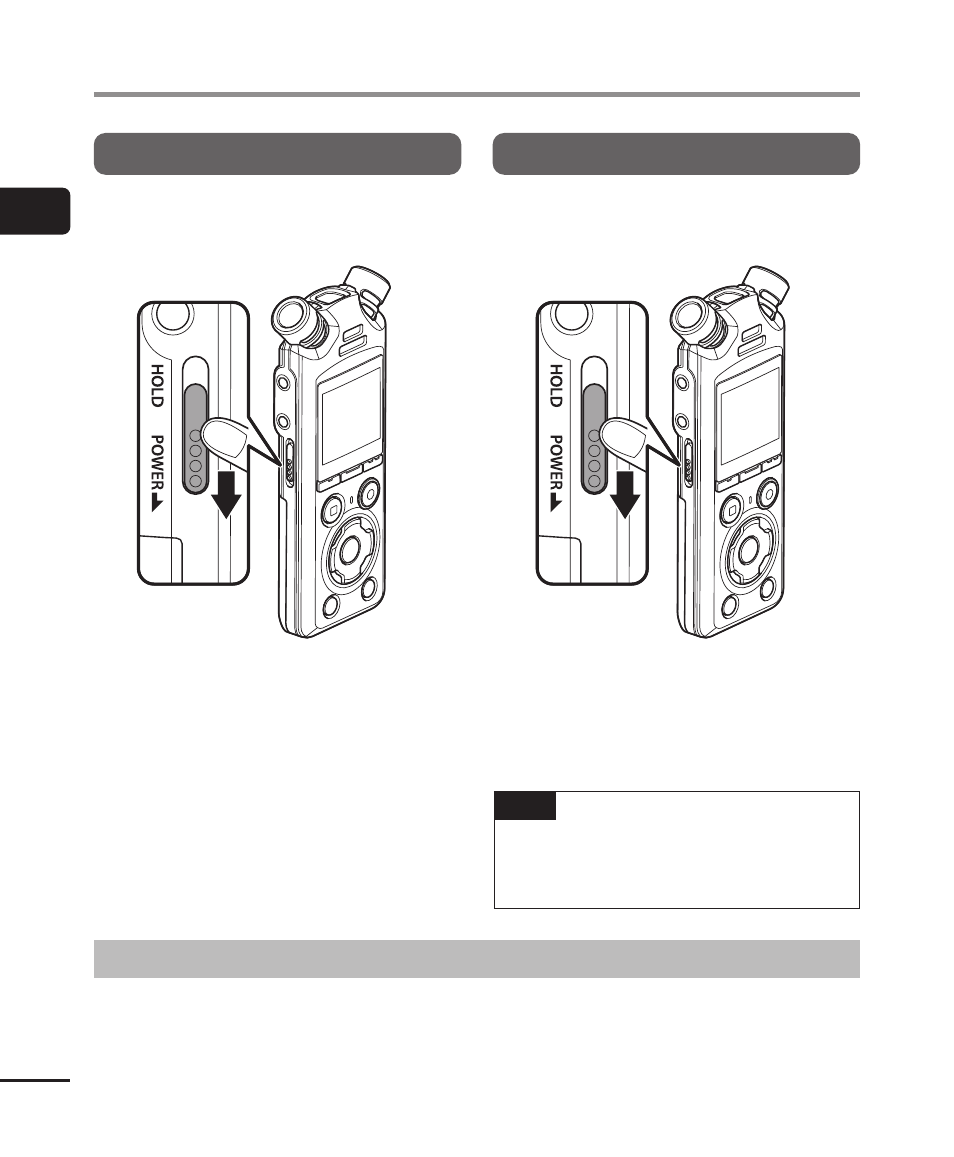
Turning the power ON
To turn the recorder on, slide the
POWER/
HOLD
switch in the direction shown.
Turning the power OFF
To turn the recorder off, keep the
POWER/HOLD
switch in the position
shown for at least 0.5 seconds.
•
Turning the recorder off has no
effect on the time/date reported
by the recorder or on the current
playback position, saved audio,
recorder settings or the like.
TIP
•
Turning the power OFF whenever
the voice recorder is not in use
minimizes battery consumption.
Power Save mode
When the voice recorder has been stopped for at least 10 minutes (default setting) after
power ON, the display disappears and the voice recorder automatically enters power
save mode (
☞
•
Pressing any button releases power save mode.
Turning the power ON/OFF