Recording, Basic recording procedure, P.35 – Olympus LS-P5 Linear PCM Recorder User Manual
Page 35
Advertising
35
EN
2
Recording
Recording
Audio recordings are stored in sub-folders directly under the [
Recorder
] folder
(
☞
P.29). Up to 99 such folders can be created (
☞
Basic recording procedure
To begin recording, simply select the destination folder and press the
REC
(
s
) button.
NOTE
•
If [
On
] is selected for [
Rec standby
],
choose [
Off
] instead (
☞
).
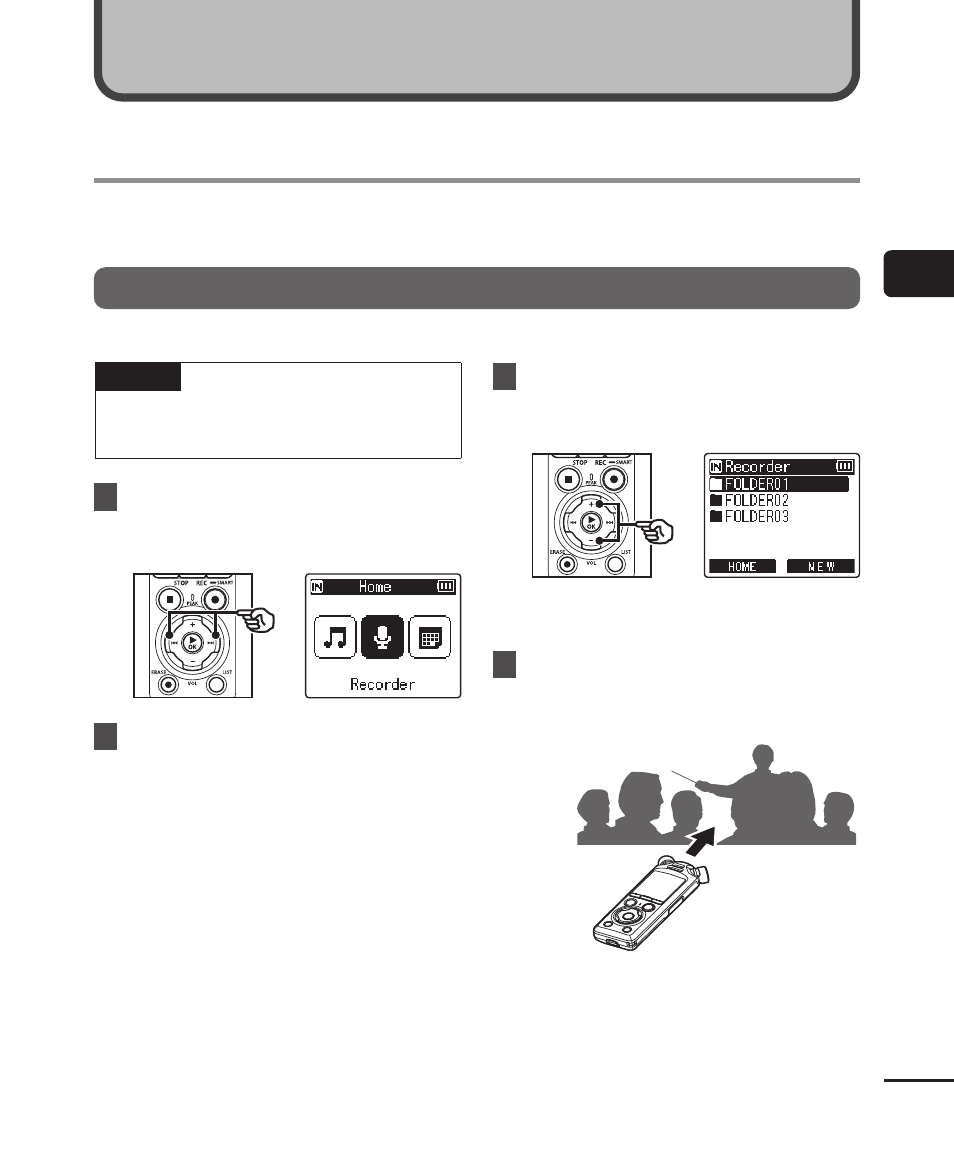
1
Press the
9
or
0
button
in the [Home] screen and
select [Recorder] (
☞
P.28).
2
Press the
`
OK
button.
3
Press the
+
or
−
button to
select the folder to save the
recording in.
•
Each new voice recording file is
saved in the selected folder.
4
Point the built-in microphone
in the direction of the sound to
record.
Recording
Advertising