Recording – Olympus LS-P5 Linear PCM Recorder User Manual
Page 39
Advertising
39
EN
2
Recording
Recording
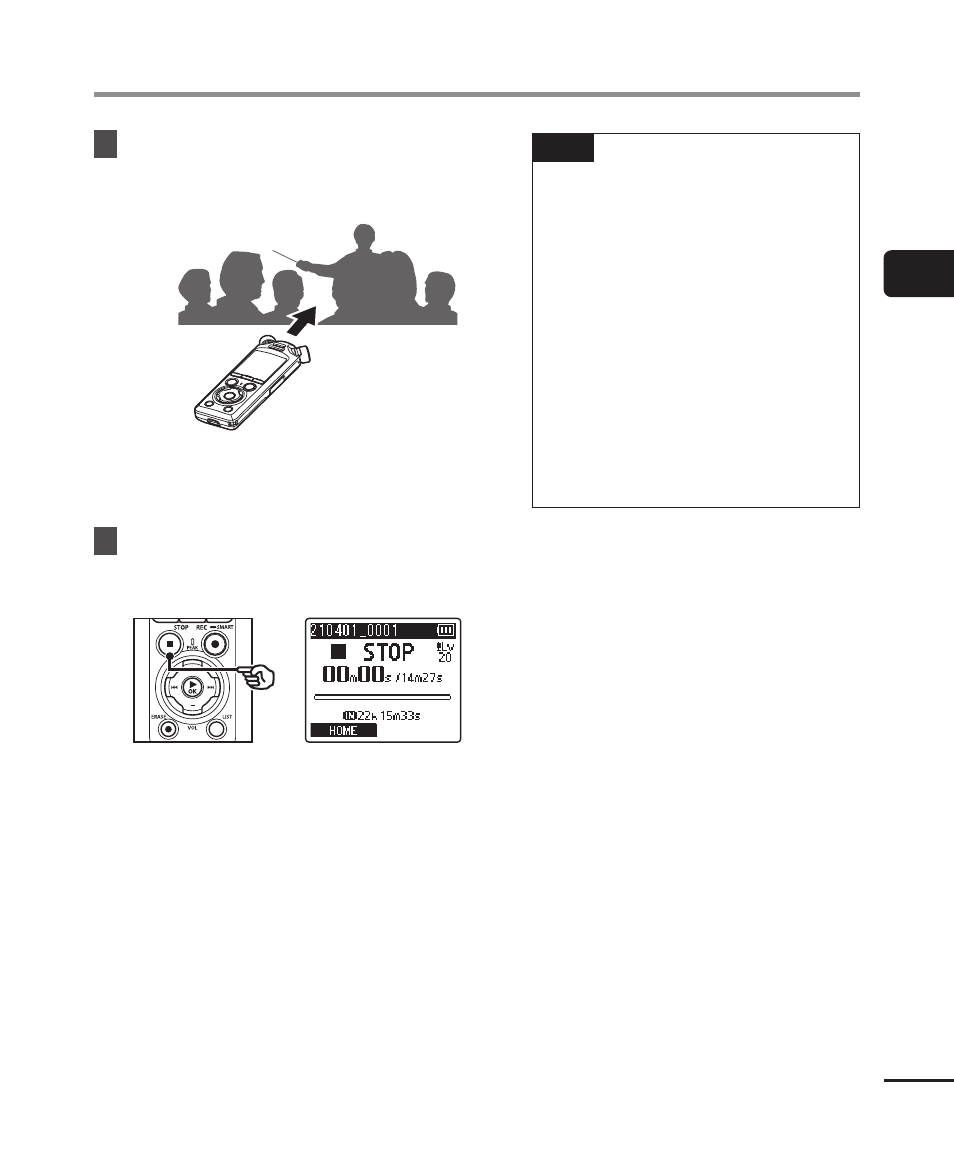
5
Point the built-in microphone
in the direction of the sound to
record.
•
The recording level will be adjusted
according to the maximum volume
detected.
6
Press the
STOP
(
4
) button to
end automatic recording level
adjustment.
•
Automatic recording level adjustment
will end and the recorder exit to file
view.
TIP
•
If you press
REC
(
s
) without
first pressing the
STOP
(
4
)
button, automatic recording
level adjustment will end and
recording will begin at the
selected level.
•
To prevent sounds produced
by operating recorder controls
influencing the recording
level, the recorder will ignore
any changes to input volume
immediately after automatic
recording adjustment begins and
before it ends.
Advertising