Recording – Olympus LS-P5 Linear PCM Recorder User Manual
Page 40
Advertising
40
EN
2
Recording
Recording
7
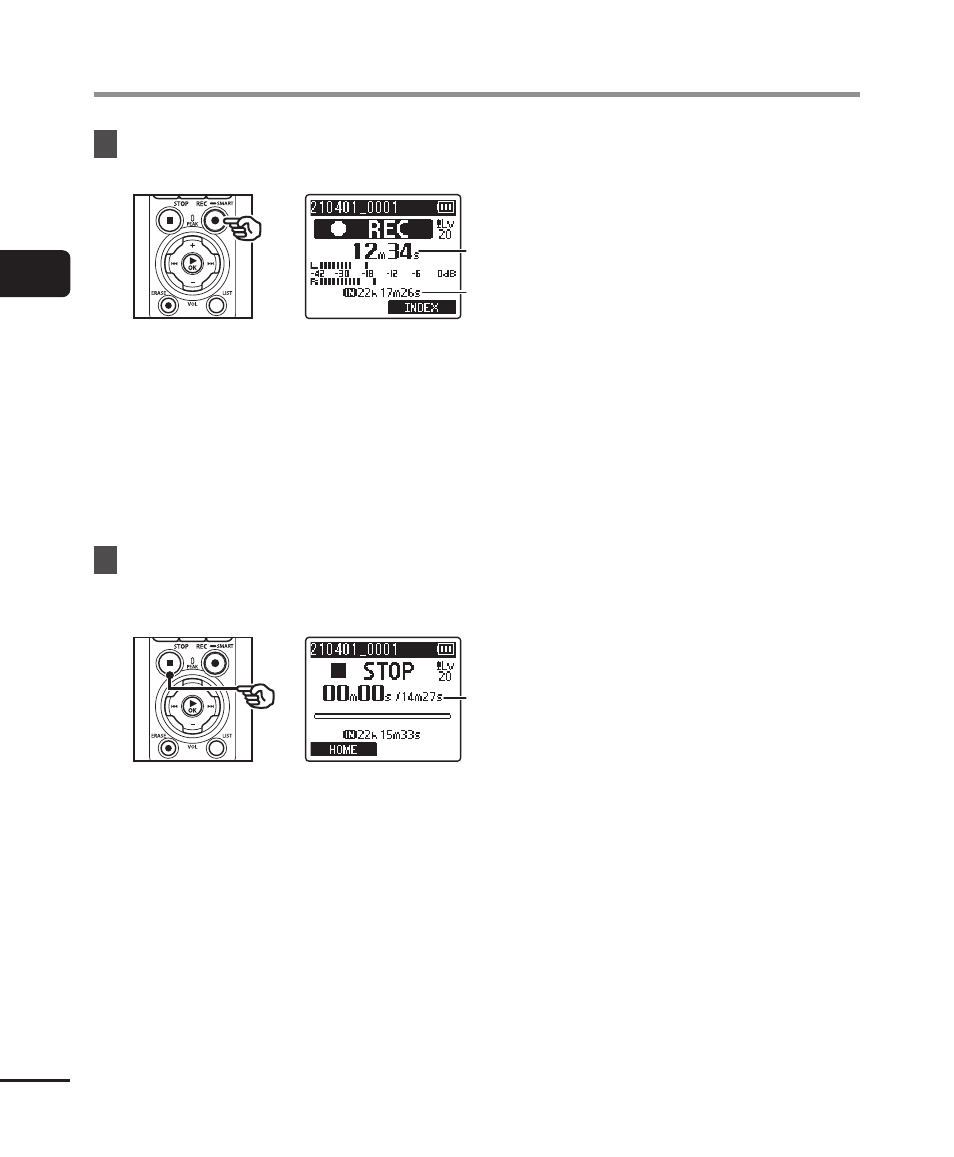
Press the
REC
(
s
) button to
start recording.
b
b
c
c
b
Elapsed recording time
c
Remaining possible recording time
•
The recording indicator light will
turn on.
•
If you record simple recording
content at the beginning, it will be
convenient for searching later using
the [
Intro Play
] function (
☞
P.99).
8
Press the
STOP
(
4
) button
when you want to stop
recording.
d
d
d
File length
•
Unless recording levels are
re-adjusted in the interim, the
adjusted level will also be used for
subsequent recordings.
Advertising