Pausing/resuming recording, Quickly checking a recording – Olympus LS-P5 Linear PCM Recorder User Manual
Page 43
Advertising
43
EN
2
Recording
Recording
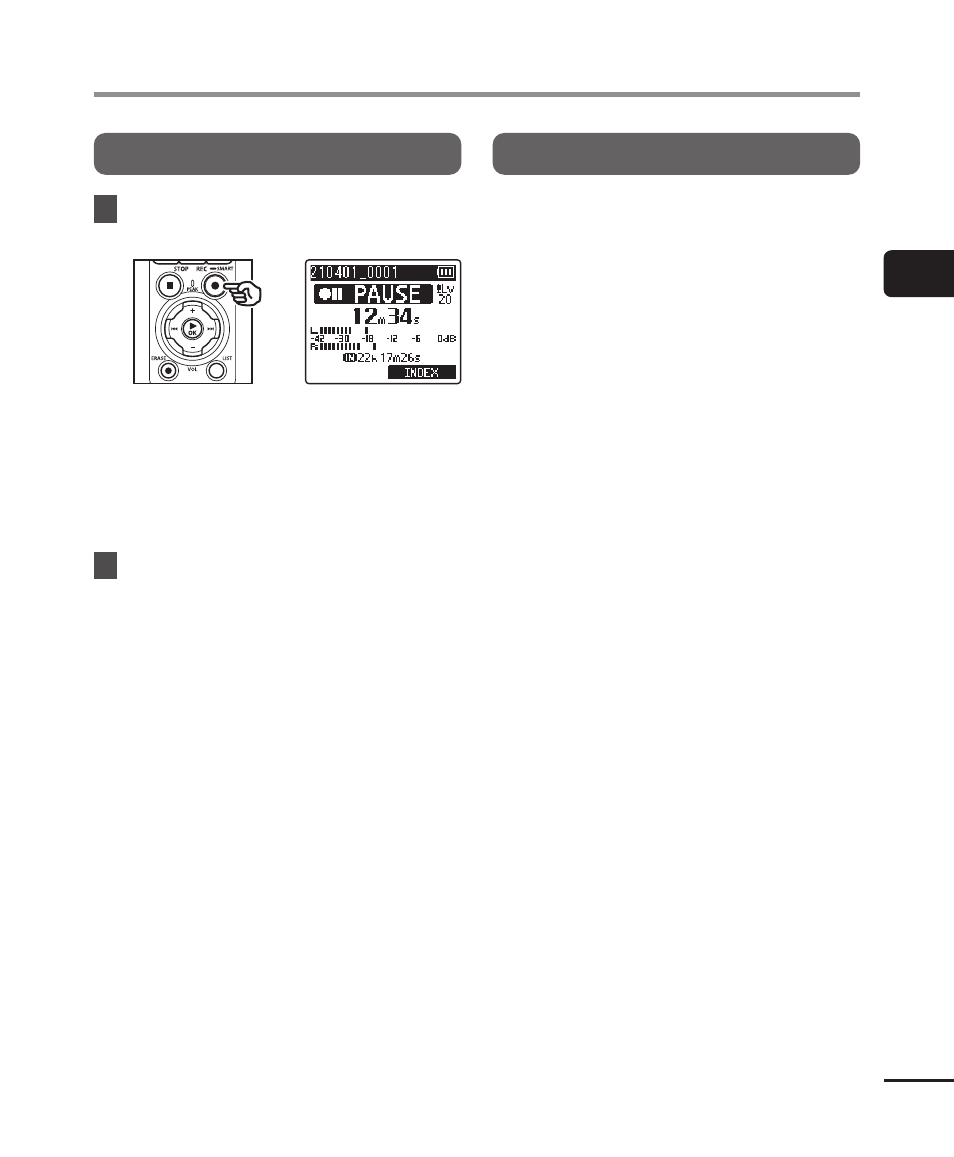
Pausing/resuming recording
1
Press the
REC
(
s
) button
during recording.
•
Recording pauses, and the blinking
message [
75
PAUSE
] appears in
the display.
•
Recording is stopped automatically
after being paused for at least
60 minutes.
2
Press the
REC
(
s
) button
again while recording is
paused.
•
Recording resumes from the
position it was paused at.
Quickly checking a recording
Pressing the
`
OK
button during recording
ends recording and starts playback.
Advertising