Olympus LS-P5 Linear PCM Recorder User Manual
Page 48
48
EN
2
Recording
Selecting the automatic recording setting [Rec Scene]
TIP
•
Press the
9
button to display
the settings of the selected
template. Press the
0
button
to return to the [
Scene Select
]
screen.
3
Press the
`
OK
button to
finalize the setting.
•
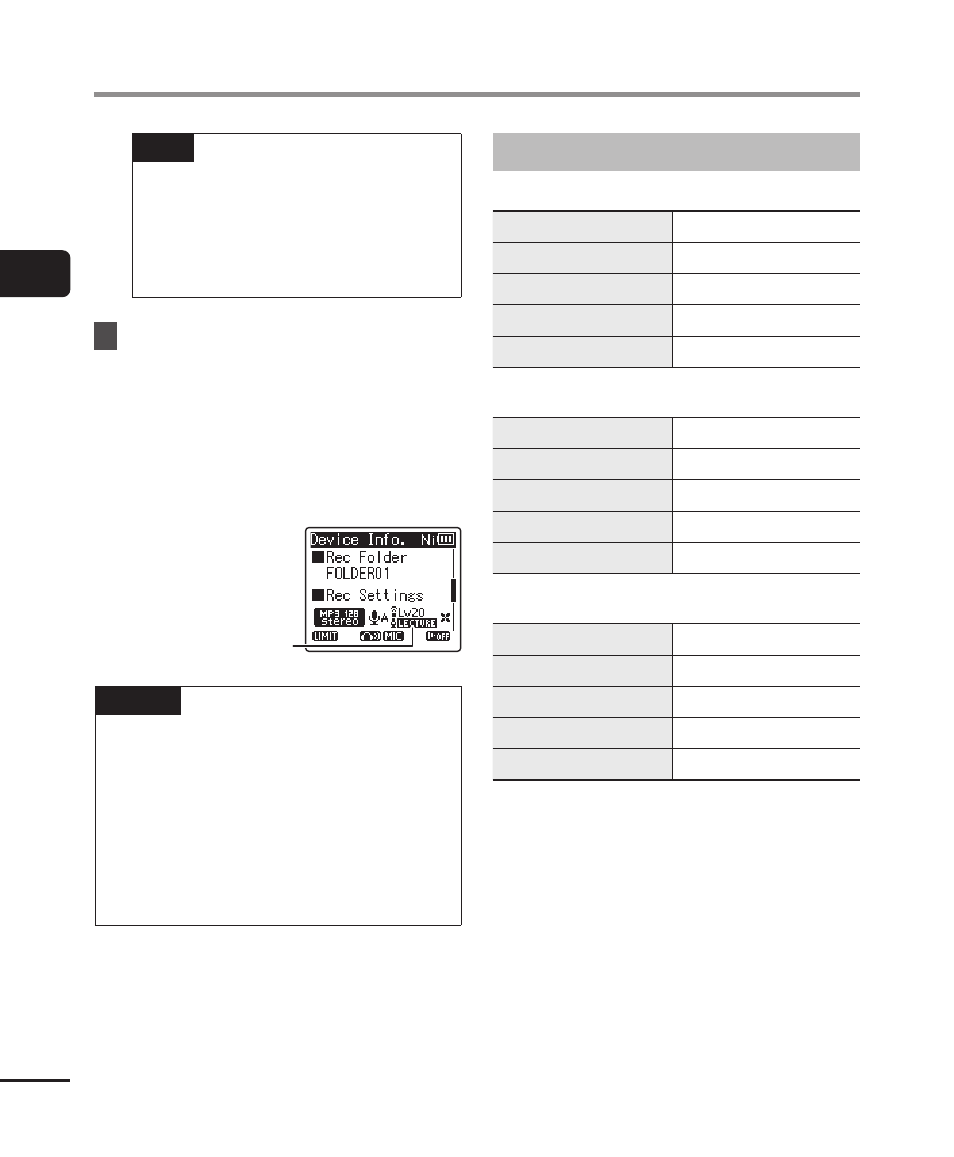
To view an icon indicating the
selected recording scene while
the recorder is stopped, press the
STOP
(
4
) button and then cycle
the display by pressing the
+
or
−
button.
Rec Scene
NOTE
•
The following features cannot be
used while [
Rec Scene
] is in effect:
•
[
Voice Detect
] > [
While recording
]
(
☞
•
[
Fn Rec
] > [
Pre-Recording
]
(
☞
•
[
Fn Rec
] > [
Over Dubbing
]
(
☞
Preregistered [Rec Scene] settings
[
Lecture
]
[Rec Level]
[Auto]
[Rec Mode]
[MP3 128 kbps]
[Zoom Mic]
[20]
[Low Cut Filter]
[On]
[External Input]
[Microphone]
[
Conference
]
[Rec Level]
[Auto]
[Rec Mode]
[MP3 128 kbps]
[Zoom Mic]
[0]
[Low Cut Filter]
[On]
[External Input]
[Microphone]
[
Meeting
]
[Rec Level]
[High]
[Rec Mode]
[MP3 128 kbps]
[Zoom Mic]
[0]
[Low Cut Filter]
[Off]
[External Input]
[Microphone]