Playback – Olympus LS-P5 Linear PCM Recorder User Manual
Page 65
65
EN
3
Playback
Playback
Music files
Use the [
Music
] folder to store music files downloaded from computers (
☞
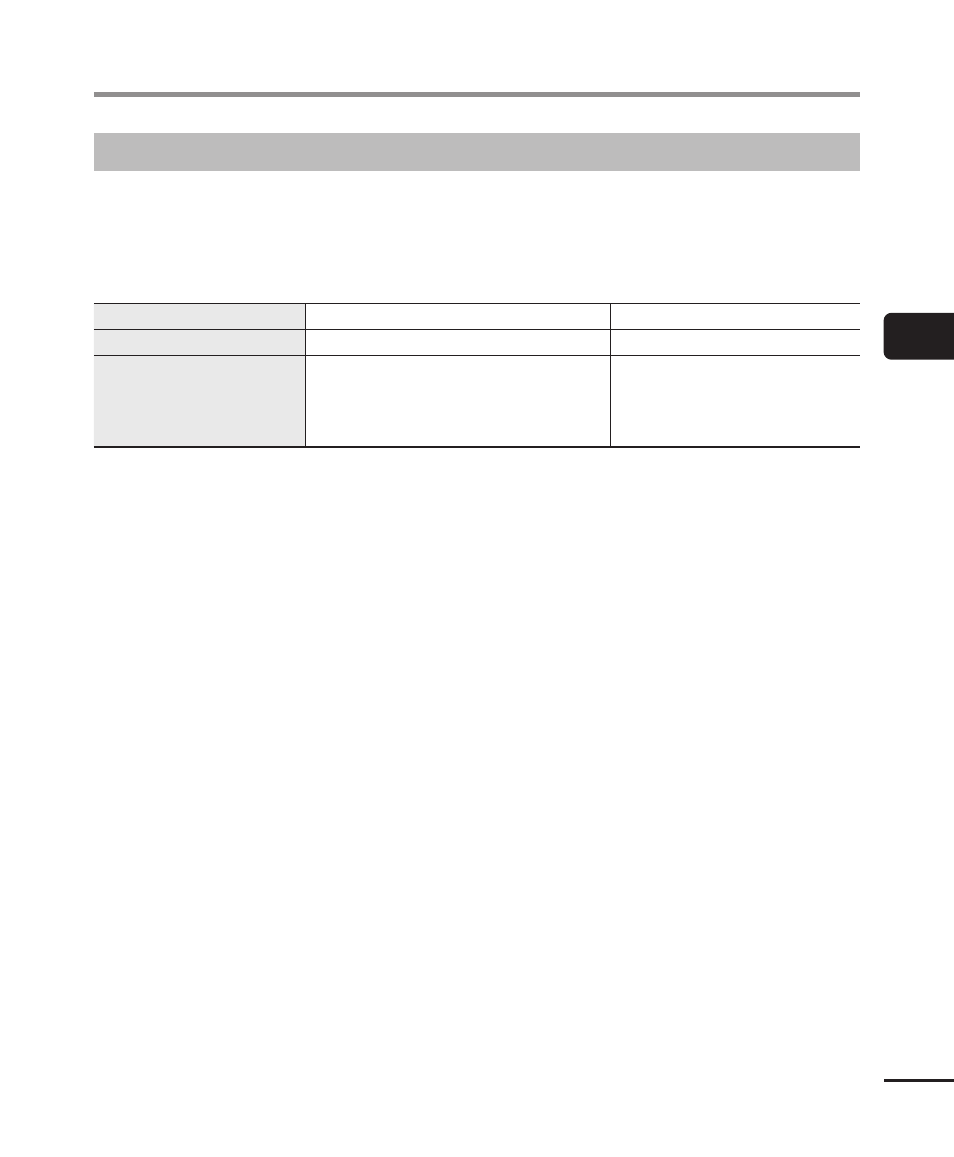
music file transferred to the voice recorder is unplayable, check that its sampling rate, bit
count and bit rate values are within the supported ranges. The sampling rate, bit count
and bit rate combinations supported for music file playback by the voice recorder are
shown below.
File format
Sampling rate
Bit count/bit rate
WAV format, FLAC format
44.1 kHz, 48.0 kHz, 88.2 kHz, 96.0 kHz
16 bits, 24 bits
MP3 format
MPEG 1 Layer 3:
32 kHz, 44.1 kHz, 48 kHz
MPEG 2 Layer 3:
16 kHz, 22.05 kHz, 24 kHz
8 to 320 kbps
•
MP3 files with variable bit rates (bit rates converted variably in a single file) may not
play normally.
•
Linear PCM-format WAV files are the only WAV files the voice recorder can play.
Playback of other WAV files is not supported.
•
Even if the file formats is compatible for playback on this recorder, the recorder does
not support every encoder.