Index marks/temp marks, Writing an index mark/temp mark – Olympus LS-P5 Linear PCM Recorder User Manual
Page 70
70
EN
3
Playback
Writing an index mark or temp mark in a file enables you to quickly access desired
position in the file with the same operations used for fast-forwarding, rewinding or
skipping to the start of a file. You can write index marks in files created with this recorder.
For files created with devices other than this company’s voice recorders and files in
which index marks cannot be written, you can write temp marks in a file being played, for
temporarily remembering desired positions.
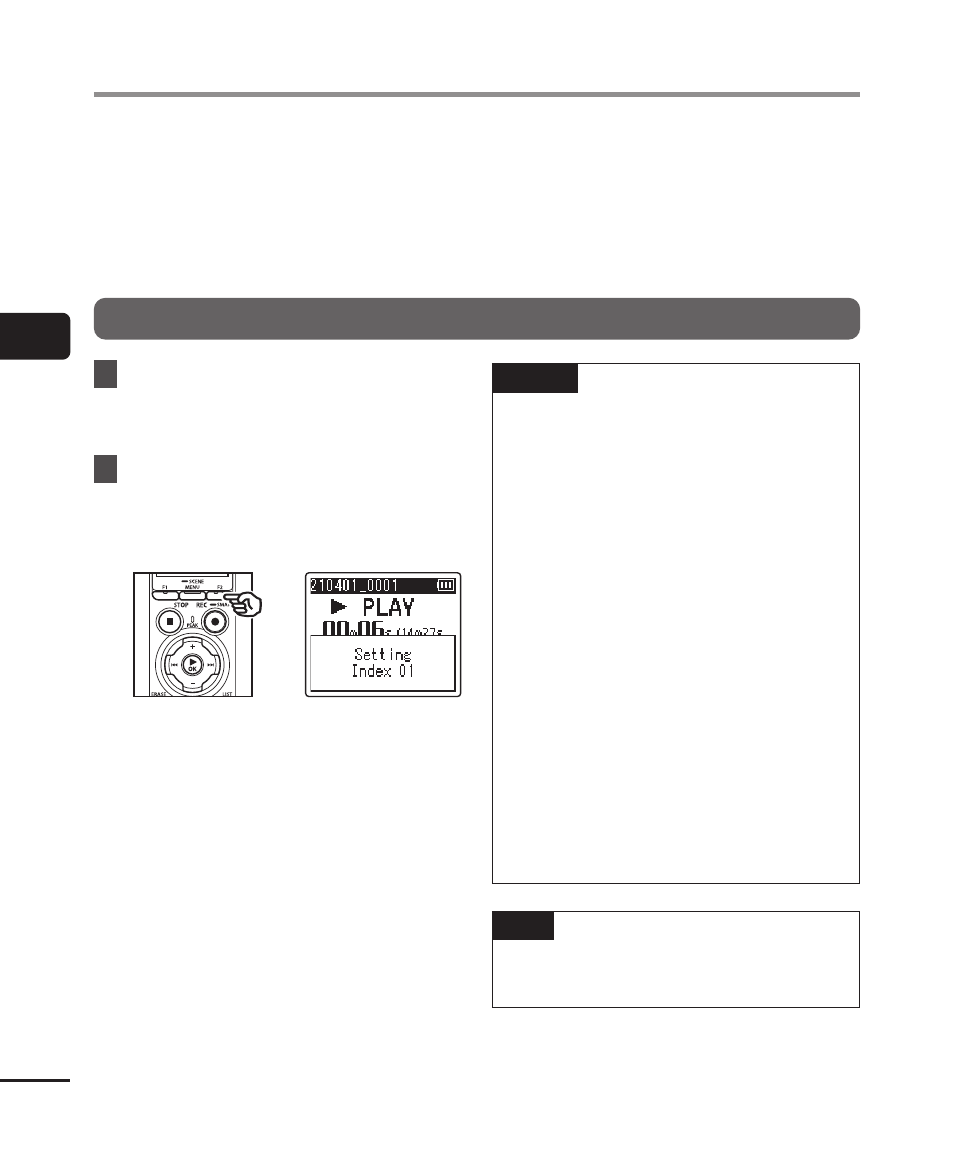
Writing an index mark/temp mark
1
Start playback after selecting
the file to which you want to
add index mark or temp mark.
2
When the desired position
has been reached press the
F2
(INDEX) button to write an
index mark or temp mark.
NOTE
•
Temp marks are temporary markings.
They are automatically erased when
you select a different file, transfer the
file to a computer, or move the file on
a computer.
•
If files created with this recorder are
played on a computer, index marks
may become unable to be written in
the files.
•
You can write up to 99 index marks/
temp marks in a single file. The
message [
Further marking not
possible
] appears if you attempt to
write more than 99 marks.
•
You cannot write or erase index
marks/temp marks in files that have
been locked by the file lock function
(
☞
•
You cannot write index marks in
FLAC format files.
TIP
•
Index marks can also be added
during recording.
Index marks/temp marks