Eng-56 – Samsung DVD-HD870C User Manual
Page 56
ENG-56
C
H A N G I N G
S
E T U P M E N U
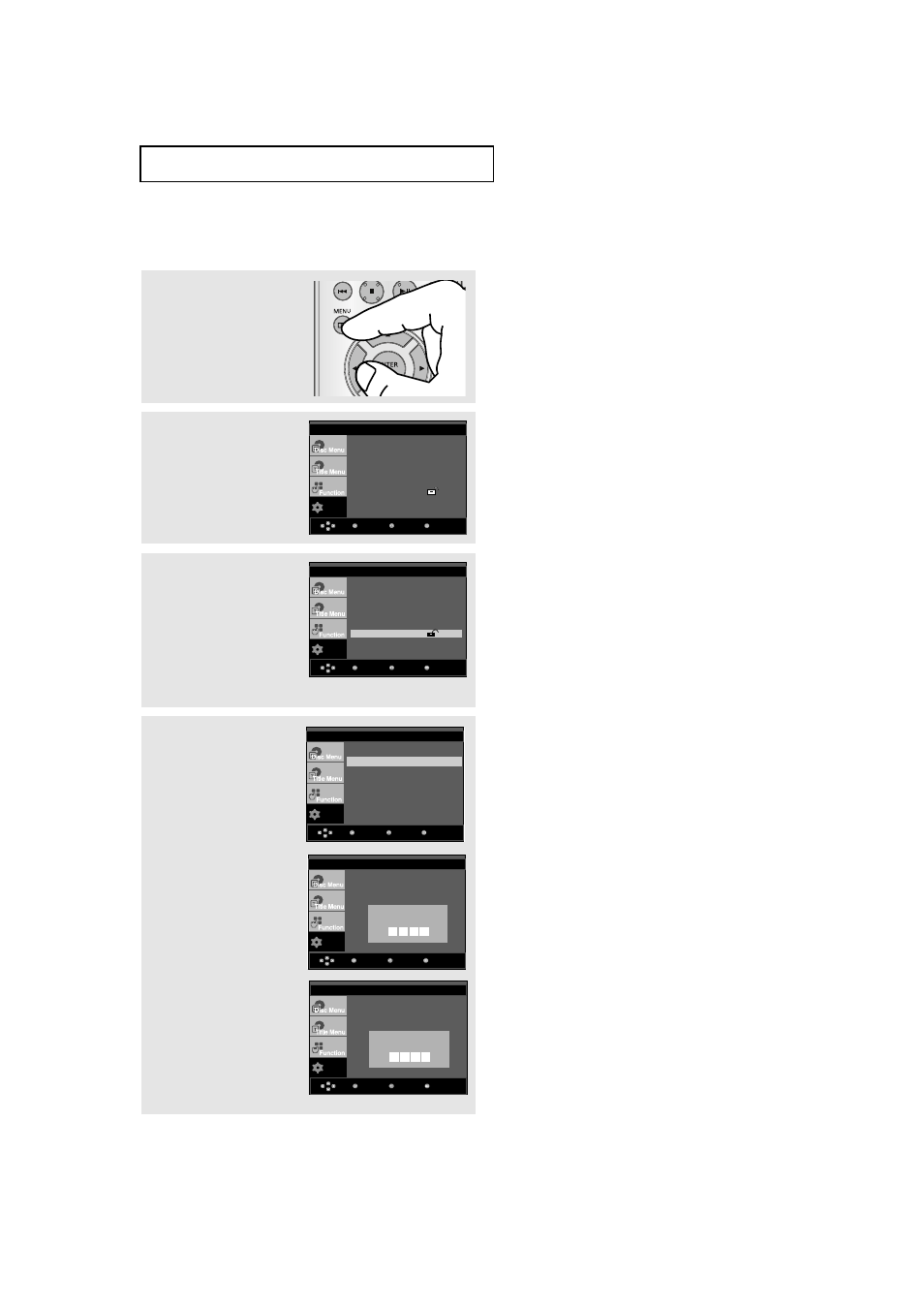
Changing the Password
3
Press the
/❷ buttons to
select Parental Setup,
then press the ❿ or
ENTER button.
4
Press the
/❷ button to
select Change
Password, then press the
❿ or ENTER button.
Enter your new password.
Re-enter the new
password again.
1
With the unit in Stop
mode, press the MENU
button.
2
Press the
/❷ buttons to
select Setup, then press
the ❿ or ENTER button.
Setup
Return
Enter
Menu
Language Setup
❿
Audio Setup
❿
Display Setup
❿
Parental Setup :
❿
DivX(R)Registration :
❿
Setup
Return
Enter
Menu
Language Setup
❿
Audio Setup
❿
Display Setup
❿
Parental Setup :
❿
DivX(R)Registration :
❿
Note
If you have forgotten your password, see
“Forgot Password” in the Troubleshooting Guide.
▼
To make the setup menu disappear, press the
MENU button.
Setup
Return
Enter
Menu
PARENTAL SETUP
Rating Level
: Kids Safe
Change Password
Setup
Menu
Return
Enter
PARENTAL SETUP
Rating Level
: Kids Safe
Change Password
Enter Password
Setup
Menu
Return
Enter
PARENTAL SETUP
Rating Level
: Kids Safe
Change Password
Enter New Password