Settings (menu ) – LG VX4700 User Manual

Page 92
Advertising
background image

91

VX4700

Settings (Menu

)

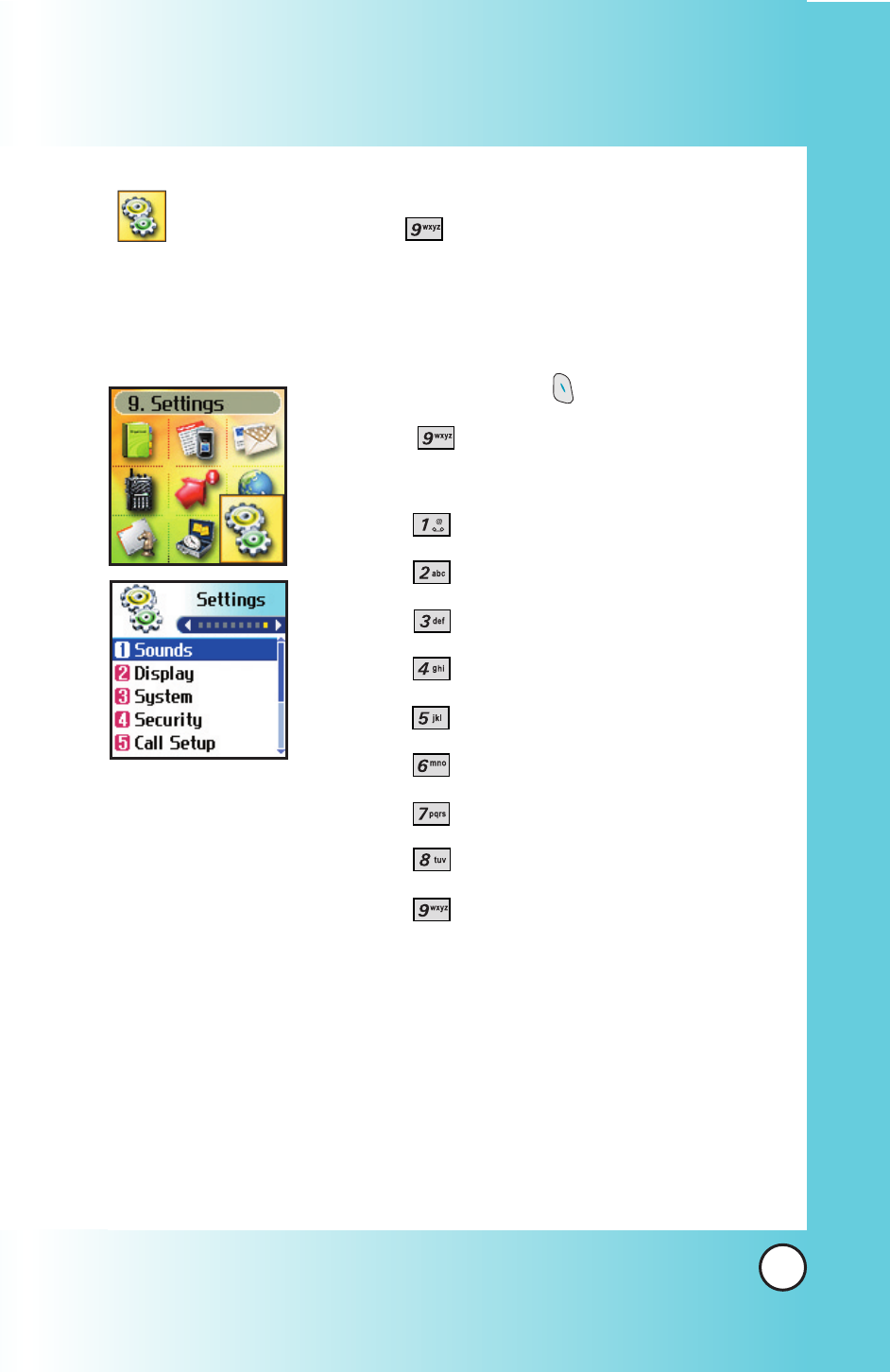
The Settings menu has options to customize your phone.

Access and Options

1.

Press Left Soft Key

Menu.

2.

Press

Settings.

3.

Select a sub-menu.

●

Sounds

●

Display

●

System

●

Security

●

Call Setup

●

Data Settings

●

Voice Services

●

Location

●

Phone Info

Advertising
This manual is related to the following products: