2 programming example of the week program editor, 1 desired time function, 2 proceeding overview – BINDER VD 23 User Manual
Page 48
VDL (E2.1) 04/2014
page 48/107
7.2 Programming example of the Week program editor
7.2.1 Desired time function
During the day (12 hours) the oven shall maintain a temperature of +80 °C / 176°F, and during the night
(12 hours) it shall cool down / stop heating (set-point 30 °C / 86°F).
This program shall automatically run during the whole year, i.e. it shall be programmed just once.
7.2.2 Proceeding overview
1. Settings in the User level (see chap. 10)
•
Activating the week program timer
•
Checking and, if necessary, setting the real time clock
2. Enter the set-points for the week program in “Fixed value entry mode” (see chap. 6)
Set-points for the example program:
SP1 (night / weekend) = 30 °C (Channel 1 ON = Controller adjusts to set-point SP2)
SP2 (day / week) = 80 °C (Channel 1 OFF = Controller adjusts to set-point SP1)
3. Enter the time program to the program editor
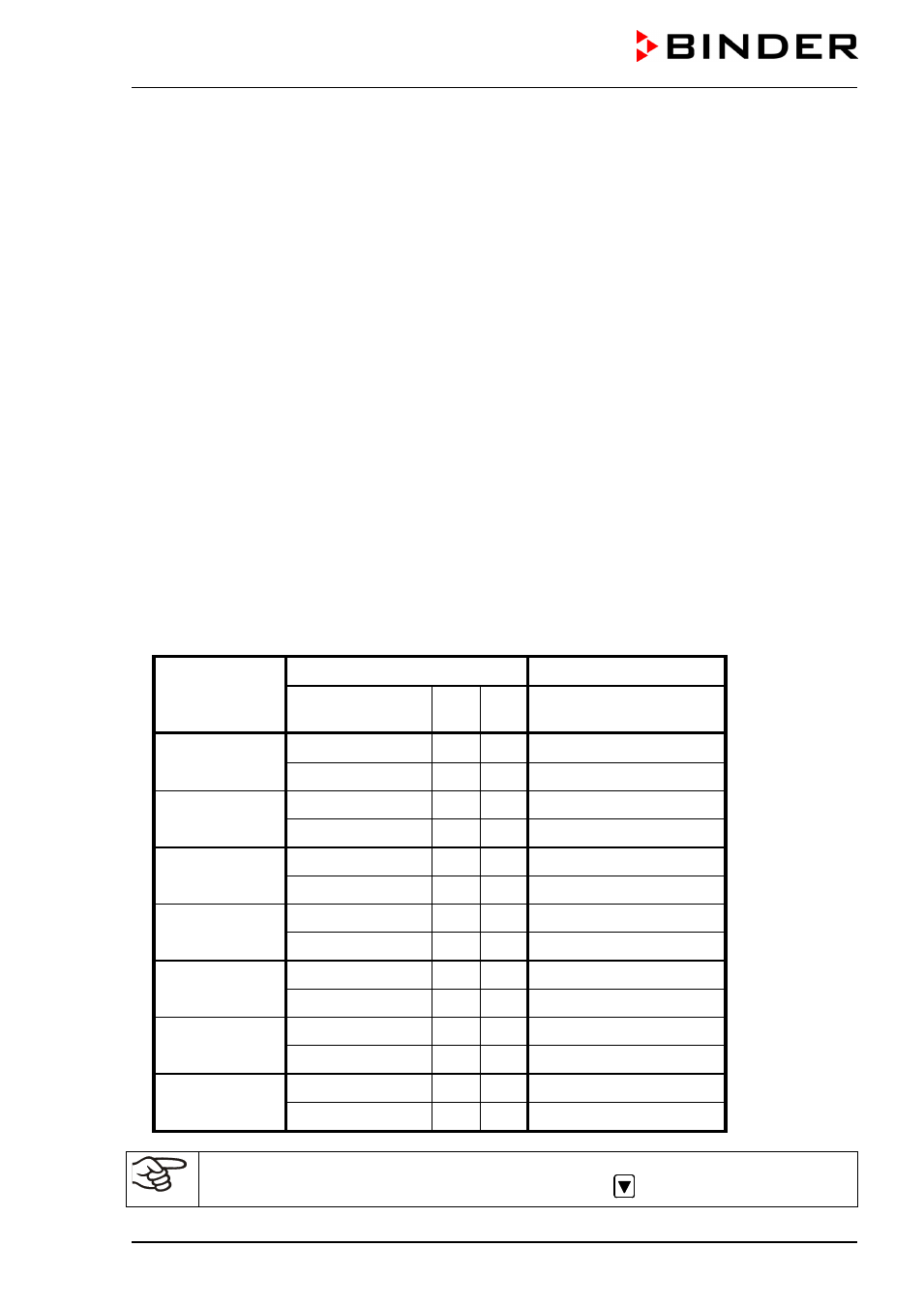
Program table for the example program:
Day of the week
Time
Channel 1 (temperature)
hh:mm
AM PM
ON = SP2 (day)
OFF = SP1 (night)
Monday
S1
06:00
ON
S2
18:00
OFF
Tuesday
S1
06:00
ON
S2
18:00
OFF
Wednesday
S1
06:00
ON
S2
18:00
OFF
Thursday
S1
06:00
ON
S2
18:00
OFF
Friday
S1
06:00
ON
S2
18:00
OFF
Saturday
S1
06:00
ON
S2
18:00
OFF
Sunday
S1
06:00
ON
S2
18:00
OFF
Make sure that no other shift points have been pre programmed. If so, they must be deleted:
Set the time of the respective shift point to “ --:-- ” using key
.