Switches, 1 display switch, 2 dip switches – BIXOLON BCD-1000 User Manual
Page 20: 1 display switch 7-2 dip switches
Advertising
Rev. 1.06
- 20 -
BCD-1000
7. Switches
7-1 Display Switch
7-1-1 Feature : A Display Switch is located on the bottom of the display panel.
7-1-2 Function : Turns the power supply on/off.
7-2 DIP switches
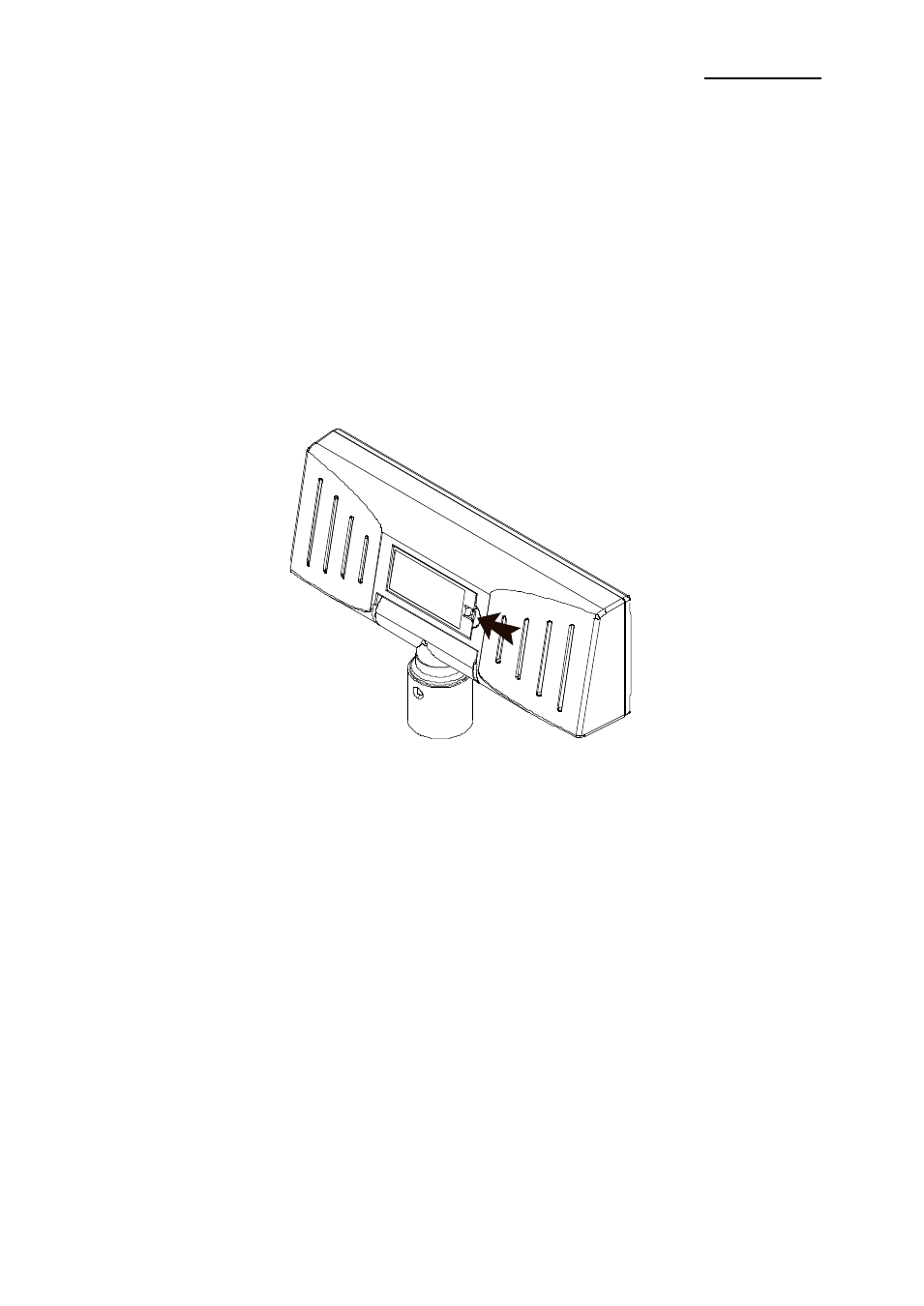
7-2-1 Feature : Two DIP switches are located on the back of the display panel.
You can remove the DIP switch cover by pushing the hook.
※ CAUTION
Make sure if the dip switch cover is closed prior to power on
7-2-2 Functions : The DIP switch settings are read only when the power is turned on.
Therefore, changing the settings while the power is on has no effect.
Advertising