Roll paper installation, Stp-131 4. roll paper installation – BIXOLON STP-131 User Manual
Page 15
Advertising
Rev. 1.06
- 15 -
STP-131
4. Roll Paper Installation
NOTE
※
Be sure to use paper rolls that specifications. Do not use paper rolls that have the paper
glued to the core because the printer cannot detect the paper end correctly.
4-1 Make sure that the printer is not receiving data; otherwise, data may be lost.
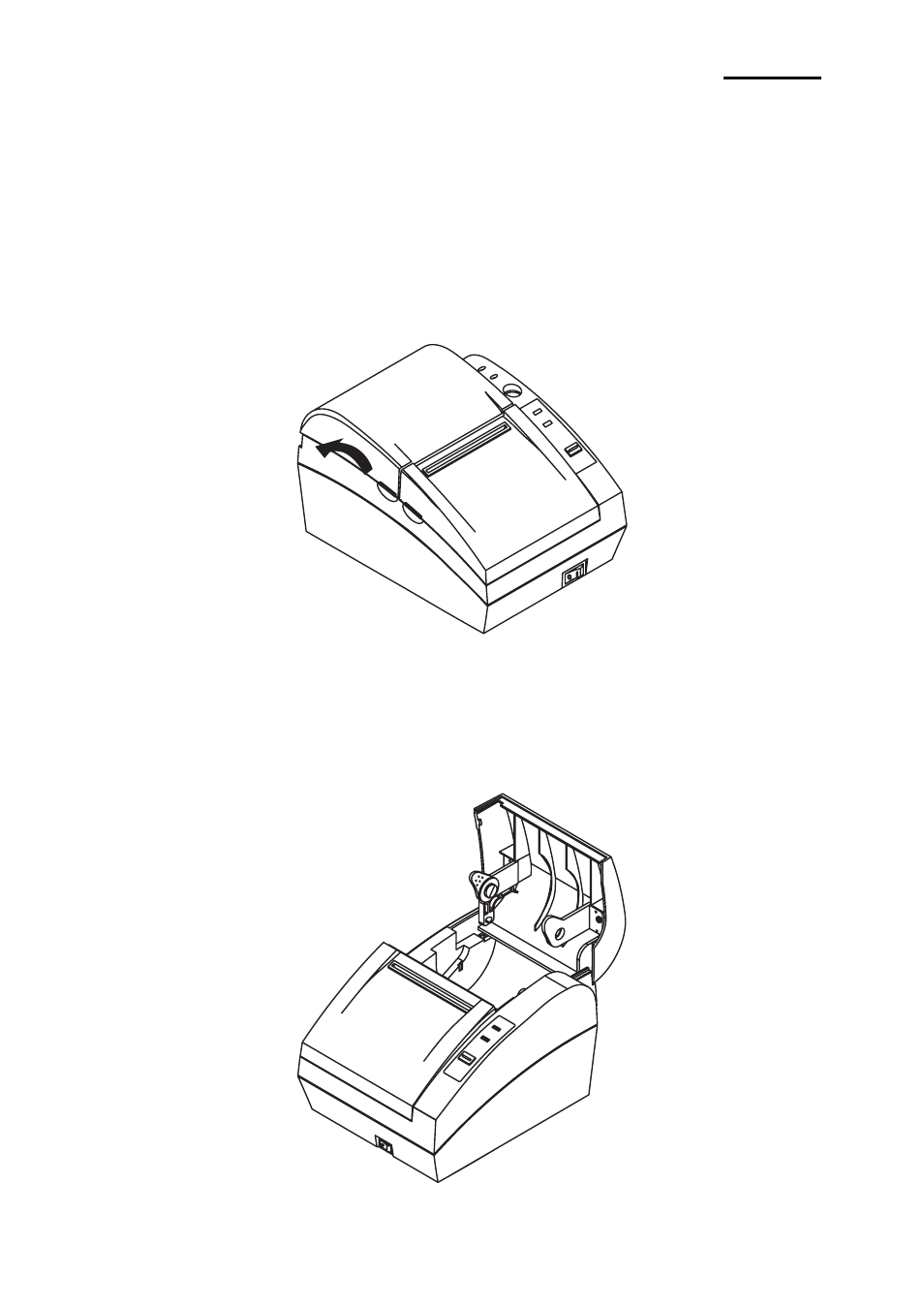
4-2 Open the paper roll cover by pull up the cover.
You must turn on the printer before replace the paper roll.
NOTE
※
Do not open the print cover while the printer is operating.
This may damage the printer.
4-3 Remove the used paper roll core if there is one.
4-4 Insert the paper roll.
Advertising