Playstation®3 – Thrustmaster F1 Alonso Wireless Gamepad User Manual
Page 4
3/12
PLAYSTATION®3
INSTALLATION ON PLAYSTATION®3
1. Set your receiver’s USB selector to the “PS3” position.
2. Connect the USB connector to USB port #1 on the console.
3. Switch on your console.
4. Switch on your gamepad using the POWER ON/OFF switch (14).
5. Once a connection has been established: start up your game.
You are now ready to play!
PLAYSTATION®3 MODE
“AUTOMATIC PRESET” CONFIGURATION - PLAYSTATION®3
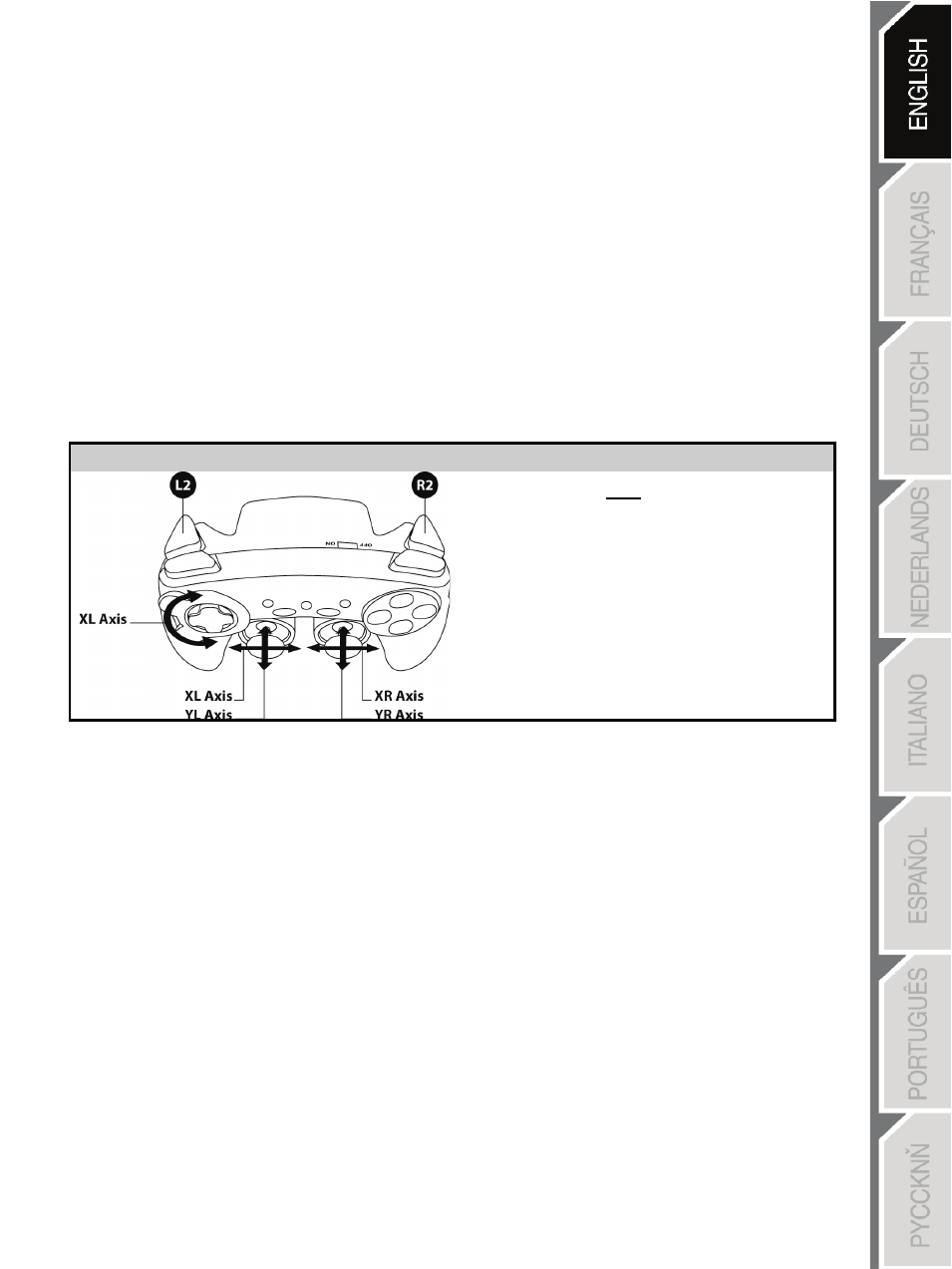
PS3 mode
Red HOME button
Here:
•
“Optical wheel” associated
with “Left/Right” direction on
left mini-stick
•
“Right trigger” associated with
progressive “R2” button
•
“Left trigger” associated with
progressive “L2” button
USING THE “HOME” BUTTON (6)
Your gamepad’s “HOME” button allows you to exit games, access menus and directly switch off your
PlayStation®3 system.
IMPORTANT NOTES FOR PLAYSTATION®3
- The USB selector on your receiver (11) must always be set to “PS3” before connecting the receiver.
- In “1 Player” mode: If your official gamepad is powered on, you must switch it to “gamepad port 2” in
order for your “Run’N’ Drive” gamepad to be functional.
- On PlayStation®3, the “Run’N’ Drive” gamepad is only compatible with PlayStation®3 games (and will
not work with PlayStation® 2 games) and does not feature a motion sensor.