2 converting data from the ole database – AGI Security GVASBOX-100 User Manual
Page 121
Advertising
Database Settings
113
12
12.4.2 Converting Data from the OLE Database
To convert data from the OLE database, you need to go through these instructions:
•
Connect an OLE database
•
Map the cardholder data
•
Map the card data
•
Convert the data from the source database
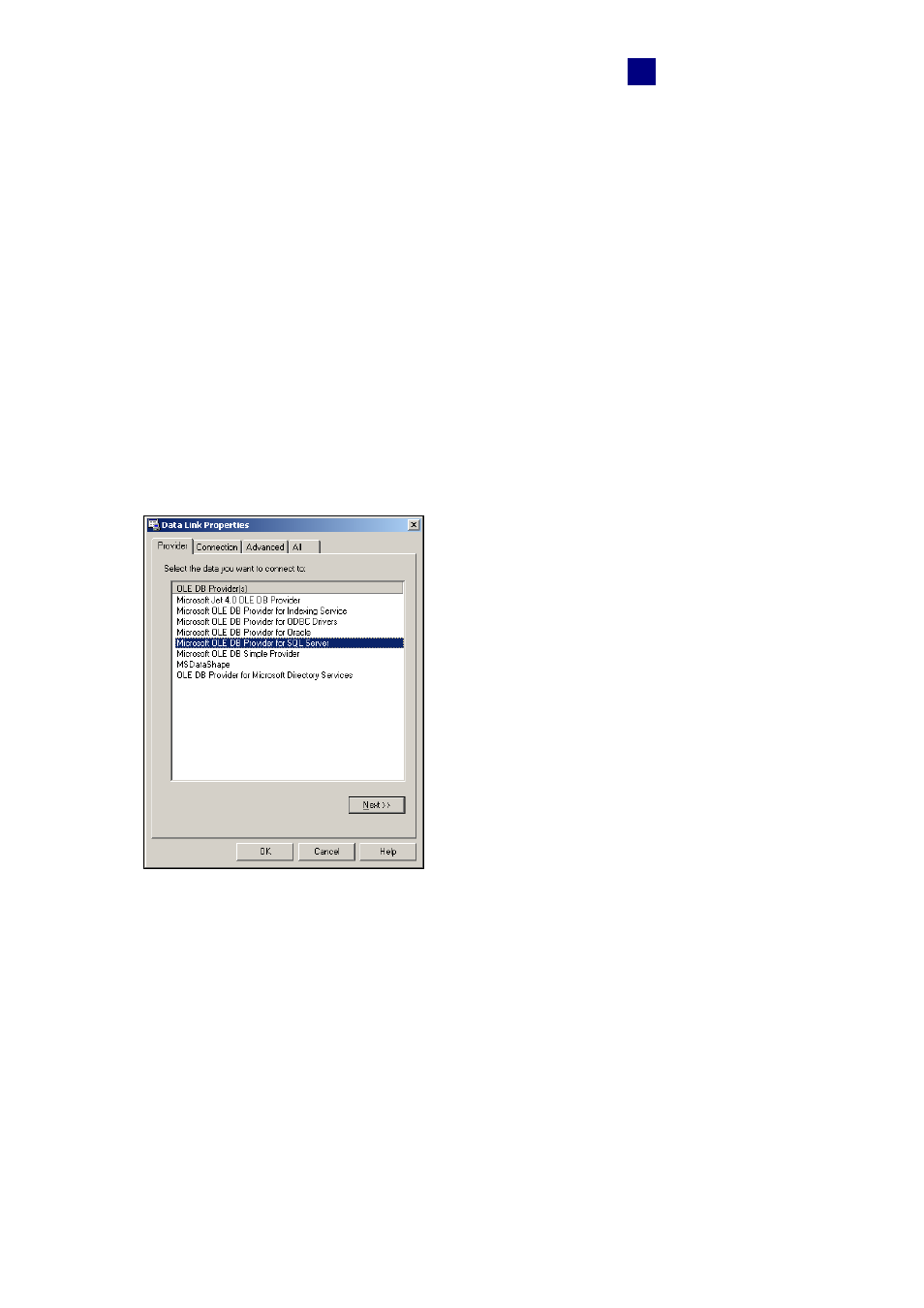
To connect an OLE database:
1. Click
the
Set Connection button on the Options dialog box (Figure 12-4). The Source
Database dialog box appears.
2. Select
Other Database. This dialog box appears.
Figure 12-6
Advertising